Passkey authentication platform, made in Japan

Passkeys for your existing login

SealGate is a passkey authentication platform made in Japan. Add fingerprint and face login to your existing login screen while keeping your current user data. The only data SealGate holds is the mapping between a public key and your user ID.

SealGate screen

Added to your current login

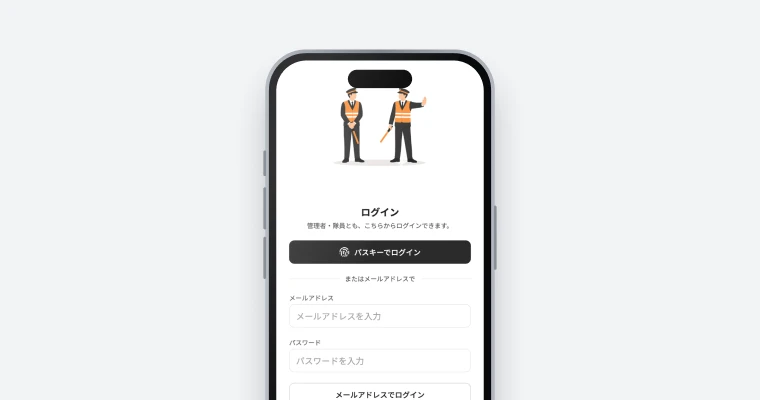
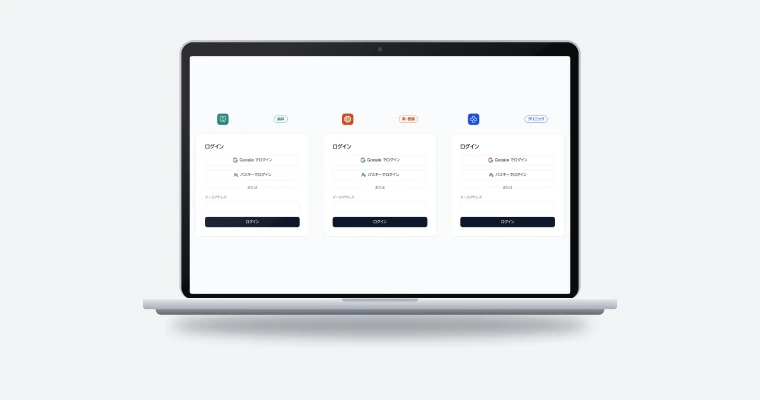
Keep your login screen and user data, and add passkey login.

Member data stays in your database

SealGate holds only the mapping between a public key and your user ID; names and email addresses stay with you.

Start the day you sign up

Sign up with email, Google or GitHub and start the same day.

Demo

How it works

An AI agent integrating SealGate through MCP, and a user logging in with smartphone biometrics.

members.example.jp
MMembers
MMembers太
Logged in with a passkey

My page

Hello, Taro

Points1,284 P
Orders3 this month
Last loginJust now · Mac (passkey)
Sign in with Touch ID
members.example.jp · [email protected]
Touch the sensor
Cancel
9:41
members.example.jp
Sign in with a passkey

Sign in to “members.example.jp” as [email protected].

Face ID Done
Logged in with a passkey
MMembers太

My page

Hello, Taro

Points1,284 P
Last loginJust now · iPhone (passkey)
MCP · SealGate
Add passkey login to the members site
MCPRegister the app on SealGate
MCPIssue an API key for the server
MCPAdd the SDK to the login screens
Done. Web and the app now show “Log in with a passkey”.
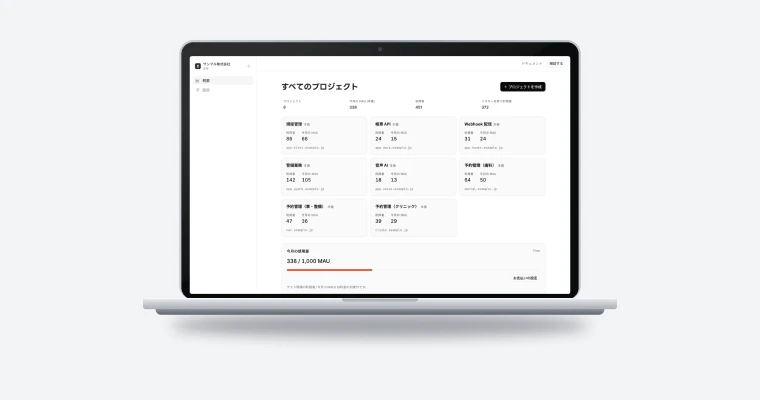
SealGate console
Members site | Audit log
TimeEventResultDevice

Build it from an AI agent (MCP):https://api.sealgate.jp/v1/mcp

Features

What SealGate does

Passkeys added to your existing login

Keep your login screen design and session handling as they are. The browser SDK absorbs device differences, and your server relays the data it receives to SealGate. Run passkeys alongside passwords and switch over gradually.

  • Works with any HTTP-capable language, including Node.js, Rails, Laravel and Go
  • Password coexistence period set per app
  • MCP support for integration by AI agents such as Claude
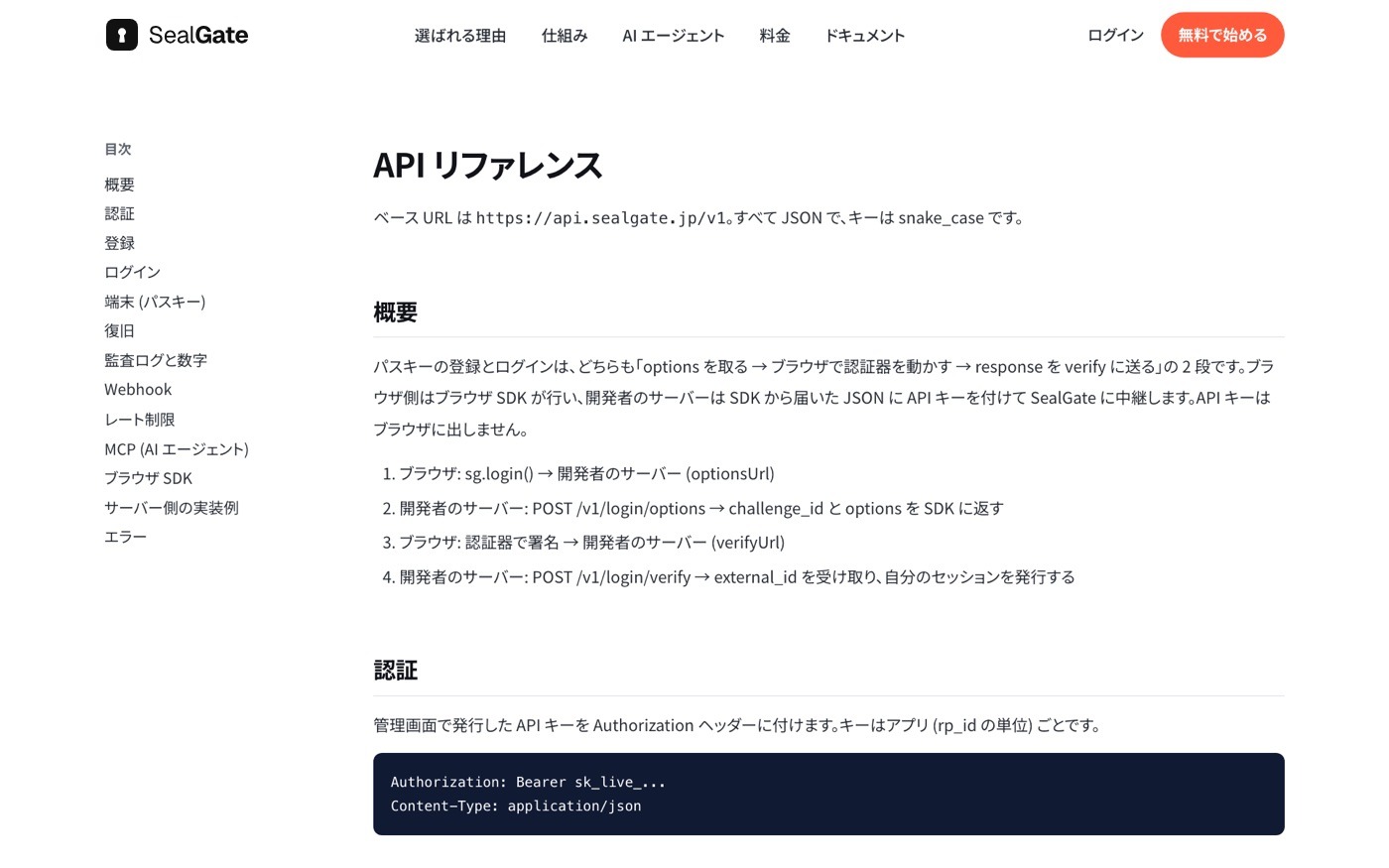
SealGate API reference

Only public keys and user IDs stored

Names, email addresses and other member data stay in your own database. Because personal data stays where it is, internal reviews and contract procedures are kept to a minimum.

  • Member data managed in your database
  • Developed and operated in Japan by SHANNON
  • Every registration, login and revocation logged
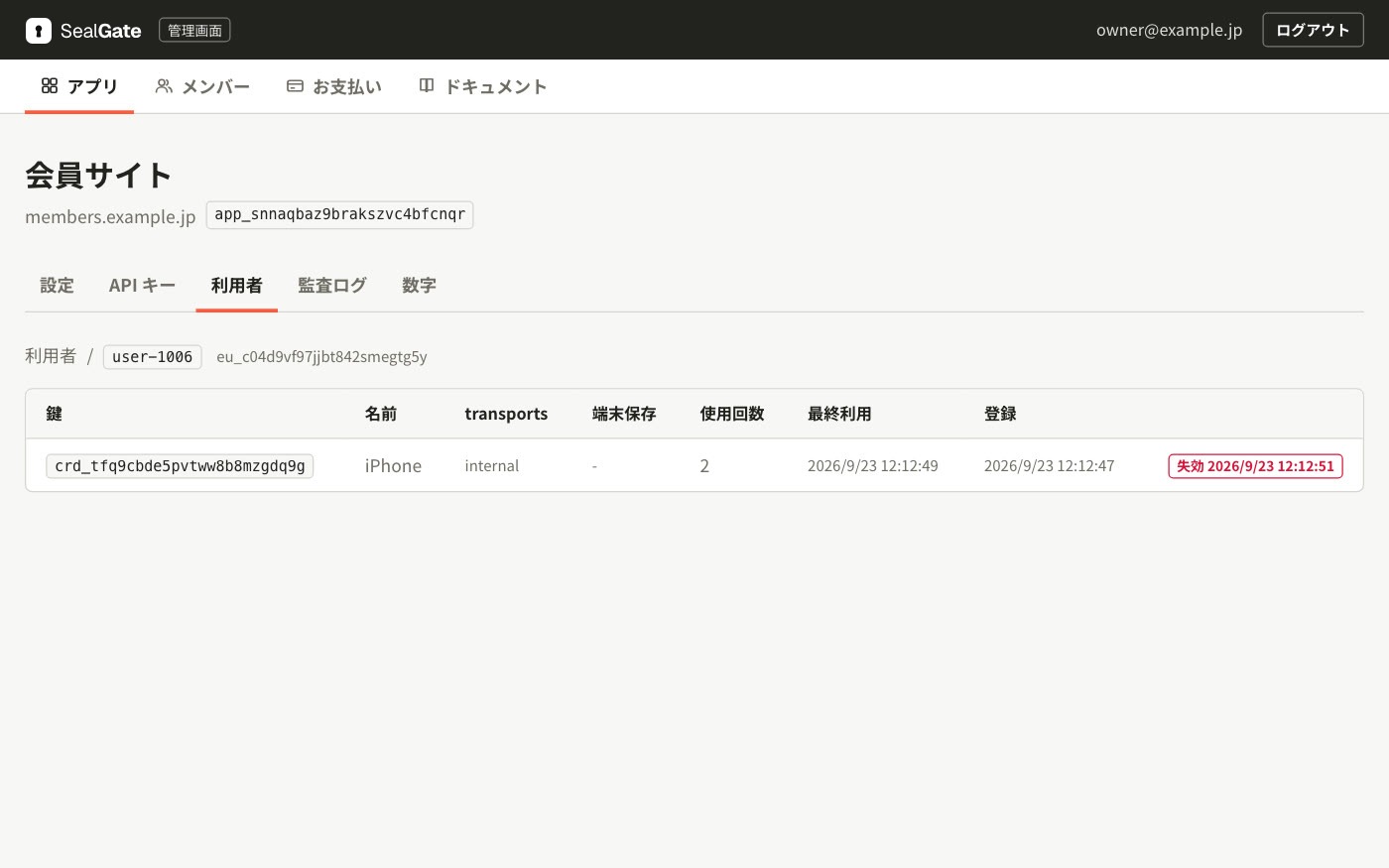
SealGate console: users

Lost devices and account takeovers

See each user’s registered devices in the console and revoke keys immediately if a takeover is suspected. After you verify a user’s identity, the user can register a new device to replace a lost one.

  • Last use of each device at a glance
  • Revocation by key or by user
  • Registration, login and revocation records exported as CSV
SealGate console: user detail
Flow

Getting started

From sign-up to production.

  1. Sign up

    Sign up with email, Google or GitHub and start the same day.

  2. Register your app

    Register the login domain (rp_id) and issue an API key.

  3. Integrate

    Install the SDK and relay registration and login requests from your server. MCP-ready AI agents can do the integration too.

  4. Go live

    Set a password coexistence period, switch over gradually, and check logs and MAU in the console.

FAQ

FAQ

The mapping between a public key and your user ID (external_id). Names, email addresses and other personal data stay in your database.
Yes. Your login screen design and session issuance stay on your side, and SealGate handles passkey registration and authentication.
After you verify the user’s identity, start recovery from the console or the API. The user can then register a new device.
Yes. One contract covers multiple sites and apps, each with its own API key.

Talk to us about SealGate.

We reply within two business days.