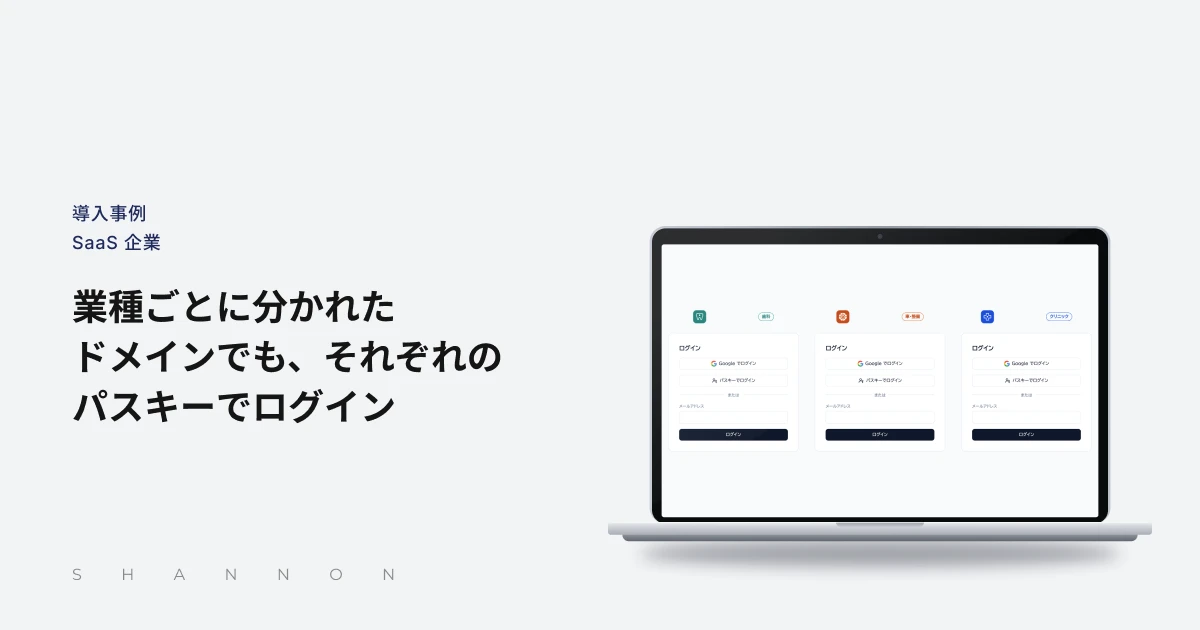
The service splits its SealGate apps by industry (dental, auto and clinic) and offers passkey sign-in on each industry's domain.
Challenges before adoption
- Booking and shift screens served on a separate domain for each industry
- Passkeys that only work on the domain they were registered for
- Stronger sign-in without losing each industry's screens and terminology
Results after adoption
- Clinic and shop staff sign in with passkeys on their industry's domain
- Usage and sign-in records can be reviewed per industry
- New industries can be given passkeys with the same setup
| Customer | A SaaS company |
|---|---|
| Product | SealGate |
| Adopted | October 2026 |
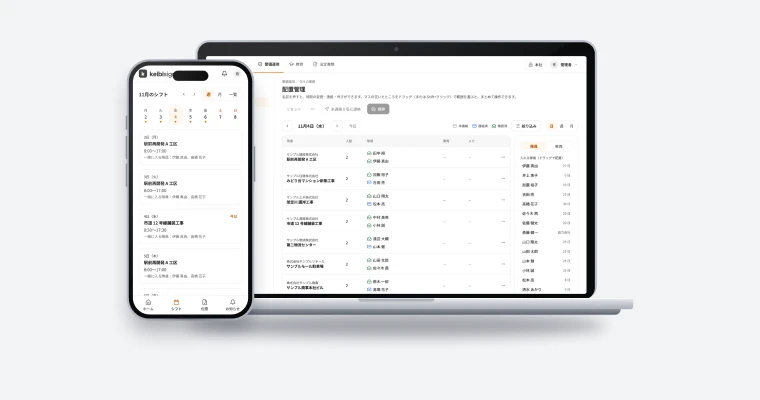
This company provides a SaaS that brings together booking management and staff shift management for clinics and shops. Its users range from dental practices to auto repair shops and tire stores to medical clinics, and the company serves each industry on its own domain, with screens and wording tailored to that industry.
Staff at these clinics and shops sign in to the admin screens almost every day to check bookings and adjust shifts. Because those screens hold patient and customer information, making sign-in more secure had long been a priority. The company introduced passkey sign-in while keeping its per-industry domains intact. This case study follows how that decision was reached and carried out.
Why each industry has its own domain
The service shares its core functions across all industries: taking bookings, listing them, and managing staff shifts. What changes by industry is the wording and the names of items on screen. A dental practice sees treatments and consultation rooms; a repair shop sees service bays and service menus. The company has always put weight on letting users work in the language they use every day.
To present these differences clearly, the company runs separate domains for dental, auto and repair, and clinics. Users go to the domain for their industry and use the guidance and screens designed for it. Help materials and support contacts are also organized by industry, so the domain has become the front door of the service.
Underneath, however, there is a single system. Rather than building a separate system per industry, the company keeps the differences in per-industry settings, so new features and fixes reach every industry at once. It wanted sign-in to work the same way: one common approach rather than separate builds for each industry.
Front-desk devices at clinics and shops are often shared by several staff members, and concerns about reused or written-down passwords remained. As a business handling booking and patient data, the company saw more reliable sign-in as a precondition for users to trust the service.
Passkeys tied to domains, and the decision not to build in-house
A passkey lets a user sign in with the device’s biometrics or screen lock instead of a password. There is nothing to memorize, and the risk of being tricked into entering credentials on a fake site drops sharply. For the company, passkeys were a strong way to tighten sign-in without adding work for clinic and shop staff.
A passkey, however, is bound to the domain where it was registered. A passkey created on the dental domain cannot be used on the auto or clinic domains. For a company that splits its service by domain, this was the first point to resolve.
One option was to move sign-in alone to a shared domain. That would send users away from their industry’s front door every time they signed in, breaking the flow of screens built for each industry and running against the way help and support had been organized.
The company therefore decided to keep its per-industry domains and register and use passkeys on each one. It also considered building passkey support in-house. Registration and sign-in involve exchanges between the browser and the authenticator, server-side verification and management of registered passkeys, all of which must be implemented correctly. Doing this for each domain and maintaining it over time would draw heavily on development effort better spent on booking and shift features.
What the company valued in SealGate was that a domain can be set per app and passkeys can be added to several apps in the same way. By creating one SealGate app per industry and setting the matching domain, passkeys are registered and used on that domain. Being able to add passkeys while keeping the existing sign-in screen, with a period in which passwords and passkeys coexist, was another deciding factor.
One app per industry
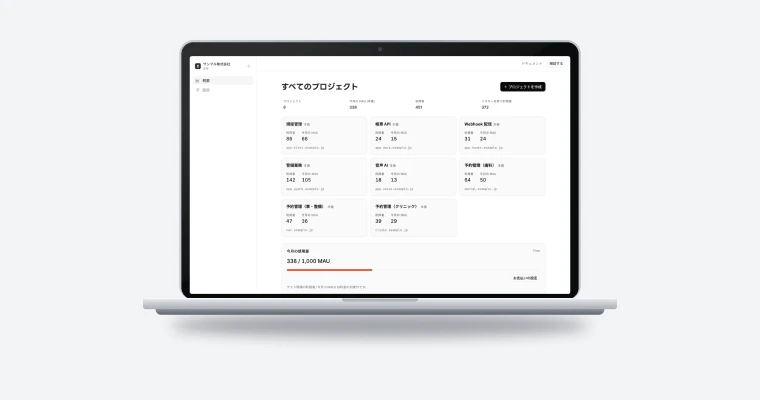
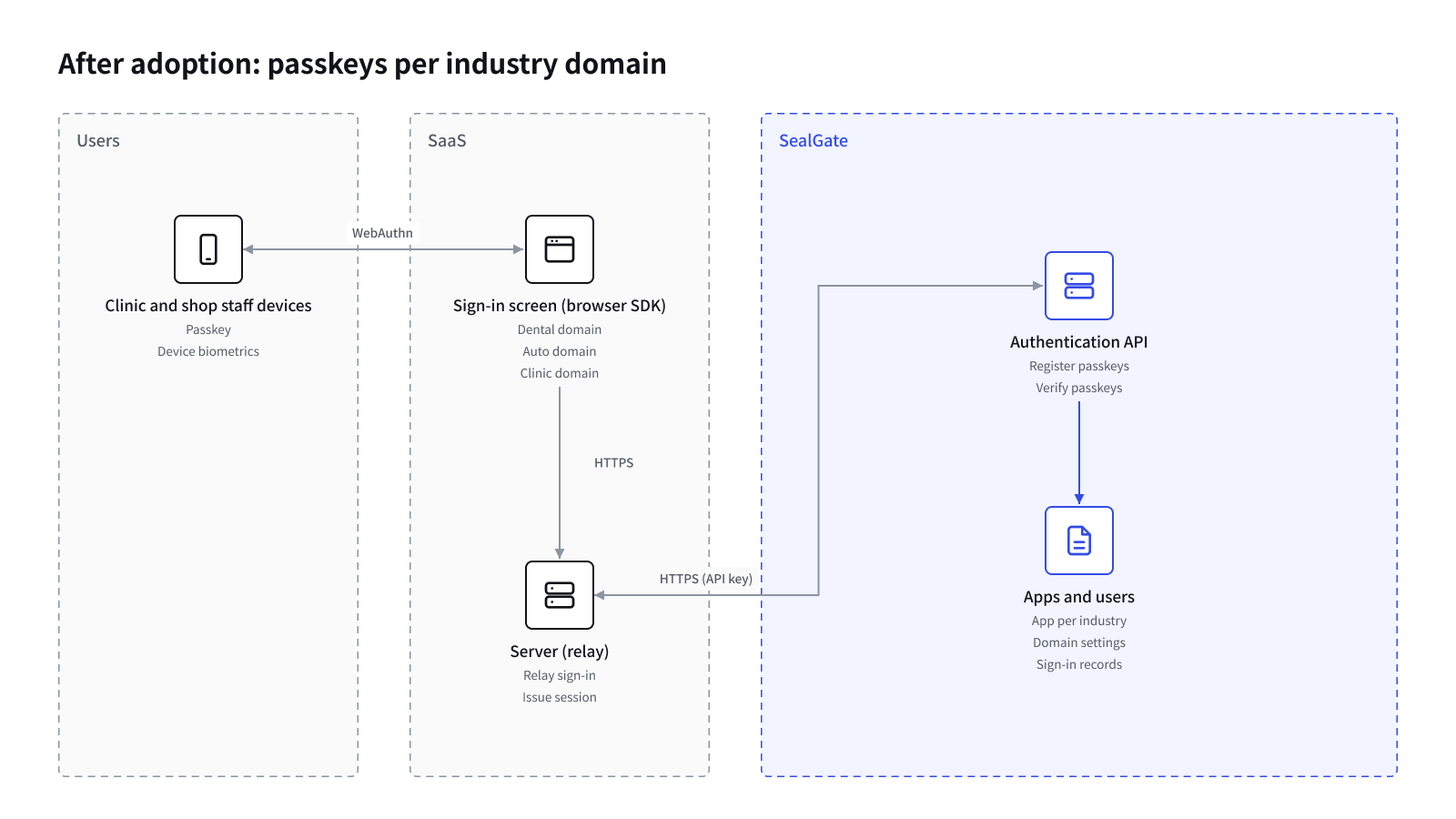
The company created one SealGate app for each industry: dental, auto and repair, and clinic. Each app is set to its industry’s domain, and passkey registration and sign-in stay within that domain.
The integration steps are the same for every industry. The admin screens include the browser SDK, and the server relays requests to SealGate. The only difference between industries is which app to connect to, the same principle of keeping differences in settings that the company already followed. After SealGate confirms a sign-in, the server starts a session for the service just as before, so screens and permissions after sign-in are unchanged.
Development began in the test environment, where the team checked the full flow from registration to sign-in. Once the steps were settled on one industry’s domain, they were applied to the others, with little more to do than confirm the settings.
Because each industry has its own app, user management and sign-in records are also grouped by industry. Being able to see passkey usage for each industry separately was one of the points the company cared about most.
Planning for staff changes and shared devices
Clinics and shops regularly hire, lose and move staff between locations. New staff need access right away, and those who leave must lose access promptly. The company treated this turnover as a basic requirement of the rollout.
SealGate manages users and their registered passkeys per app, so the company can see which users in which industry have registered passkeys. When a staff member leaves or loses a device, the relevant passkey is revoked so it can no longer be used.
For shared front-desk devices, the company’s approach is that each staff member registers their own passkey, so it is possible to check later who signed in and when. With records kept per user, questions from clinics or shops about past activity can be answered from the records.
Switching over alongside existing sign-in
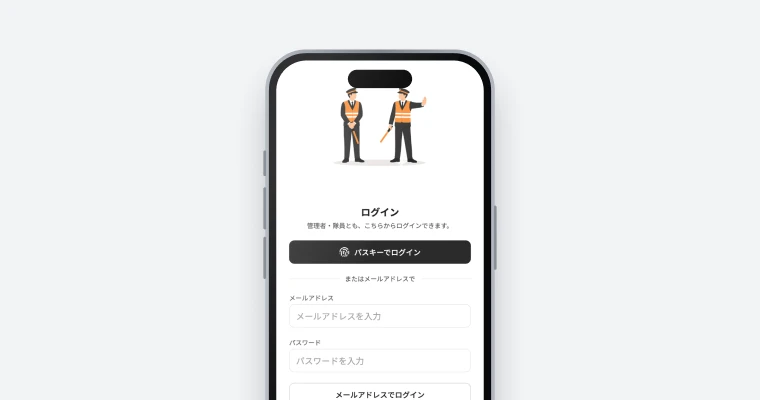
The existing password sign-in stayed in place during the switch. Staff continue to use the familiar sign-in screen and register a passkey whenever it suits them. From then on, they sign in with biometrics or a screen lock.
Clinic and shop staff usually check bookings and shifts between appointments or jobs, and a sudden change in how to sign in could cause confusion at the front desk. A coexistence period lets each clinic or shop move at its own pace.
Announcements followed each industry’s existing guidance. The steps for registering a passkey and signing in afterwards were explained in each industry’s terms, and support continues to be handled by industry. Clinics and shops with shared devices were advised to have each staff member register their own passkey.
Sign-in status visible by industry
Staff now sign in with passkeys on the domain for their industry. There is no password to type, and the admin screens open quickly with biometrics or a screen lock. Sign-in completes without leaving the industry’s front door, so the familiar flow of screens is preserved.
Because each industry has its own SealGate app, usage and sign-in records can be reviewed per industry. It is easier to tell where passkey registration is progressing and where more guidance is needed, so outreach can be planned industry by industry.
On the development side, there is no passkey system to maintain in-house, and the integration steps are shared across industries. A change to sign-in means revising one procedure for all three domains. Support has changed too: when a user cannot sign in, staff can check that user’s passkey registration and sign-in history before responding, rather than relying on password resets.
The same setup for future industries
The company is considering supporting more industries. When a new industry’s domain is added, creating one more SealGate app and setting its domain will provide passkeys with the same integration as the existing industries, with no need to rebuild sign-in.
For now, the company will keep passwords and passkeys side by side while expanding passkey registration in each industry, adjusting the content and timing of guidance based on each industry’s sign-in records. Once passkeys are widely registered, it plans to decide how to handle password sign-in industry by industry, which the separate apps make possible.
Key features
- Per-app domain settings
- Passkey registration and sign-in
- Browser SDK