Passkeys (FIDO2 / WebAuthn) resist phishing and free users from remembering passwords. Every major OS and browser supports them, and banks and e-commerce sites use them routinely. Adding them to a service that already has tens of thousands of password users, however, is not a matter of adding a button. You have to decide how to prompt enrolment, how long passwords coexist, and how to rescue someone who lost their phone. This guide splits the rollout into four stages.
Stage 1 | How passkeys work and the rollout policy
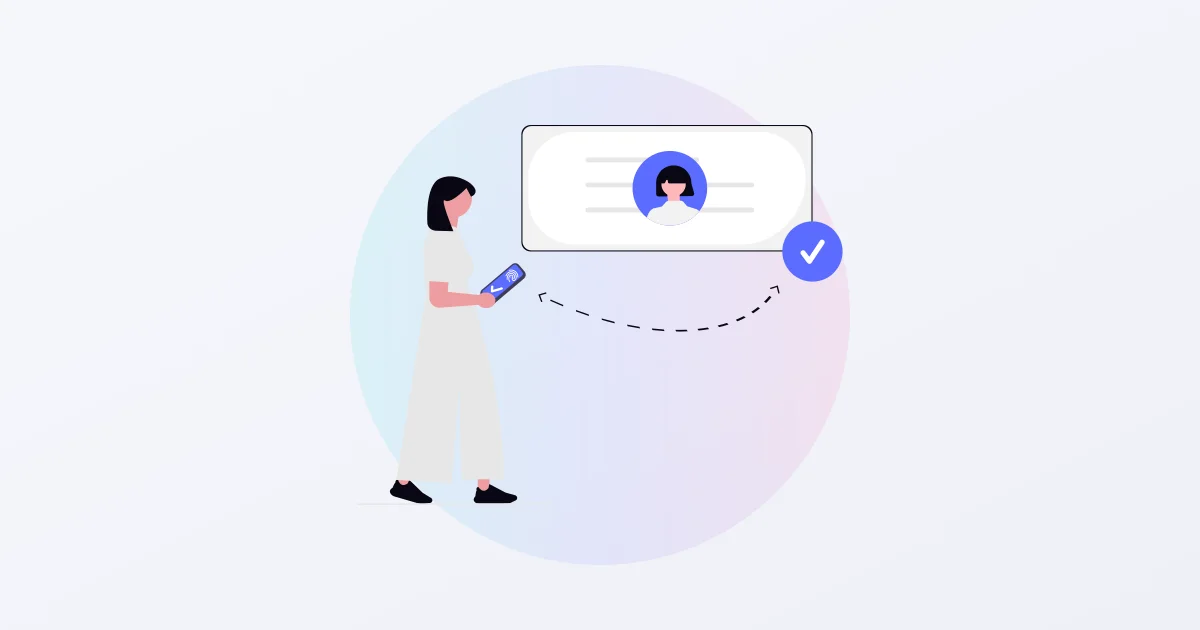
Passkeys use public-key cryptography. The private key stays on the user’s device, the service holds the public key, and at each login the device signs a one-time challenge issued by the service. The signature is bound to the service’s domain (the RP ID), so it is useless on a look-alike site. That is where the phishing resistance comes from.
Decide three things before starting.
- Scope: everyone, or administrators first? Starting with staff and admins, then widening to end users, is the safe order
- When to retire passwords: keep them indefinitely, retire them on a deadline, or let each user turn theirs off. The decision comes in stage 4, but set the direction now
- Build or buy: implementing WebAuthn registration, authentication, revocation and recovery correctly takes real effort. If you use an external platform, check exactly what user data it holds
Stage 2 | Integrating WebAuthn and prompting enrolment
Integration touches two places: the browser and your server. A browser SDK wraps navigator.credentials and absorbs device differences; your server relays “get options” and “verify result” calls for registration and login to the authentication platform. Your own login page stays as it is.
Three things drive enrolment.
- Prompt right after a password login: the user has just been verified. A single “next time, sign in with your face or fingerprint” prompt at that moment gets the highest take-up
- Make enrolment one tap: no device-name fields or explainer screens; go straight to the OS biometric dialog
- Provide a place to enrol later: a “Passkeys” section in account settings where users can add and remove devices
Stage 3 | Running the coexistence period (recovery and audit logs)
Keep password login available for a while, even for users who enrolled. Watch three numbers: enrolment rate, passkey login success rate, and recovery requests.
Set up recovery during this period. Lost devices and phones replaced without syncing will happen. Recovery enters through a one-time code by email or SMS, or a still-valid password. Users on synced passkeys survive a phone upgrade; users with a single unsynced device should be nudged to enrol a second one.
Read the audit log. Record who registered, authenticated and revoked, and when. A sudden drop in success rate on one OS or device points at an SDK update or a browser bug. Monthly active login users (MAU) usually drives pricing, so watch that too.
Stage 4 | Retiring passwords (going passwordless)
Once enrolment and success rates are high enough, retire passwords in steps rather than all at once.
- Let enrolled users disable their own password
- Start new sign-ups on passkeys only, with no password created
- Announce a coexistence deadline; after it, allow password login for recovery only
Removing passwords ends credential-stuffing attacks and password-leak incident response. The recovery path then becomes the weak point: keep recovery codes short-lived and require passkey re-enrolment after every recovery.
What to check when choosing a passkey platform (IDaaS)
- What user data it holds: names and email addresses, or only the mapping between a public key and your user ID? The latter leaves your member database untouched
- Whose login page: platforms that redirect to their own hosted page change your brand and flow
- Pricing unit: monthly active users, enrolled devices, or API requests? Device- and request-based billing becomes unpredictable once users enrol several devices
- Data location: domestic servers, or a foreign provider’s terms
Summary | Follow the order and you can retire passwords
Passkey rollouts fail on sequence, not technology. Do not ship a button without an enrolment prompt, and do not retire passwords without recovery. In that order, passwords can be phased out.
SHANNON provides SealGate, a Japan-built passkey platform that stores only the mapping between a public key and your user ID. A browser SDK and API add passkeys to your existing login; coexistence deadlines, audit logs and MAU are in the console. Pricing is on the SealGate website. Contact us to discuss a rollout.