“Sign in with a passkey” has appeared on a lot of login screens in the past year. Yahoo! JAPAN has announced that password-only sign-in will end around spring 2027, and Mercari now has more than 10 million passkey users. This article covers what is replacing the password, why it is happening now, and how to add it to your own service.
Figures are from public sources as of September 2026. See the references at the end.
What a passkey is
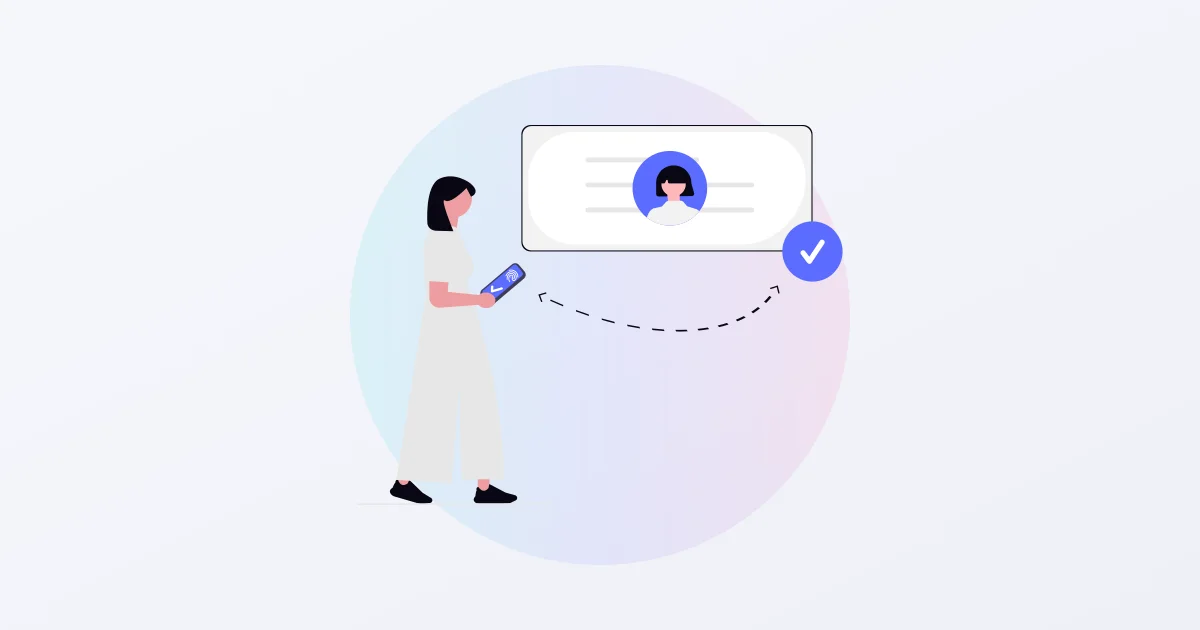
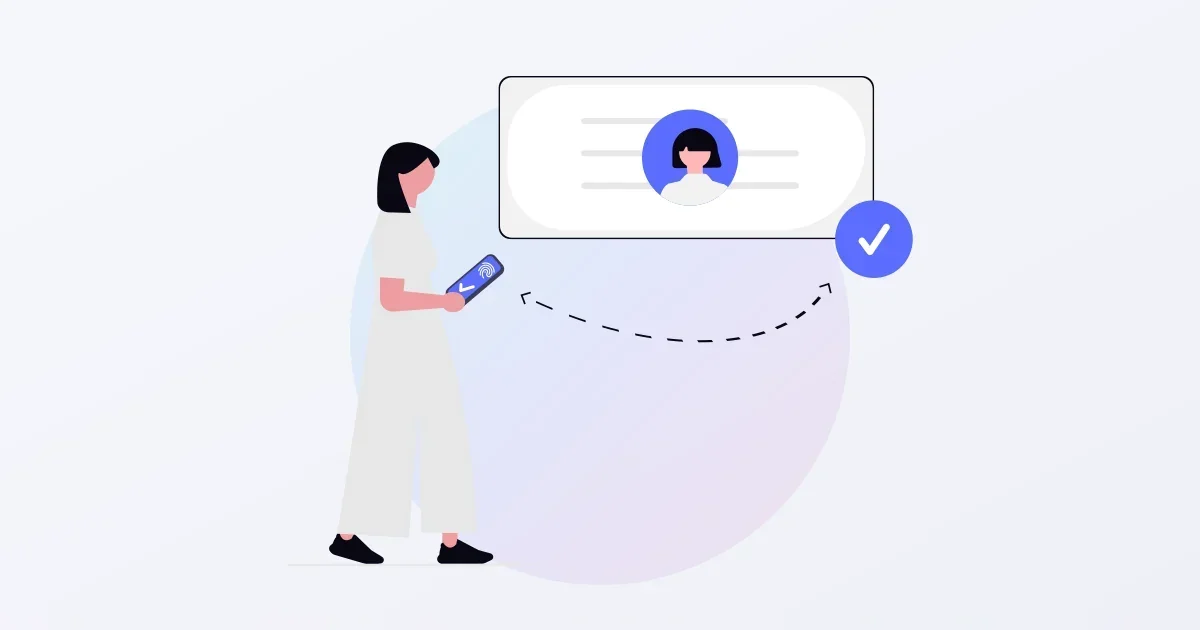
A passkey is a sign-in method built on WebAuthn / FIDO2, a standard from the FIDO Alliance and the W3C. The user signs in with the biometrics already on the device: Touch ID, Face ID, Windows Hello or an Android fingerprint. There is no password to remember or type.
Underneath is public-key cryptography. At registration the device creates a private key and gives the service only the matching public key. At sign-in the service sends a random challenge, the device signs it with the private key, and the service checks the signature with the public key. The private key never leaves the device, so a leaked database contains only public keys, which cannot be used to sign in.
How it differs from a password
Passwords fail in two ways: people reuse them across services, and people type them into fake sites. In Trend Micro’s 2026 survey, 84.3% of users in Japan reuse passwords. One leak opens every service that shares the same combination.
Passkeys close both gaps by design.
- No reuse. A separate key is created for each service. The user does not have to think about it.
- Useless on a fake site. The signature includes the site’s domain. Even a perfect copy of a site cannot get a signature, because the browser has no key for that domain. SMS and app one-time codes can be typed into a fake page; a passkey has no string to type.
Mercari reports zero phishing-related fraud on accounts that require a passkey. It is also faster: in the company’s measurements, SMS verification takes about 25 seconds on average, while a passkey sign-in completes in about 4.4 seconds.
Adoption figures
On World Passkey Day in May 2026 the FIDO Alliance announced that more than five billion passkeys are in use worldwide. Its survey of 11,000 people in ten countries found that 90% know what a passkey is and 75% have enabled one on at least one account.
Japan has its own numbers.
| Source | Finding |
|---|---|
| Trend Micro (March 2026) | 91.1% of users in Japan know what passkeys are; 87.7% of those on services that offer them use the feature |
| LY Corporation (April 2026) | About 90% of Yahoo! JAPAN ID sign-ins are passwordless and about 60% of users have set up a passkey; password-only sign-in ends around spring 2027 |
| Mercari (May 2025) | 10 million passkey registrations, two years after the first rollout in Mercoin in 2023 |
The “heard of it but never used it” phase is over. On major services the passkey is becoming the default, and a service that still offers only passwords looks older by comparison.
Where rollouts get stuck
The specification is public and you can call the browser API directly. What actually slows teams down is everything around the authentication step.
Recovery
How do you verify a user who lost their phone or changed devices, and let them register again? In Trend Micro’s survey, “worry about carrying it over when changing phones” (35.6%) is one of the top reasons people do not use passkeys. iCloud Keychain and Google Password Manager sync keys, but some users cannot rely on them. Launch without a recovery path and your support queue fills with “I can’t log in”.
Hijacked registration
A passkey is strong after it is registered. Verifying the person at registration time is still the service’s job. In 2025 a case was reported in Japan where an attacker who had a stolen password signed in and registered their own passkey on the victim’s account. If the registration door is guarded only by a password, the weakness of the password remains.
The coexistence period
Users will not all switch at once. You need to decide how long passwords and passkeys coexist and when the password is switched off. Yahoo! JAPAN’s staged plan with a “spring 2027” deadline is one example of that design.
Device differences
Safari and Chrome, iOS and Android, desktop and phone all differ in how the dialog appears and which features are supported. If you build it yourself, absorbing those differences is ongoing maintenance.
Adding passkeys to an existing service
There are three ways in.
- Build it yourself. Libraries exist for every major language. This works if you have an authentication engineer in house and can run recovery and device support yourselves.
- Move to an IDaaS. Hand the whole login screen to an external service such as Auth0 or Clerk. It is fast, but user data and the screen move to the provider, which means a contract with an overseas company and a review against internal policy.
- Add only the authentication step through an API. Keep the existing login screen and database, and hand only passkey registration, authentication, revocation and recovery to an external API.
We offer the third option as SealGate, a passkey authentication platform. User names and email addresses stay with the developer; SealGate stores only the mapping between a public key and a user ID. A password coexistence deadline can be set per app, and recovery for a lost device works through a short-lived recovery token issued after the developer verifies the user. Pricing is a stepped monthly fee set by monthly active users, free up to 1,000, and you can start the same day with an email address or a Google or GitHub account.
Whichever route you take, decide two things first: how recovery works, and when the password gets switched off. The technology choice can come after.