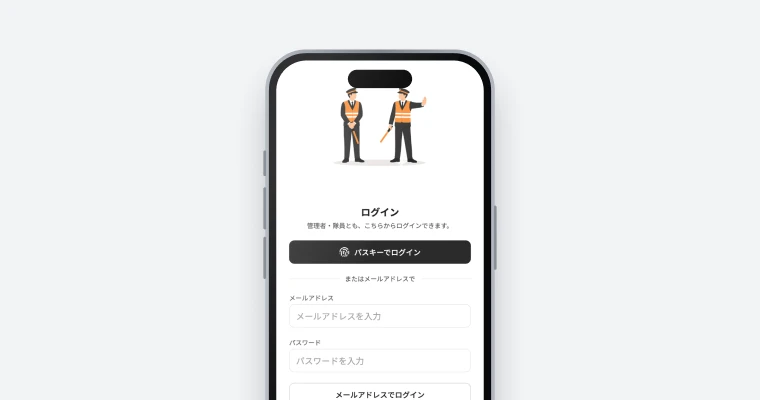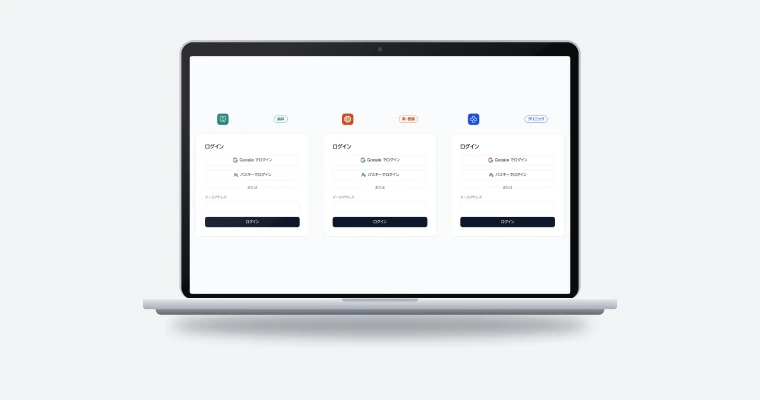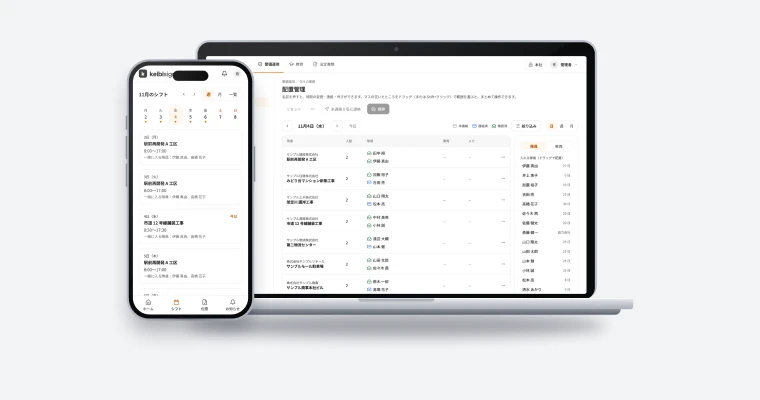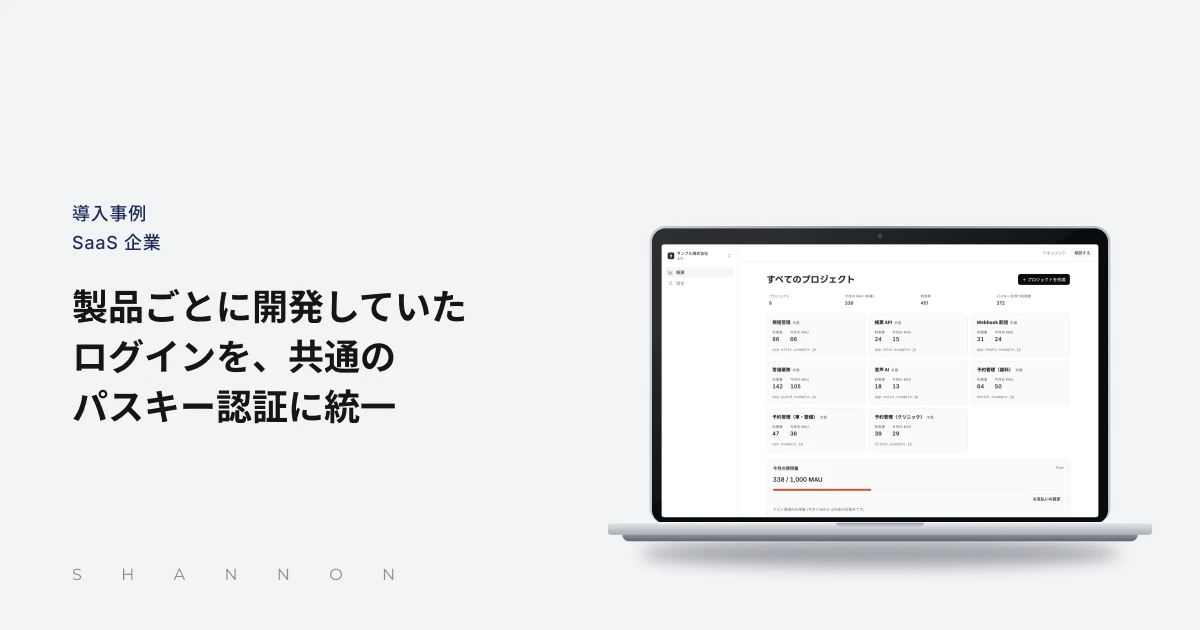
The company uses SealGate passkeys, added with a common procedure, for sign-in to the consoles of its SaaS and API products.
Challenges before adoption
- A console sign-in needed for every product
- Passkey implementation and maintenance multiplied by the number of products
- Security levels that tended to vary between products
Results after adoption
- Every console signs in with the same passkey mechanism
- Sign-in records checked in SealGate, with no per-product logging
- New products will adopt passkeys with the same procedure
| Customer | A SaaS company |
|---|---|
| Product | SealGate |
| Adopted | October 2026 |
This company offers several products: business SaaS applications and APIs that developers build into their own services. Each product serves a different industry or audience, but every one has a console where users manage settings and check usage. As the number of products grew, how to handle console sign-in became an issue for both development and operations.
The company reviewed the sign-in mechanisms that had been built separately for each product and introduced common passkey authentication across all of its consoles. This case study describes the thinking behind that decision and how it was rolled out.
Sign-in rebuilt with every new product
Each of the company’s products was launched by its own team, and console sign-in was built to suit that product at launch. Some used email and password, others used links sent by email, so the mechanism differed from product to product.
With only a few products, this caused little trouble. As the number grew, however, sign-in changes and fixes had to be made product by product. Applying an improvement made in one product to the others meant reading and modifying each implementation in turn.
Consoles are where important actions happen: issuing API keys, managing billing, handling user information. If sign-in strength varies between products, the weakest one can determine the security of the whole. Users of several products were also confused by different sign-in methods.
User groups differ by product too. In the business SaaS products, staff at client businesses sign in to adjust settings and check usage. In the API products, developers sign in to issue API keys and check consumption. Both handle information central to the user’s business or development, and the company concluded that all of them deserved the same level of protection.
Expecting to launch more products, the company decided it could not keep rebuilding sign-in and adding to its maintenance load, and chose to unify console sign-in on a common approach.
The burden of building passkeys per product
The company chose passkeys as that approach. Passkeys use the device’s biometrics or screen lock, are far less exposed to theft or reuse than passwords, and help prevent phishing. For consoles that gather important actions, they matched the company’s goals.
Implementing passkeys correctly, however, means handling exchanges between the browser and the authenticator, server-side verification, management of registered passkeys and recovery when a device is lost. Building all of this into each product would multiply implementation and maintenance by the number of products, and every specification update or browser change would have to be handled product by product.
Operations mattered as much as implementation. Handling device replacement or loss, stopping access for staff who leave, and checking suspicious sign-ins would weigh heavily on operations staff if every product had its own procedure.
The company also considered building a shared authentication system in-house for all products to call. That would centralize the implementation, but the company would then carry the full responsibility of running that system and keeping it secure, taking people away from the products themselves.
Choosing SealGate for its per-product apps
After this review, the company adopted SealGate, an authentication platform that adds passkeys to existing sign-in. The deciding factor was that an app can be created for each product and passkeys added to each in the same way.
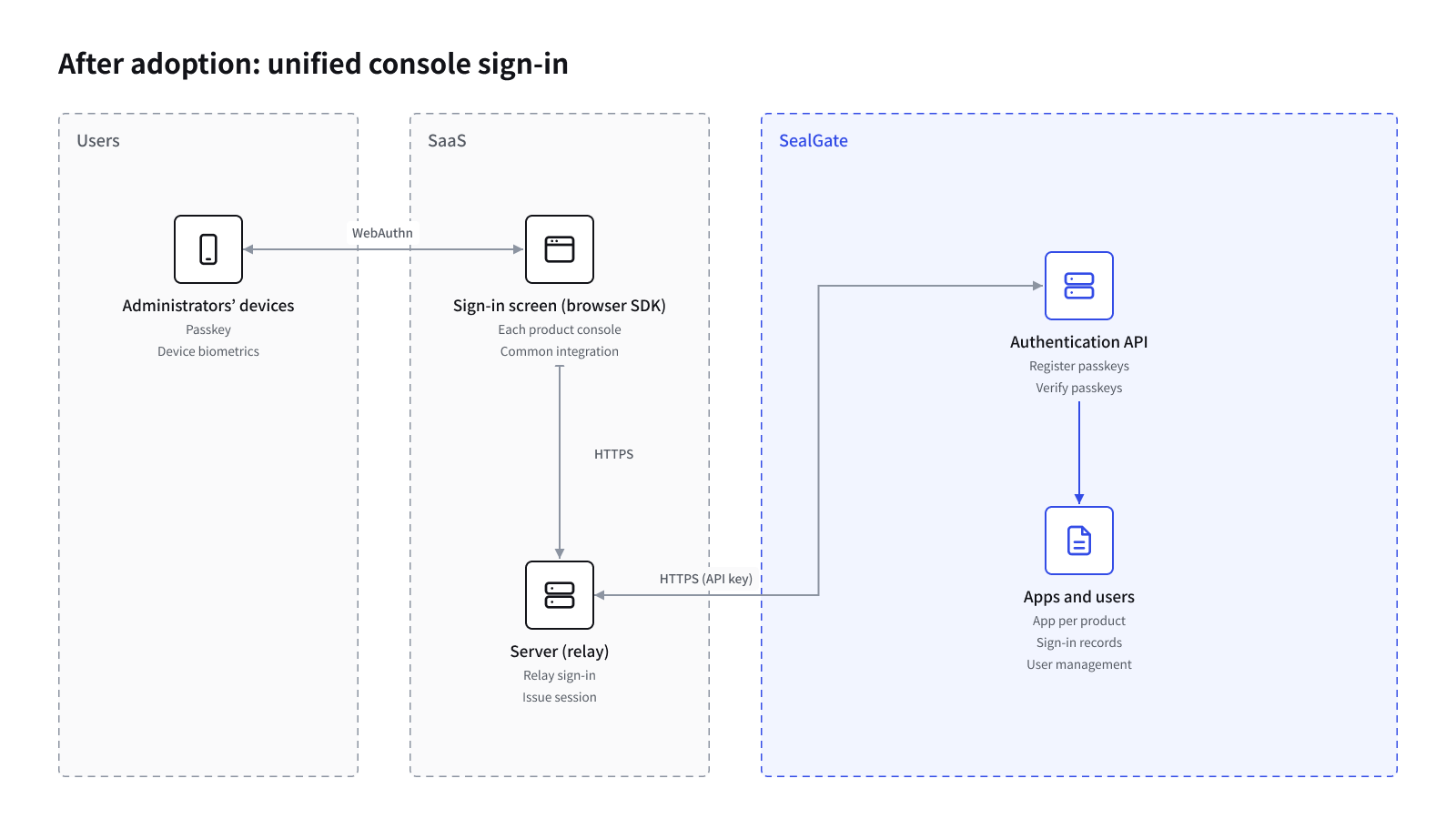
SealGate lets each app have its own domain, and passkeys are registered and used on that domain. Even though each product’s console has a different domain, one app per product brings passkeys to every console. Integration uses the browser SDK and a server-side relay, so existing sign-in screens and post-sign-in permissions did not need to be rebuilt.
Sign-in records in SealGate were another factor. No product would need its own sign-in logging, and suspicious activity and user questions could be handled in a common way.
Before deciding, the team tried the integration in the test environment to see how much the existing sign-in screen would need to change. The work stayed within a limited scope and the differences between products came down to settings, which made it clear the same approach could be rolled out to every product.
Settling a common procedure on one product first
The company started by turning the integration into a single procedure: create the SealGate app, set the domain, add the browser SDK and implement the server-side relay, in the same order for every product.
On the first product, the team checked the full flow from registration to sign-in in the test environment and identified gaps in the procedure and points that differ by product, mainly the console domain and how the session is started after sign-in. Spelling these out in the procedure reduced uncertainty for the products that followed.
Once the procedure was settled, it was applied to the other products. A SealGate app was created for each, and passkeys were built in with the common procedure. Developers on each product followed the steps without having to relearn passkeys from scratch.
During the transition, passkeys were added while existing sign-in remained. Users kept signing in as before and registered a passkey when convenient. A period in which passwords and passkeys coexist avoids anyone being locked out by a sudden switch.
Checking sign-in records in one place
Because each product has its own app, sign-in records in SealGate are organized by product. Operations staff can see who signed in to which console and when, and whether there were failed attempts.
The company aligned how these records are reviewed across products. When a sign-in looks suspicious or a user asks about sign-in, staff check the records of the relevant app. There is no longer a need to interpret differently structured logs, and the review process has been standardized.
Users and registered passkeys are also managed in the SealGate console, so revoking the passkey of a user who lost a device works the same way in every product. The staff who review records and the staff who answer user questions share the same steps, which keeps the quality of responses consistent even when people change roles.
A consistent security level and a different way of building
Every console now signs in with the same passkey mechanism. Differences in sign-in strength between products are gone, and the security level is consistent across consoles. Users of several products sign in the same way everywhere. For customers who use both a business SaaS product and an API product, there is no longer a different sign-in routine to remember for each console.
Much of the sign-in work is now handled by SealGate. There is no passkey system to maintain per product, no per-product sign-in logging, and product developers can focus on improving their products.
If the sign-in method needs to change, revising one common procedure applies the same thinking to all products, and the impact of a change is easier to understand than when each implementation had to be checked separately. When a new product is designed, console sign-in is now assumed to follow the common procedure, so design discussions can focus on the product itself.
The same procedure for new products
The company will use the same procedure for passkeys in every product it launches. Creating one SealGate app and following the common steps is now the standard for a new console, and the procedure is updated with lessons from each rollout and kept as shared internal documentation.
For now, existing sign-in and passkeys will run side by side while passkey registration expands in each product. The company will track progress through each product’s sign-in records, adjust its guidance, and consider revisiting password sign-in starting with products where passkeys are widely registered. It also plans to review records regularly so that unusual sign-in patterns are noticed early.
Key features
- An app per product
- Passkey registration and sign-in
- Sign-in records