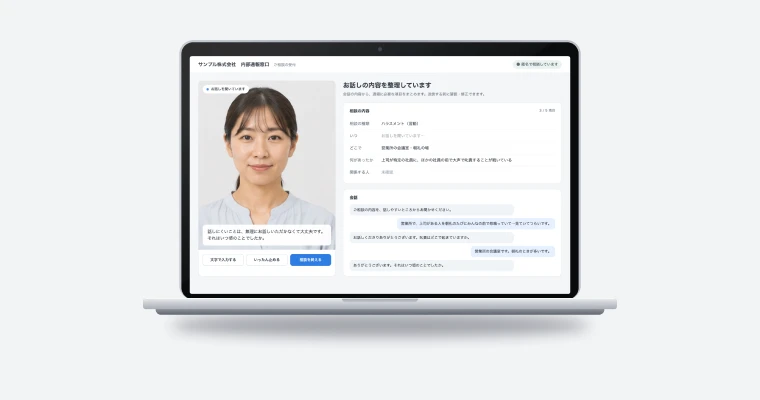
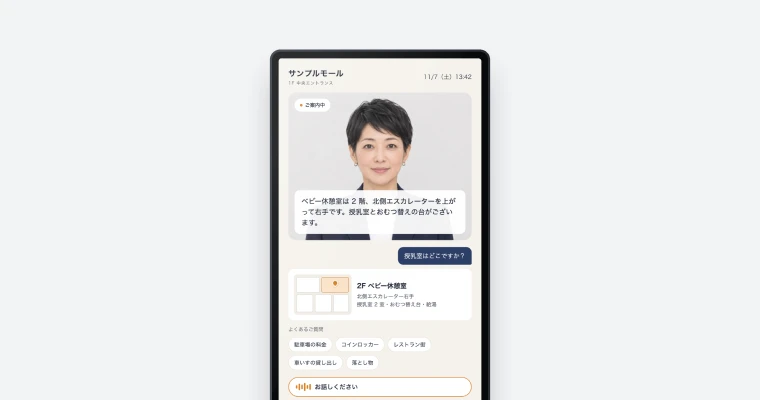
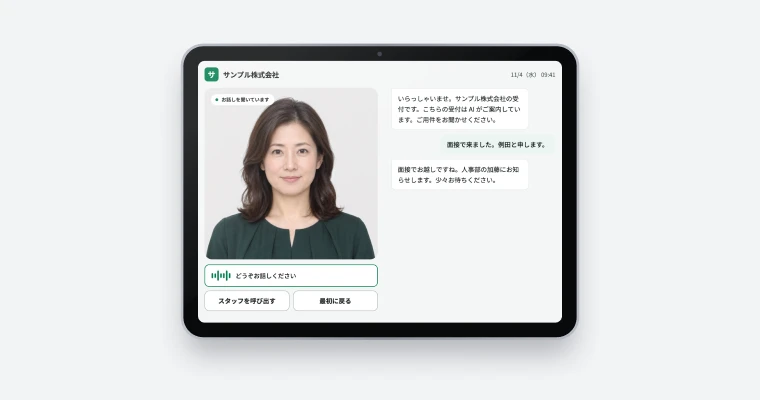
Developed and operated by SHANNON
SHANNON handles avacast from development through operation. Dedicated GPU nodes are also available.
- Voices selectable by age and gender
- Original avatars from a single photo
- Dedicated GPU nodes available

 Headless AI avatar API, made in Japan
avacast is a headless AI avatar API made in Japan. Add an AI avatar that holds real-time conversations to websites, apps, reception kiosks, digital signage and more. It speaks Japanese, English, Chinese and many other languages.

Developed and operated by SHANNON. Contracts and support are in Japanese, with a Japanese company.
avacast streams the avatar’s video and audio; you decide the screen design and layout.
Japanese, English, Chinese and more: the avatar speaks in the language of the text.
Actual streamed footage. Lips sync to the audio and the head turns naturally.
Build it from an AI agent (MCP):https://api.avacast.jp/v1/mcp
SHANNON handles avacast from development through operation. Dedicated GPU nodes are also available.
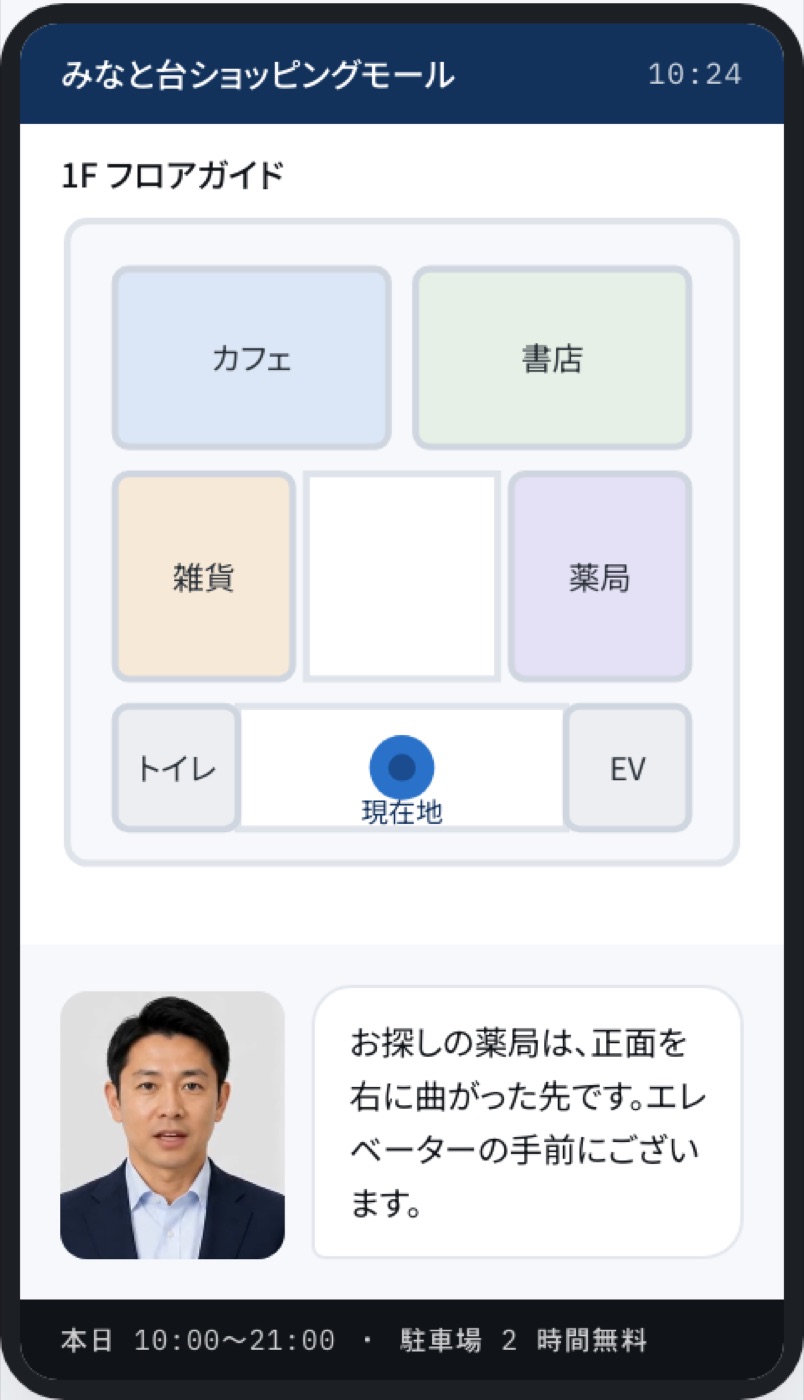
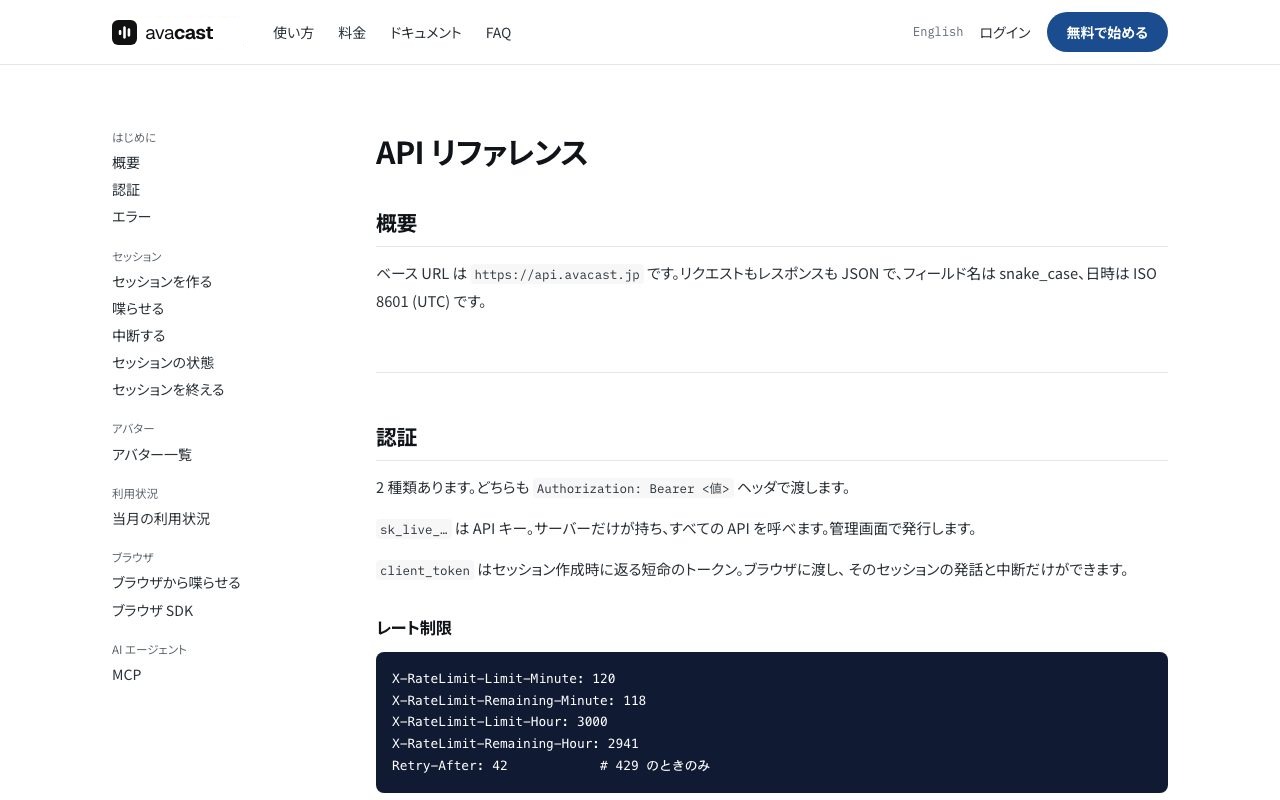
avacast streams the avatar’s video and audio. You decide the screen design and layout for your use case, and it runs anywhere a browser does: websites, apps, reception kiosks and signage. What the avatar says can be a prepared script or answers from your chatbot or LLM.
The avatar speaks in the language of the text you send. Lip movement is generated from the audio, so the mouth matches naturally in every language.

From sign-up to production.
Sign up with Google or email and issue an API key in the console.
Your server creates a session with the API key and receives a short-lived token for the browser.
Pass the token to the SDK, and video and audio stream over WebRTC. Send what the avatar should say as text.
Check connected minutes, caps and live sessions in the console.
An IT company
A commercial facility
An AI services company
Talking AI avatars (digital humans) are being used for unstaffed reception, enquiry desks, first-round interviews and whistleblowing intake. The avatar does not think up the answers: your chatbot or a script does, and the avatar speaks. On that basis, this article covers response latency, languages, personal data and cost before you deploy.

We organize the systems companies are required to put in place under the revised Whistleblower Protection Act, and explain—from a development company's perspective—the requirements a reporting channel must meet in practice (anonymity, independence, audit trails, multilingual support) and common shortcomings.