Standard Webhooks · MCP ready

Webhook integration, unified

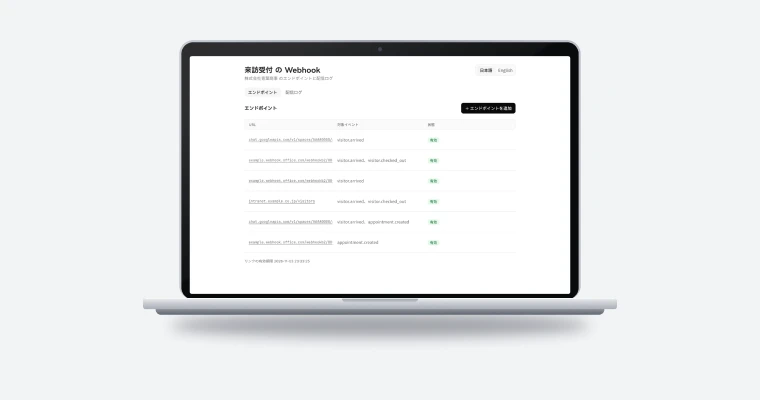
Webhook Admin is a webhook sending platform. One API call delivers a signed webhook, and failed deliveries are retried automatically. Endpoints, delivery logs and failures across all your services are visible in one dashboard.

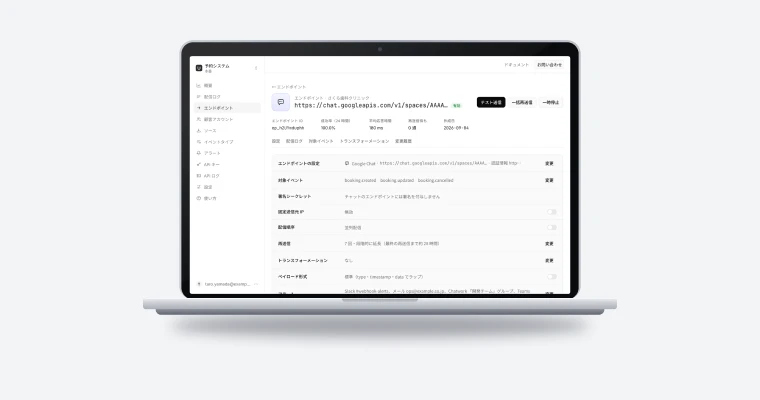
Webhook Admin screen

Signing and retries

Standard Webhooks signatures on every delivery, automatic retries with a per-endpoint schedule, and ordered delivery when you need it.

Every service in one view

Sends and success rate per project, plus the endpoints that need attention.

API keys right after sign-up

Sign up with email, GitHub or Google and issue an API key right away.

Demo

How it works

Events from three projects being delivered. When an endpoint returns an error, the delivery is retried automatically and the team is alerted in Slack.

Build it from an AI agent (MCP):https://api.webhookadmin.com/mcp

Features

What Webhook Admin does

Signed delivery, retries and ordering

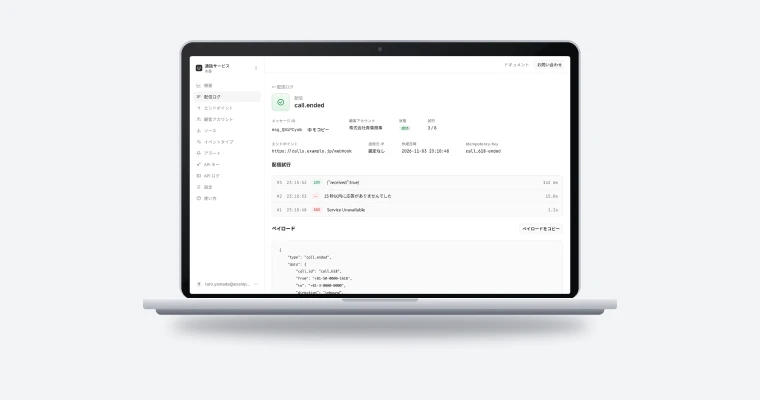
Call the API once where the event happens, and Webhook Admin delivers it to every registered endpoint with a Standard Webhooks signature. When an endpoint returns an error or responds too slowly, it tries again with backoff, up to 8 attempts. Per endpoint, you can also deliver messages one at a time, in the order they were received.

  • Ordered delivery configurable per endpoint
  • Retries span about 28 hours
  • SDKs for Node.js, Go and PHP send messages and verify signatures
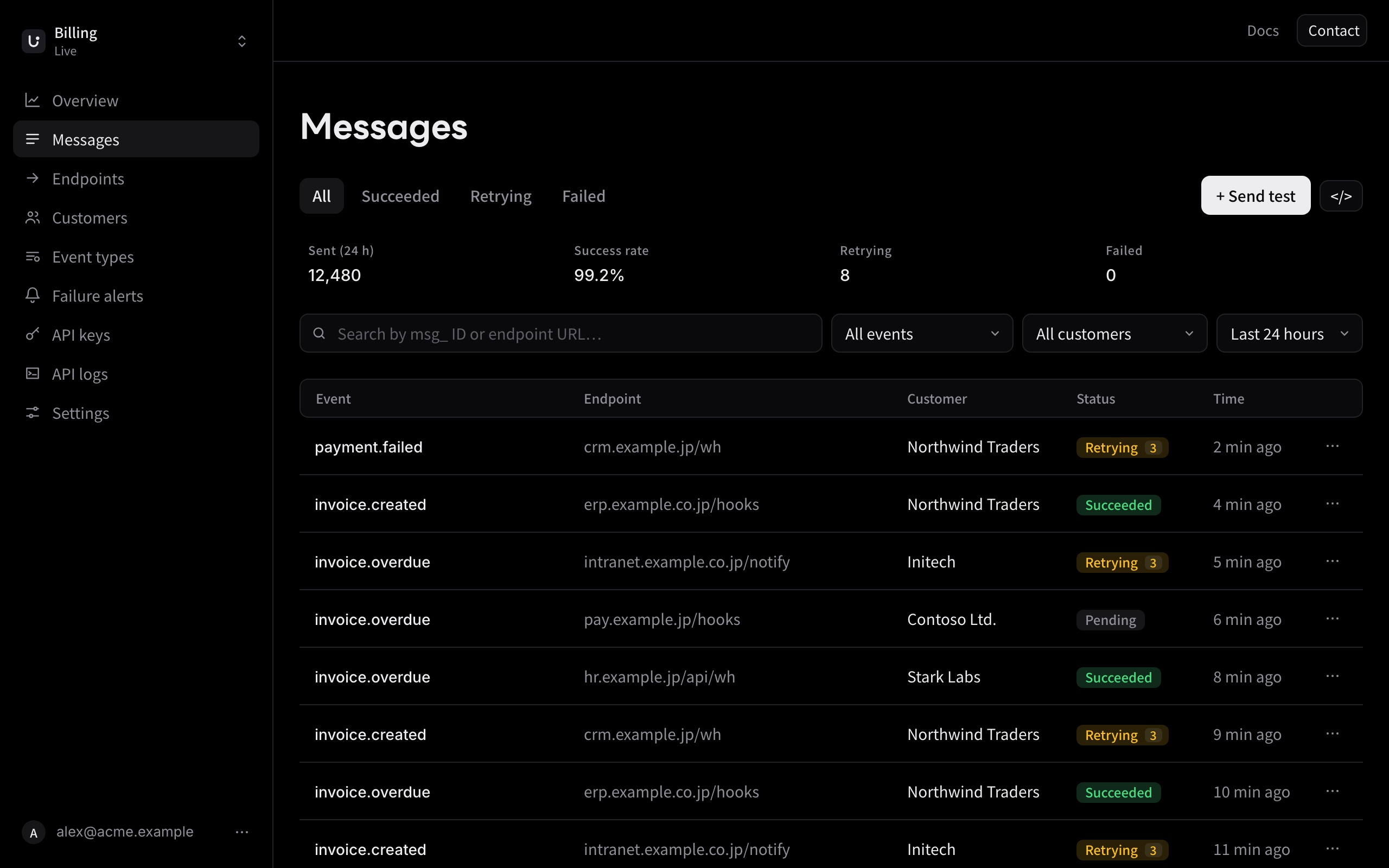
Webhook Admin delivery logs

Failure alerts and every project in one view

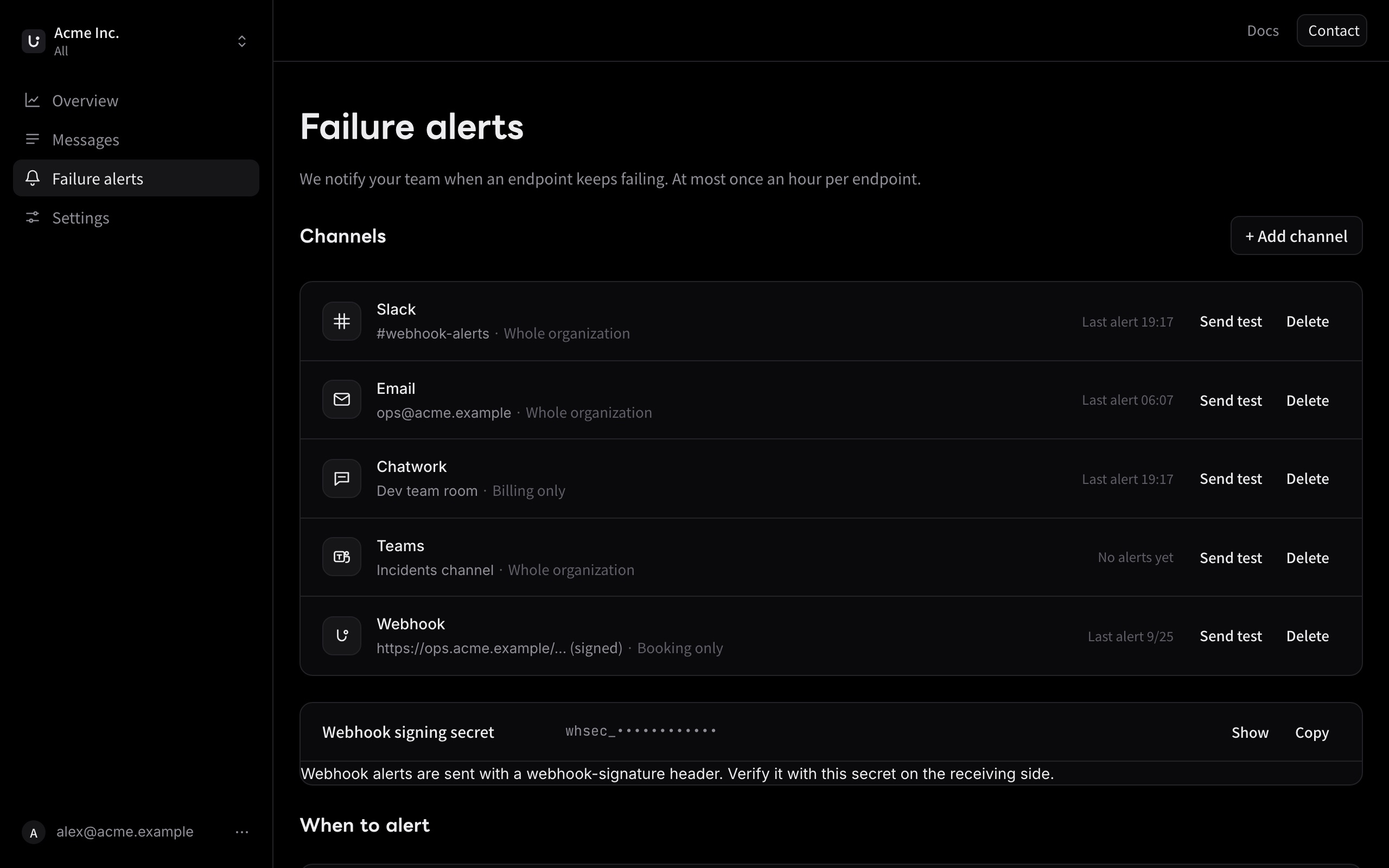
When an endpoint keeps failing, your team hears about it in Slack, Teams, Chatwork, email or a webhook. The organization view shows sends, success rate and endpoints needing attention across all projects.

  • At most one alert per endpoint per hour
  • Alert channels per project or for the whole organization
  • Endpoints failing for 5 days are disabled automatically
Webhook Admin failure alert settings

Customer portal and destinations beyond webhooks

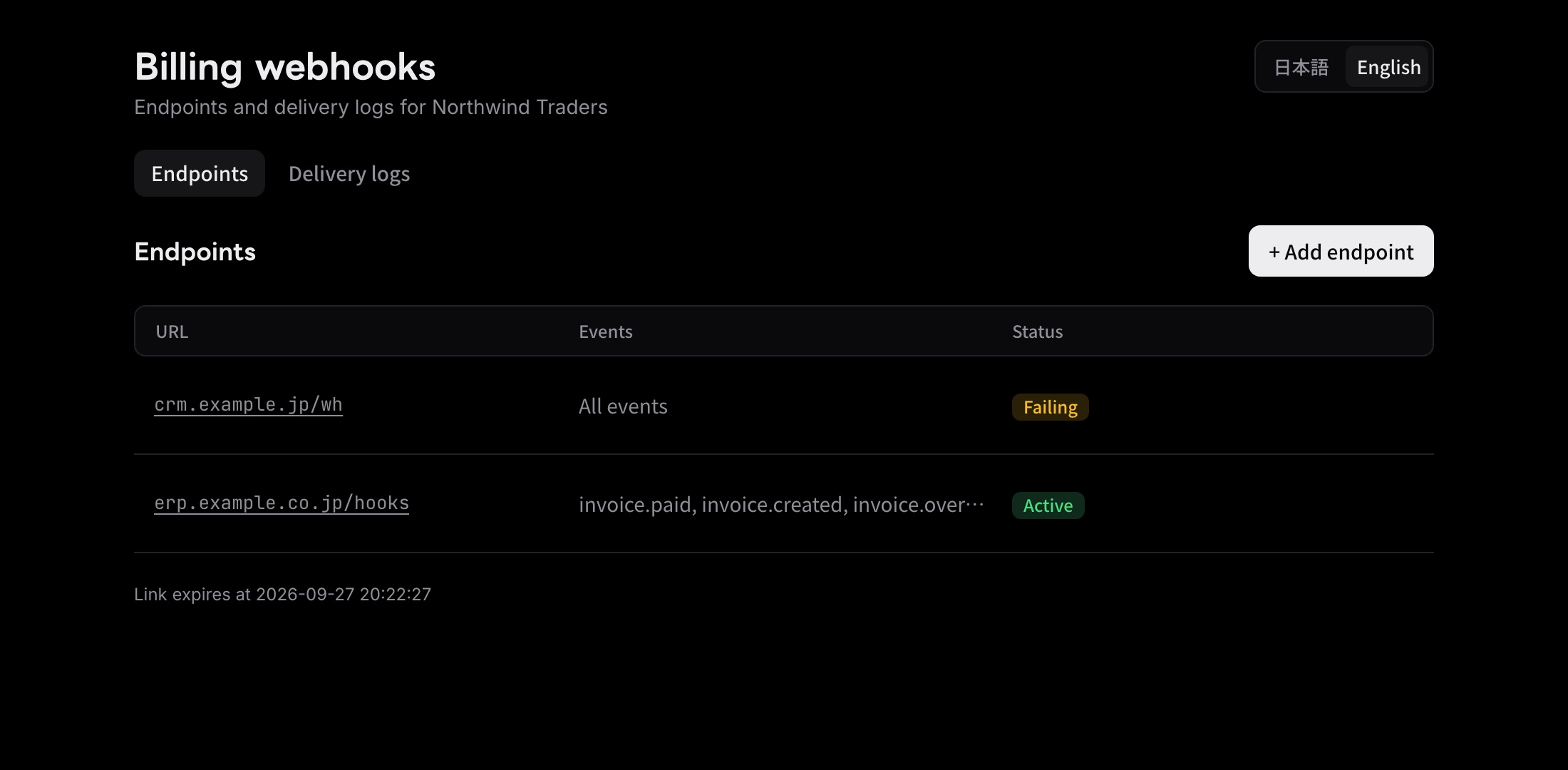
Embed a portal in your product where your customers register their own endpoints and check delivery logs. Besides webhooks, messages can go to Amazon SQS, Amazon EventBridge, Google Cloud Pub/Sub, Amazon S3 and more, or wait for the receiver to poll for them. A JavaScript transformation per endpoint reshapes the payload to fit the receiver.

  • Customer portal, static IPs and polling endpoints
  • Non-webhook destinations and transformations (see the product site for plans)
  • Embed the portal in your product with an iframe
Webhook Admin customer portal
Flow

Getting started

From sign-up to production.

  1. Sign up

    Email, GitHub or Google. Create an organization and a project.

  2. Try it in test

    Use a test API key to check everything from sending to signature verification.

  3. Integrate

    Call the API where events happen, with the SDKs for Node.js, Go and PHP or through an MCP-ready AI agent.

  4. Go live

    Switch to the live environment and choose where failure alerts go.

FAQ

FAQ

Signatures follow Standard Webhooks, so receivers verify them with our SDKs for Node.js, Go and PHP or with the official Standard Webhooks libraries. Receivers behind a firewall can poll for messages instead (see the product site for plans).
By default, Webhook Admin makes up to 8 attempts over about 28 hours. You can choose the number of retries and the interval per endpoint. If failures continue, your team is alerted, and an endpoint that keeps failing for 5 days is disabled. On endpoints with ordered delivery, later messages wait until the current one is delivered or runs out of retries. You can retry from the dashboard at any time.
Amazon SQS, Amazon EventBridge, Google Cloud Pub/Sub, Azure Service Bus, Kafka (via its REST API) and RabbitMQ, storage such as Amazon S3, Google Cloud Storage and Azure Blob Storage, and chat in Slack, Microsoft Teams, Chatwork and Google Chat (see the product site for plans). Retries, ordered delivery and failure alerts work the same as for webhooks. Queues and storage receive signed messages; chat destinations get a readable message without a signature.
Yes. Bring your existing signing secret and choose the body format per endpoint, so receivers that verify Standard Webhooks signatures keep working without code changes. Compatible API routes are also available for transformations, destinations and polling endpoints.

Talk to us about Webhook Admin.

We reply within two business days.