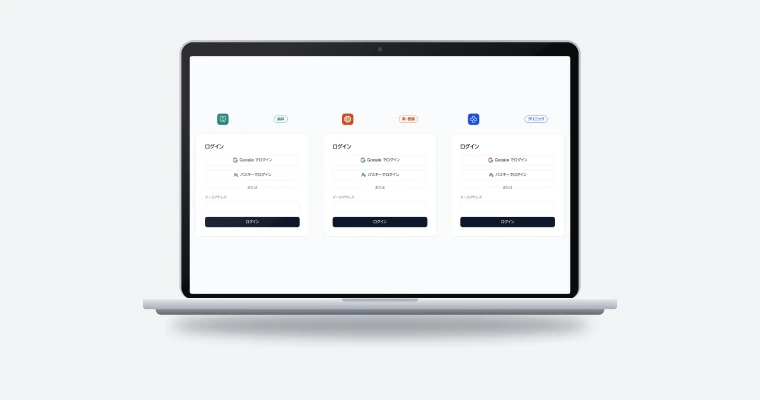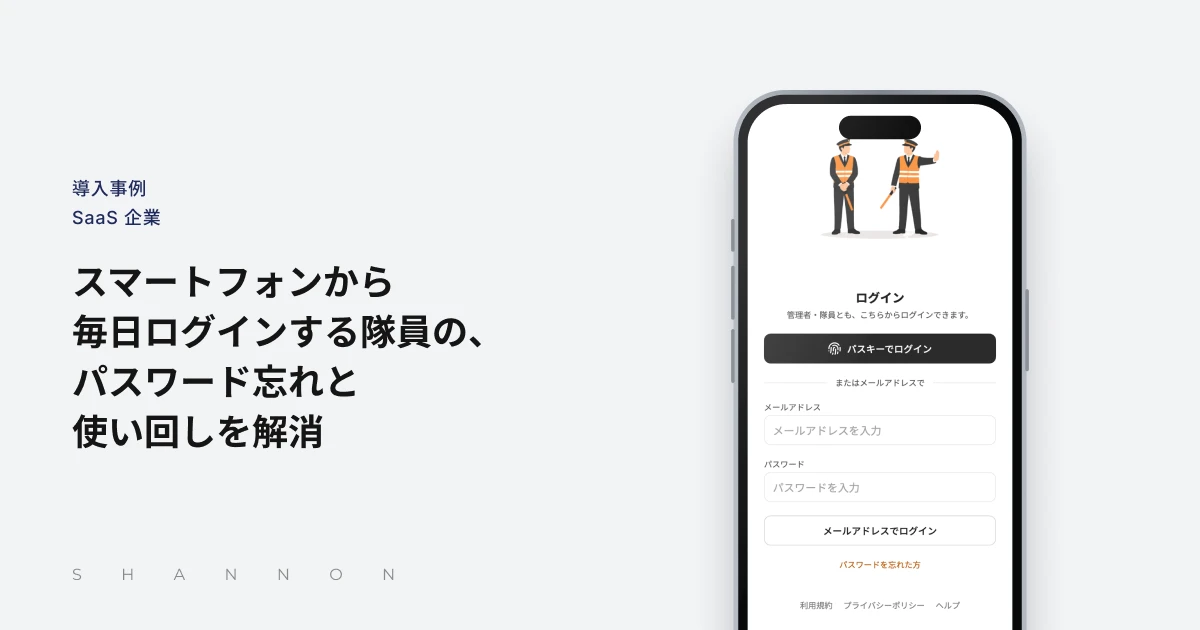
Guards and office staff sign in with SealGate passkeys. The existing sign-in screen was kept, and users are moving to passkeys while passwords remain available.
Challenges before adoption
- Guards sign in from their phones every day, and typing passwords was a burden
- Frequent requests to reset forgotten passwords
- Easy-to-remember, reused passwords raised security concerns
Results after adoption
- Sign-in with device biometrics, with no password to remember
- Device-bound passkeys that cannot be reused across services
- Gradual move to passkeys on the existing sign-in screen, alongside passwords
| Customer | A SaaS company |
|---|---|
| Product | SealGate |
| Adopted | October 2026 |
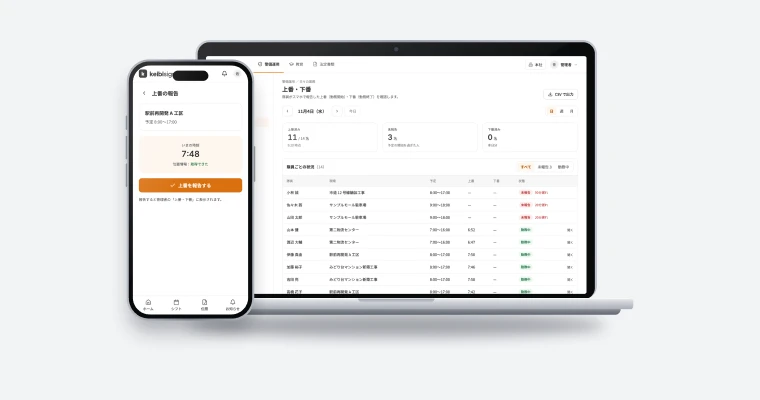
The company provides security-guard firms with a SaaS that brings together guard assignments and schedules, clock-in and clock-out reports, job slips from the field and statutory forms. Its users fall broadly into two groups: guards who work on site, and office staff who manage assignments and documents. Guards sign in from their phones and office staff mainly from office computers, every day.
The more a service is used daily, the more it matters that sign-in is both easy and secure. In October 2026 the company introduced SealGate, a passkey authentication platform, for sign-in by guards and office staff. This case describes why it revisited sign-in and how the switch was carried out.
A security-guard service used from phones every day
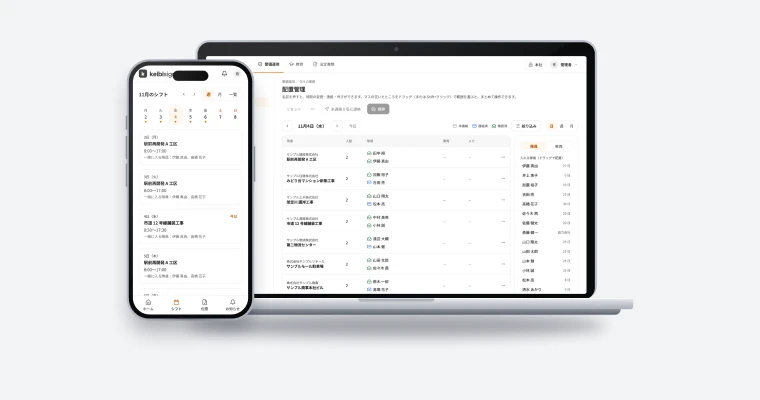
Guards often work at different sites from day to day. In the service, they check their assignments and schedules on their phones, report clock-in on arrival and clock-out when the job ends, and sometimes have clients sign job slips on screen. The service has become an everyday tool.
That means many sign-ins: checking the schedule before a shift, reporting on site, requesting days off. Guards range widely in age, and some are not used to smartphones, so any effort at sign-in had a large effect on how easy the service was to use.
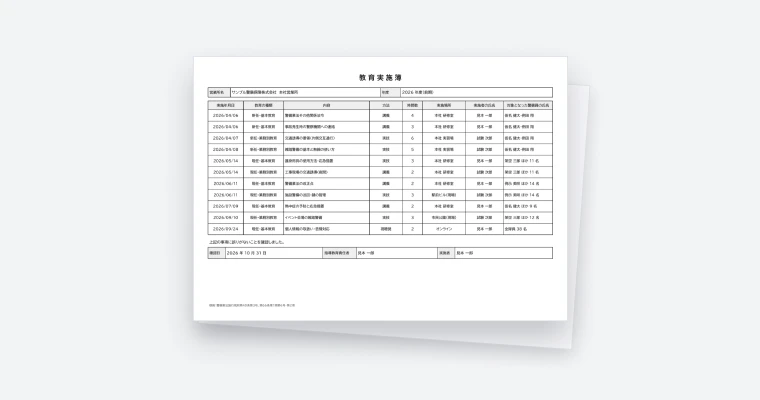
For office staff, sign-in is the entry point to each working day. They handle assignments, job slips and statutory forms, including guards’ personal information and records of dealings with clients, so their sign-in needed especially strong security.
Password reset requests and the risk of reuse
Sign-in originally used an identifier and a password, which users had to remember. Even with daily use, many could not recall their password after changing phones or signing in again after a while.
Those users asked for resets, adding to the work of the firms’ office staff and the company’s support. A guard who cannot sign in just before a shift cannot report, which can affect work on site. Clock-in reports are how the office knows a guard is on site, so delays also affect assignment checks and client relations.
Security was another concern. To ease the burden of remembering, users tend to choose short, easy passwords or reuse the same one across services. A password leaked from another service could then put this service’s information at risk.
Stricter password rules would improve security but increase the burden of remembering and the number of reset requests. The company needed a way to reduce the burden on users and strengthen sign-in at the same time.
Adding passkeys without rebuilding the sign-in screen
The company turned to passkeys. A passkey signs the user in with a key stored on their device, using the same action as biometrics or unlocking the screen. There is no password to remember, and because the key is bound to the device, it cannot be reused on other services.
It compared several approaches. Building authentication in-house would mean keeping up with the passkey standard and differences between devices, which was judged too heavy. Replacing the whole sign-in system with an external one would change the existing screen and the handling of user information, with a large impact on users.
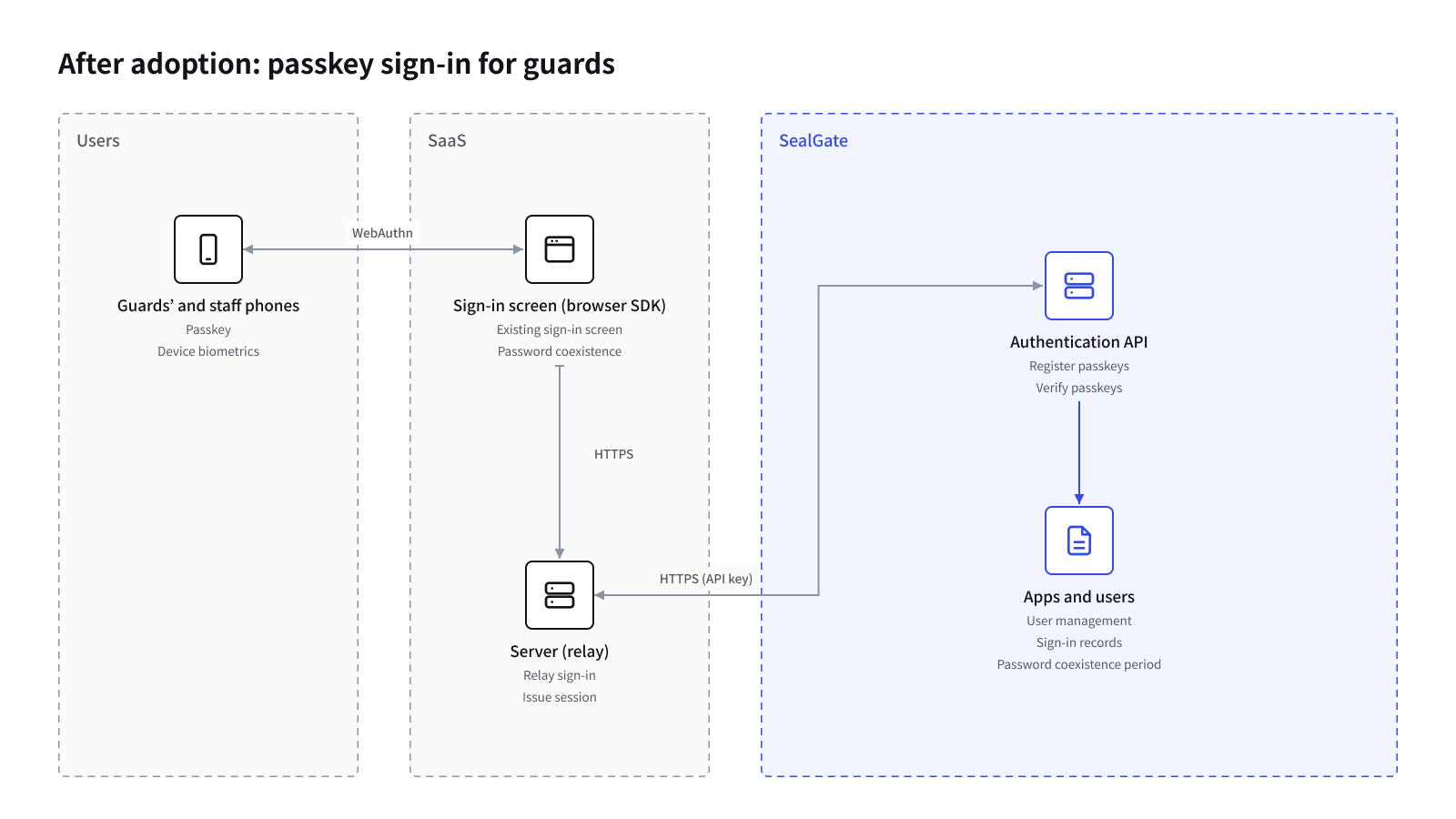
SealGate adds passkeys to an existing sign-in. With its browser SDK and a server-side relay, passkey registration and sign-in can be added while keeping the sign-in screen and user management as they are. The integration is limited in scope: SealGate handles the passkey standard and device differences, and the company only connects the SDK and relay to its existing flow, without pausing work on the service’s own features.
Coexistence with passwords was decisive. The company did not want to switch everyone at once; it wanted passwords to remain available during the transition so users could move over in turn.
Moving users over gradually, alongside passwords
The company embedded the SealGate browser SDK in the existing sign-in screen and enabled passkey registration and sign-in through the server relay. The look and flow of the screen stayed the same, with passkey sign-in added as an option.
Users sign in with their password as before, then register a passkey by following the on-screen guidance. From the next time, they can sign in with device biometrics. Those who have not registered can keep using their password, so users choose when to switch.
The switch began with office staff. Having the people who manage the service daily become familiar with passkeys first meant they could give concrete guidance when guards asked questions. Office staff register passkeys on office computers in the same way and no longer type a password each day.
For guards, the steps were presented in a form office staff could easily pass on. Demonstrating registration on a phone at morning briefings or training sessions helps guards unfamiliar with smartphones, and office staff can sit with anyone who finds registration difficult.
Points checked on the management and operations side
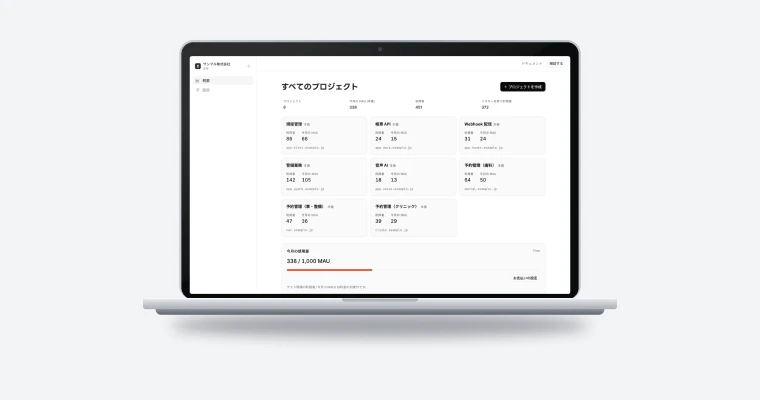
The company also paid attention to management. In SealGate, users who have registered passkeys can be seen on the management screen, so progress can be tracked and guidance adjusted.
Procedures for users who change or lose their phones were prepared in advance. During coexistence, someone whose passkey is no longer available can sign in with their password and register again on a new device. Preventing users from being locked out was essential for a service used for daily reports.
Passkeys are registered against the service’s domain, so SealGate was configured to match it, and registration and sign-in were checked in the test environment before going to production. Being able to review sign-in records also gives reassurance in day-to-day operation.
The company also kept the change to the service’s own code small. User information continues to be managed where it was, and SealGate only adds the passkey step to the existing flow. This kept the risk of the switch low and meant the rest of the service could continue to be developed and released as usual while passkeys were rolled out.
The change that comes from not having to remember
Guards who have switched sign in with device biometrics and no longer need to remember a password. Whether checking a schedule before a shift or reporting on site, signing in feels like unlocking the phone. Daily operation is easier, and there is less worry that a sign-in problem will delay a report.
Passkeys are bound to the device and cannot be reused across services, and users no longer need to pick easy passwords, so sign-in is more secure. For a service handling guards’ personal information and client records, the company considers this a significant improvement.
Because the existing screen was kept, the way users work did not change much, and coexistence with passwords let them switch at their own pace with little confusion. Reset requests have become less common from users who have switched, and office staff spend less time dealing with guards’ sign-in problems.
Taking the move to passkeys further
The company plans to continue the move to passkeys, working with the firms’ offices to guide guards and staff still using passwords to register.
Once enough users have switched, it will consider how to handle passwords, proceeding carefully while monitoring progress so that no one is locked out.
For a tool used every day, the company believes sign-in should be simple enough to go unnoticed and secure at the same time. Through SealGate passkeys, it aims to give guards and office staff an environment where they can focus on their work with confidence.
Key features
- Passkey registration and sign-in
- Browser SDK
- Coexistence with passwords
- User management