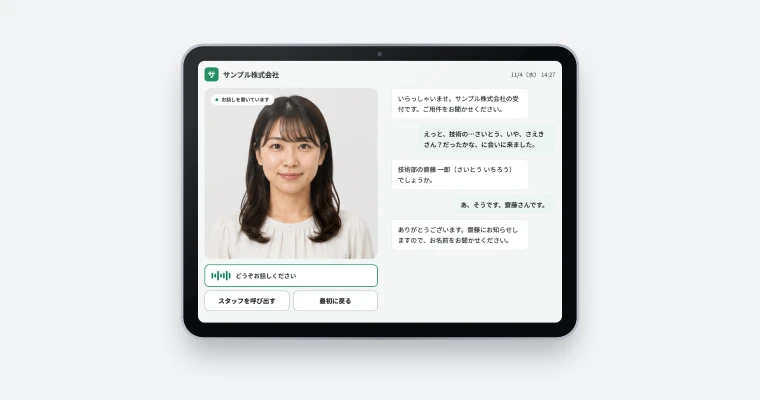
Voice AI agents in Japanese and other languages

Conversational AI for Developers

voicast is Conversational AI for Developers. AI answers phone, web and app audio in Japanese and other languages, collects details such as name, phone number and reason for calling, and returns the result and a summary by API and webhook. It has no screens or phone numbers of its own, so the look and the phone setup stay yours.

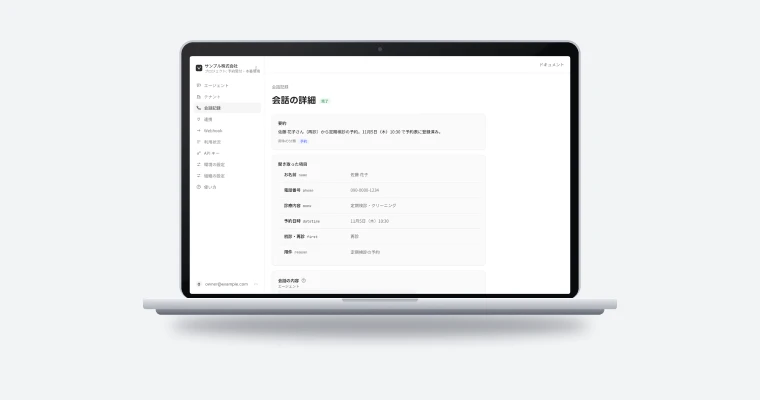
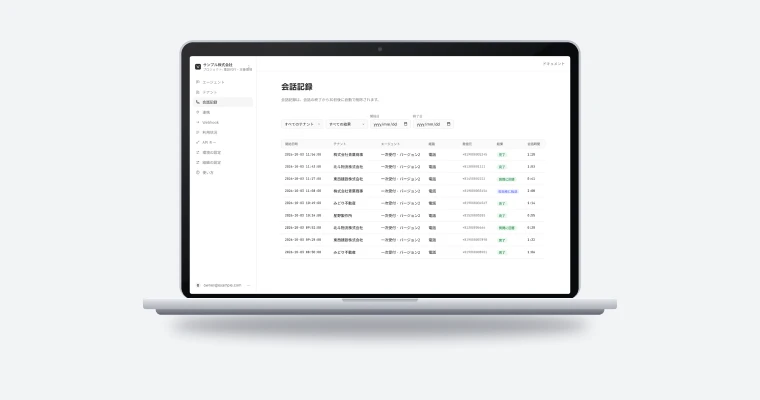
voicast screen

Built for Japanese phone calls

Phone number checks, read-back and correction, and silence handling cut down on missed details.

Headless

No screens or phone numbers: voicast handles only the conversation, and your contracts and call flow stay with your SaaS.

One setup for phone, web and apps

Phone calls and web or app audio use the same agent settings. Pricing is on the product site.

Demo

How it works

A dental clinic example. The AI receptionist collects the request, preferred time, name and phone number, and the result and summary arrive by webhook after the conversation. The call log shows outcomes such as completed, answered and transferred to staff, with the collected fields.

Features

What voicast does

Conversations that follow a role and scenario

For each use case, set the AI’s role (for example, a dental clinic receptionist), its greeting and tone, the details to collect, answers to common questions and the conditions for handing off to staff. The AI follows these settings and reads back what it heard to confirm. When it decides a hand-off condition is met, it ends the conversation and your SaaS transfers the call to a staff member’s phone.

  • Name, callback number and reason for calling, plus your own fields
  • Settings are versioned; a conversation keeps the version it started with
  • Stops talking and listens when the caller speaks (barge-in)
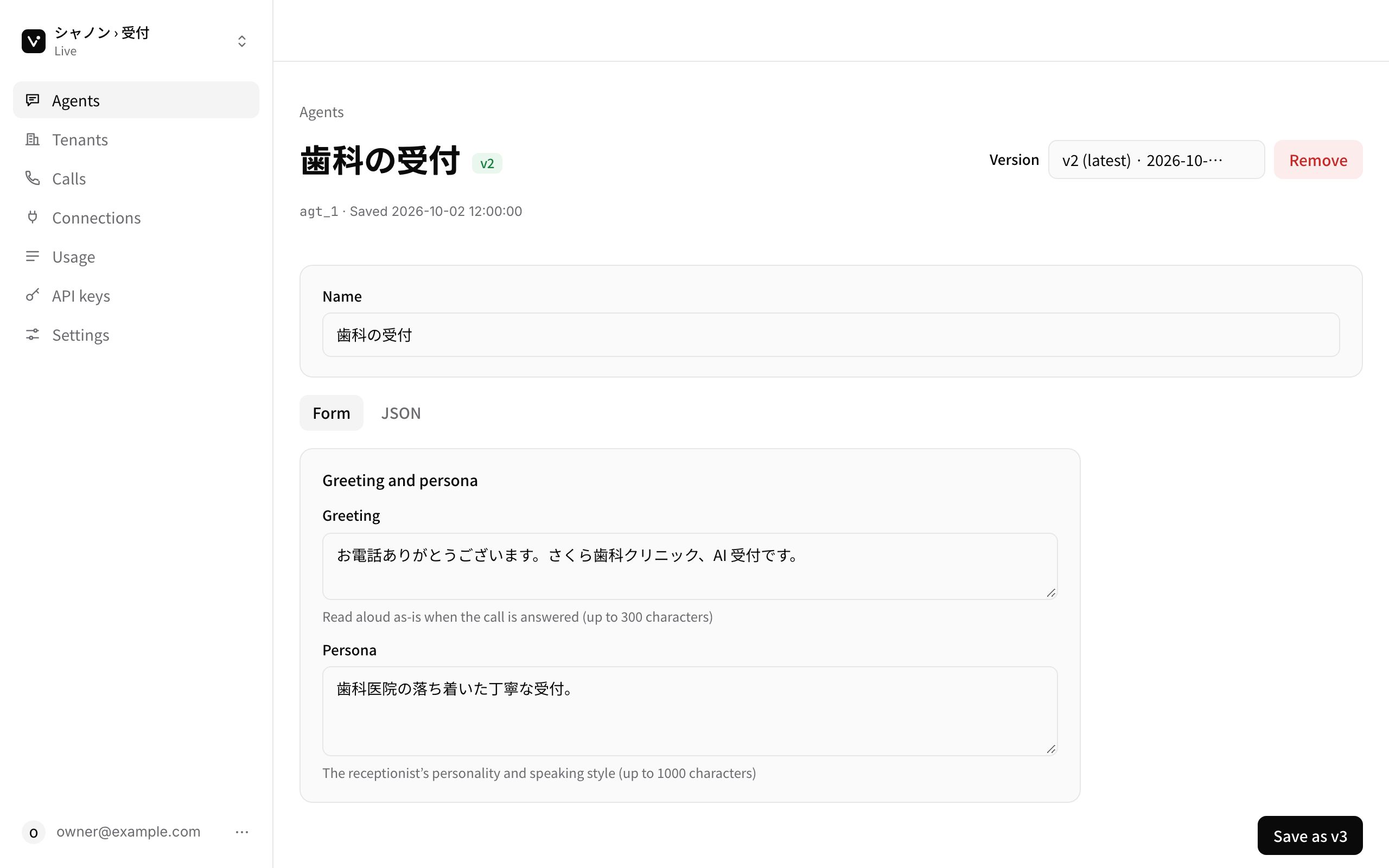
Agent settings in the voicast dashboard

Results, transcripts and summaries by API and webhook

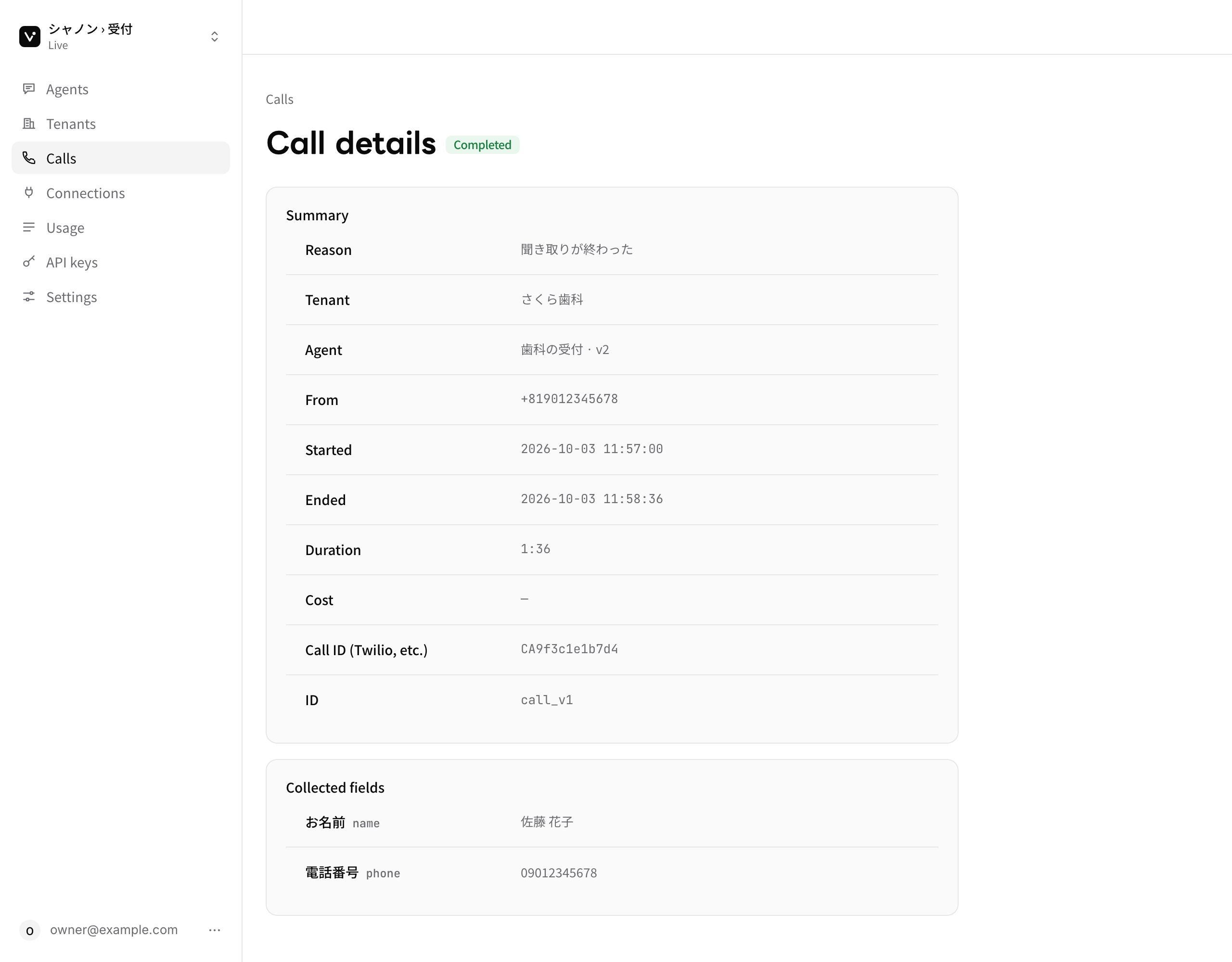
After each conversation voicast returns the outcome (completed, answered, transferred to staff and so on), the reason, collected fields, duration, transcript and a summary. Notifications after the conversation are signed to the Standard Webhooks spec.

  • Look results up by the Twilio CallSid or other call ID
  • Separate connection keys and agent settings per business (tenant)
  • Usage broken down by tenant, day or channel, ready for your own billing
Call details in the voicast dashboard

Integrations during the conversation and a connect screen per business

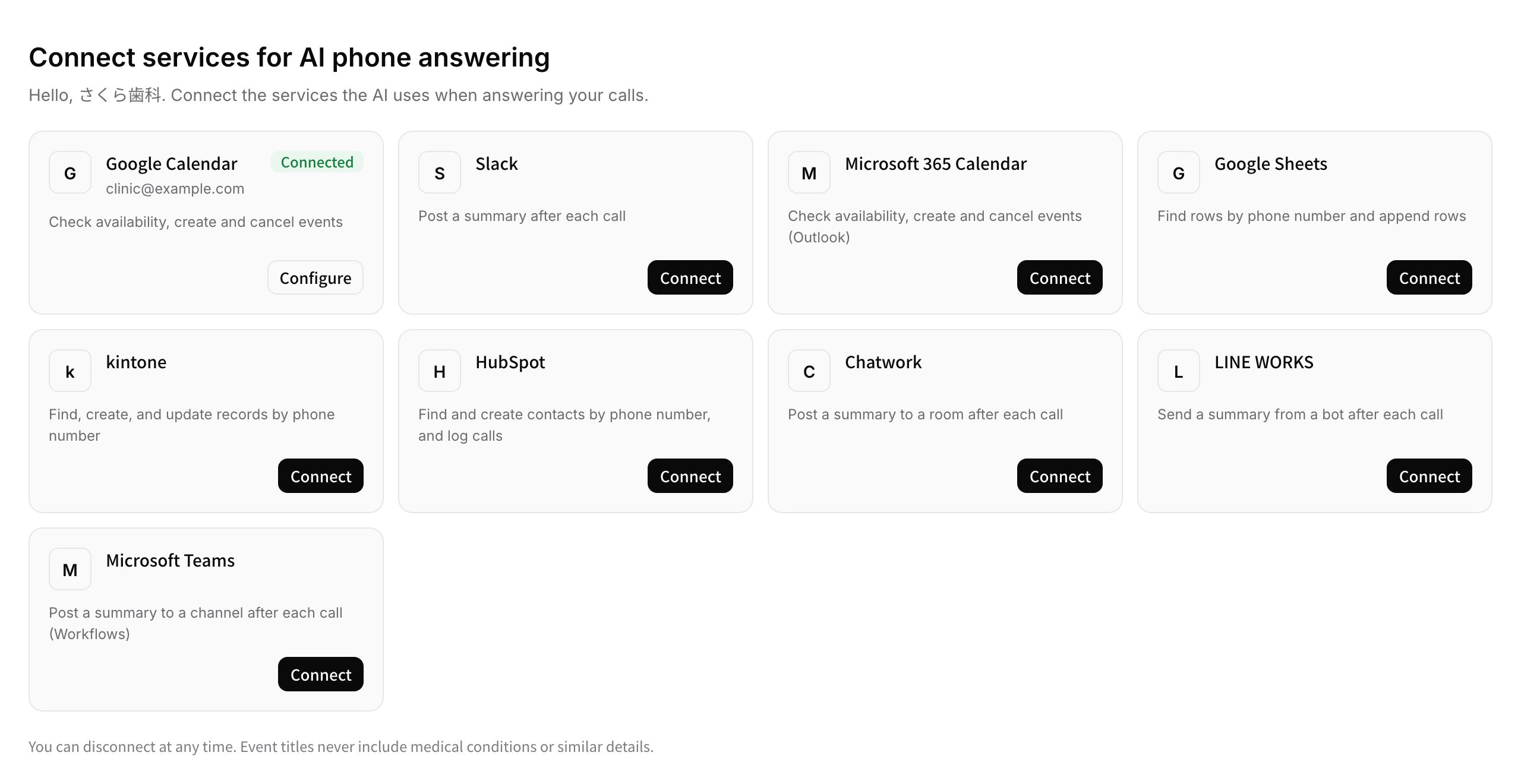
During the conversation the AI reads and writes booking systems, calendars and CRMs to check availability and make bookings. After the conversation, summaries go to Slack, Microsoft Teams, Chatwork and more. The screen where each business connects its own accounts can be embedded in your product.

  • Google Calendar, Microsoft 365, Google Sheets, kintone, HubSpot and more
  • Add your own API or MCP server as a connection
  • Embed the connect screen in your SaaS with an iframe
Connect screen for a business
Flow

Getting started

From sign-up to production.

  1. Contact us

    Tell us your use case, expected conversation volume and the phone and booking systems you use.

  2. Set up the agent

    Set the greeting, fields, hand-off conditions and FAQ, and register your businesses (tenants).

  3. Integrate

    Connect phone audio from TwiML, or web and apps over WebRTC. Results arrive by API and webhook.

  4. Go live

    Check conversation results and usage in the dashboard, and publish new agent versions as you go.

FAQ

FAQ

Phone bookings for dental clinics, viewing requests for real estate, restaurant reservations, first-line B2B support and after-hours reception. Setting the AI’s role, fields, common questions and hand-off conditions per use case fits the conversation to the business.
No. Numbers and lines stay on your side (for example, your Twilio, Telnyx or Genesys Cloud account, or your PBX or cloud PBX). voicast receives the call audio over WebSocket, or takes the call over SIP from your PBX, holds the conversation and then returns the call to your next step, such as transferring it to staff.
Yes. Web and apps connect over WebRTC. Combined with avacast, SHANNON’s headless platform for avatar conversations, an avatar can talk with your customers following your scenario.

Talk to us about voicast.

We reply within two business days.