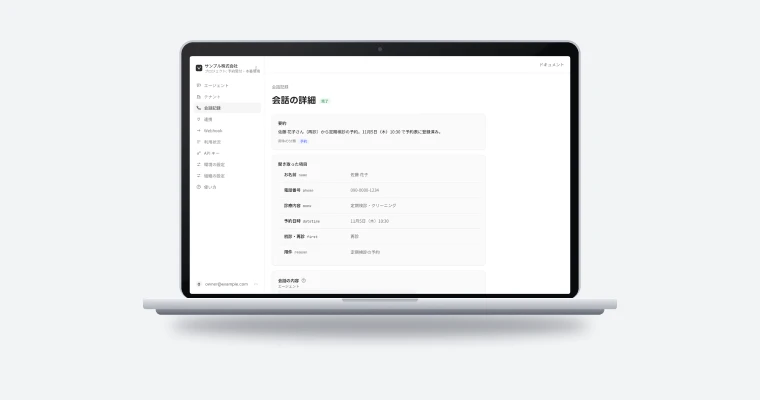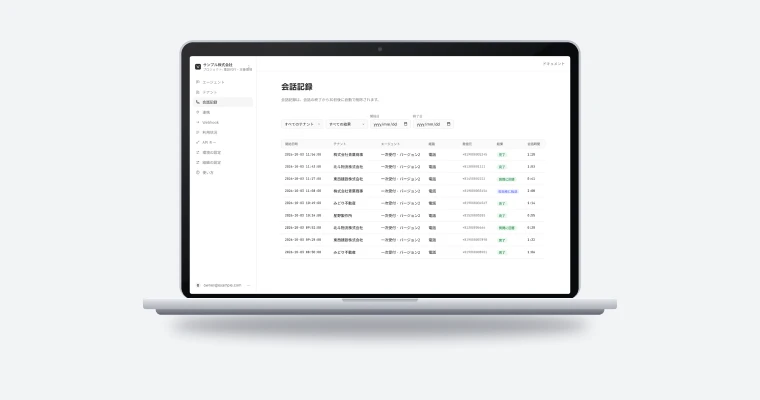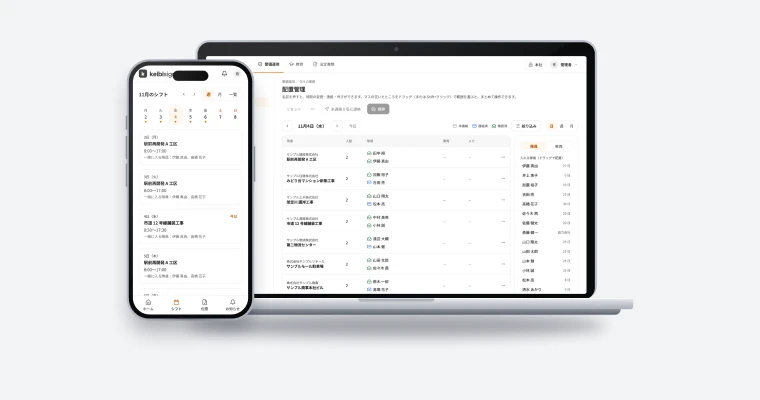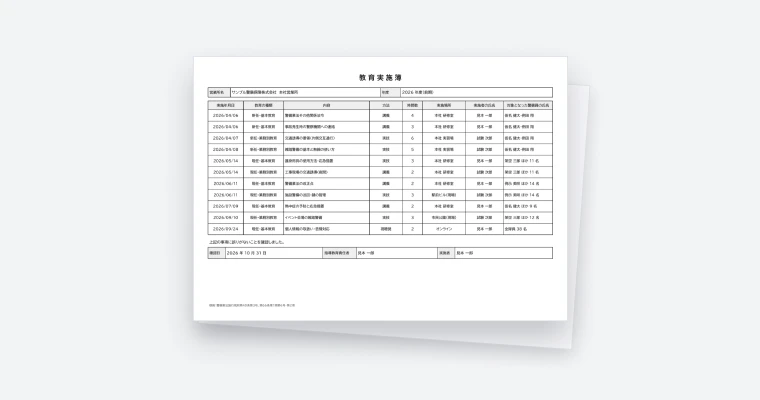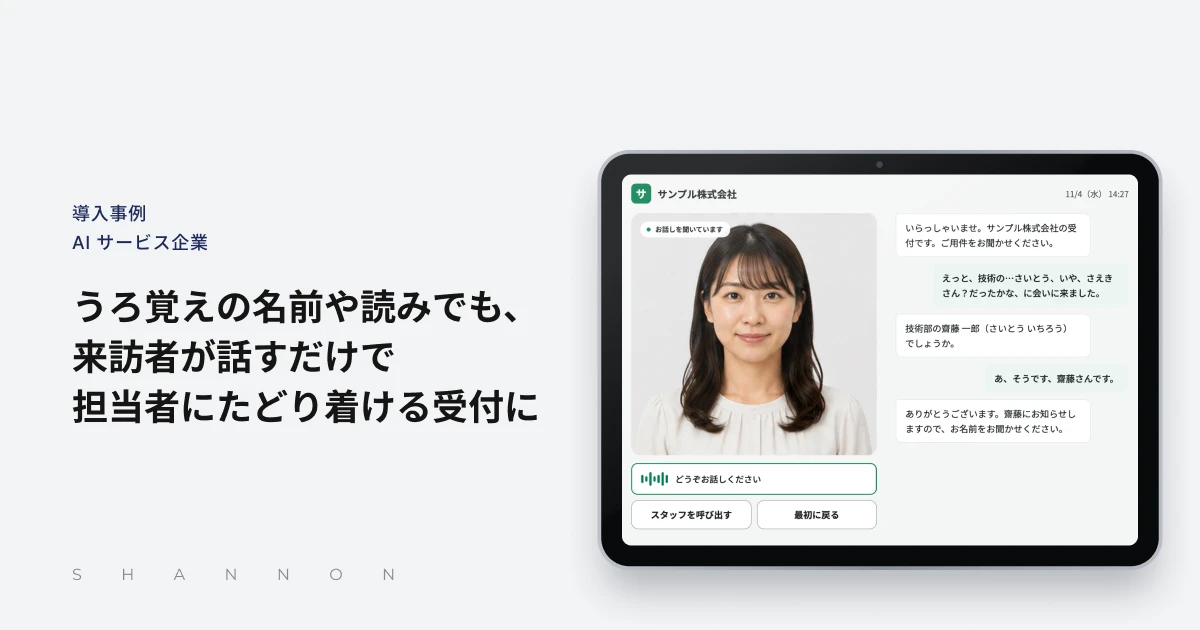
voicast, a voice AI agent platform, handles the conversation between visitors and the reception AI avatar, matching spoken names against the readings in the staff directory.
Challenges before adoption
- Visitors half-remember the name of their contact, or are unsure how it is read
- The right person had to be confirmed from speech full of restarts and hesitations
- The conversation had to stay natural when visitors spoke mid-reply
Results after adoption
- Visitors say a name and purpose; the AI finds and confirms the person and notifies them
- Even unclear names can be narrowed down using directory readings
- When a visitor starts speaking, the AI stops and listens
| Customer | An AI services company |
|---|---|
| Product | voicast |
| Adopted | October 2026 |
This company provides a reception system placed in companies’ offices. Used across many industries as a way to welcome visitors without staffing the front desk, it handles everything from checking visitors in to notifying the person they are visiting. Client companies value being able to receive visitors courteously without tying general affairs staff to the desk.
The company’s service shows an AI avatar on the reception screen, and visitors move through reception by talking to it. The hardest part of this reception was finding the right person from what a visitor says. The company adopted voicast, a voice AI agent platform, to handle the spoken conversation with visitors, and built a reception where visitors reach the right person just by speaking. Here is how.
What makes spoken reception difficult
At a reception where visitors choose on screen, they look up the person in a list. Because they can see the written name, they can find the right person even without knowing how the name is read.
At a spoken reception, what the visitor says is the only clue. Visitors mention the company, the person and their purpose in whatever order comes to mind, and the system must catch that and find the matching person in the staff directory.
A human receptionist, faced with a vague answer, checks the directory, asks again or suggests a likely name. Spoken reception needs the same flexibility, because feeding the visitor’s words straight into a search rarely finds the right person.
The setting adds pressure. Visitors stand at the entrance mindful of their appointment time and want to be passed on quickly. Repeated questions or slow confirmation raise their anxiety. Spoken reception needed to be fast as well as accurate.
For the company, this was central to the reception’s usability. Even with a reception people can talk to, if it cannot find the person, visitors end up phoning their contact instead.
Half-remembered names and uncertain readings
Visitors do not always remember names accurately. For someone whose business card they received once, or with whom they have only exchanged emails, they may remember only the family name or be unsure how it is read.
Many Japanese names can be read in more than one way from the same characters. Some visitors guess a reading from characters they saw in an email signature; others remember only part of the name. A search based on written characters cannot connect the sounds spoken with names in the directory.
Speech itself varies. Visitors hesitate, correct themselves, say the company and the person in one breath, or state their purpose first and recall the name afterwards. The system had to follow restarts and hesitations and pick out the words that refer to the person.
Many companies also have several employees with the same family name. When the family name alone does not identify one person, the conversation must confirm by asking for the department or given name.
Experienced receptionists handle all of this naturally. In designing the conversation, the company used how skilled receptionists ask again and confirm as its model for what the AI should do.
Looking up the directory mid-conversation
Solving these problems required looking up the staff directory during the conversation and continuing based on the result. The company considered combining its own speech recognition and response handling with a directory search, but judged that finely controlling the link between conversation and search, and keeping it stable, would be a heavy development burden.
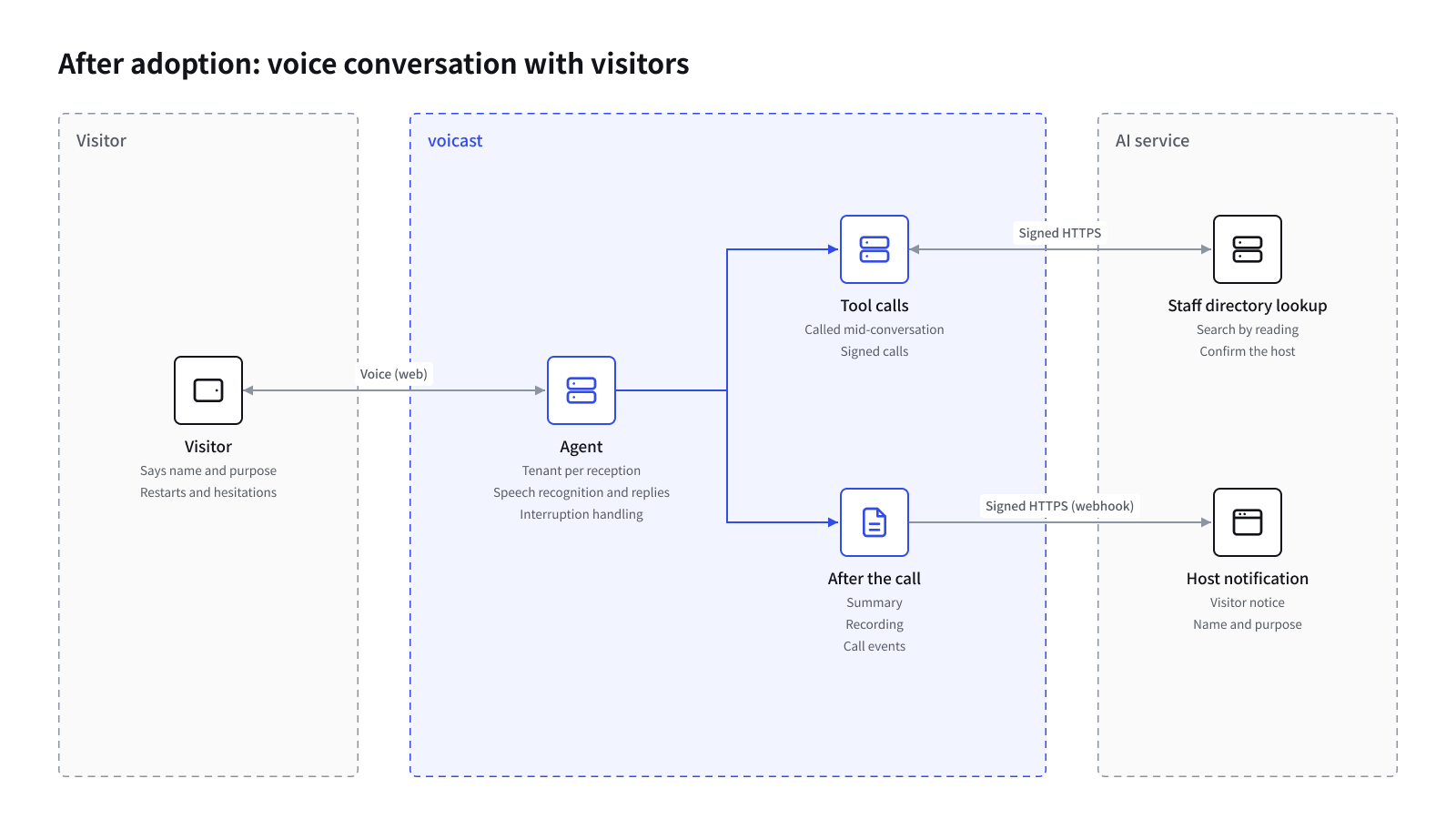
One reason it chose voicast is the tools feature, which calls external systems during a conversation. When the visitor says a name, the agent queries the company’s service through a tool and searches the directory. Based on the result, it confirms the name or, if there are several candidates, asks a question to narrow them down.
The search uses the name readings in the staff directory. By matching the sounds spoken against the registered readings, the person can be found even when the visitor does not know the written form. Candidates can be narrowed by reading whether the visitor guessed the reading or said only the family name.
The directory stays in the company’s service, and voicast refers to it through the tool during the conversation. Because the voice platform does not hold directory data, updates are completed within the service, and lookups always use the current directory even after people leave or move.
Company names are read out in the greeting, so pronunciations matter there too. voicast lets pronunciations be registered, so even company names with unusual readings are announced correctly.
Putting the visitor’s voice first
The other reason was the ability to stop replying when the other person starts speaking. At reception, visitors often begin stating their business while the AI is still talking. If they have already remembered the name and the AI keeps going, they are kept waiting.
With voicast, when the visitor starts speaking, the AI stops at once and listens. As in conversation between people, the visitor’s voice comes first, and visitors can state their business without waiting for the AI to finish.
This matters when confirming names too. If the AI is reading out candidates and the visitor says that is the one, the AI stops and moves on. Shorter confirmations mean less time standing at reception.
What happens after stopping matters as well. Rather than repeating what it was saying, the AI continues from what the visitor has just said, so visitors feel heard. Combining interruption handling with directory lookup allows a flexible reception that follows the visitor’s own order of speaking. The company regards not cutting visitors off, and replying at a natural pace, as the baseline of conversation quality.
A tenant per reception, and directory readings
The service is used by many companies, each with its own directory and greeting. The company creates a voicast tenant for each reception, so that each one’s settings and conversation records are kept separate.
Agents are configured with a greeting for visitors, items to collect and conditions for handing off. The items include the visitor’s company and name, the person they are visiting and the purpose. Guidance is also prepared for when the person cannot be found or the visitor’s business is not something the reception can handle.
Directory readings are the key to finding people. The company set up a flow in which client companies register readings alongside names when they enter their directory. With correct readings, the person can be found more easily from the name spoken.
Before release, the company ran many conversations in a test environment covering different ways of speaking: only a family name, a mistaken reading, corrections mid-sentence, several employees with the same family name. Checking each case, it refined how the AI asks and confirms.
Reaching the right person just by speaking
Now, when a visitor states a name and purpose, the AI finds and confirms the person and notifies them. Even when the name is unclear, candidates are narrowed down using directory readings, so visitors reach the right person even with a half-remembered name.
If the visitor starts speaking mid-reply, the AI stops and listens. Visitors need not wait for the AI to finish and can say what they have just remembered, keeping the exchange natural.
For client companies, visitors get stuck at reception less often, and notices reliably reach the right person. Visitors rarely need to phone their contact to be collected. Because the notice includes what was said, the person knows who has arrived and why before going to reception, and can greet the visitor prepared.
For the company, leaving speech recognition, responses and conversation control to voicast means it can focus on reception features such as directory search and notifying staff.
Improving recognition and naturalness
The company plans to keep improving recognition accuracy and conversational flow. Drawing on names and speaking patterns that proved hard to catch at real receptions, it will review how readings are registered and how confirmation conversations proceed.
It also sees room to improve how candidates are narrowed down: when several employees share a reading, what to ask and in what order to confirm the person fastest, further shortening the time visitors spend at reception.
For visitors, reception is the first point of contact with the company they are visiting. The company will keep refining conversation quality so that visitors reach the right person without hesitation, just by speaking, even with a half-remembered name.
Key features
- Voice AI agent
- Tenants (one per reception)
- Staff directory lookup (tool)
- Handling interruptions