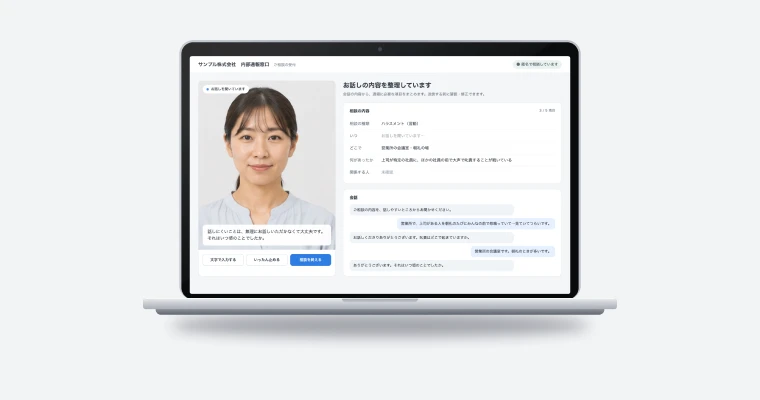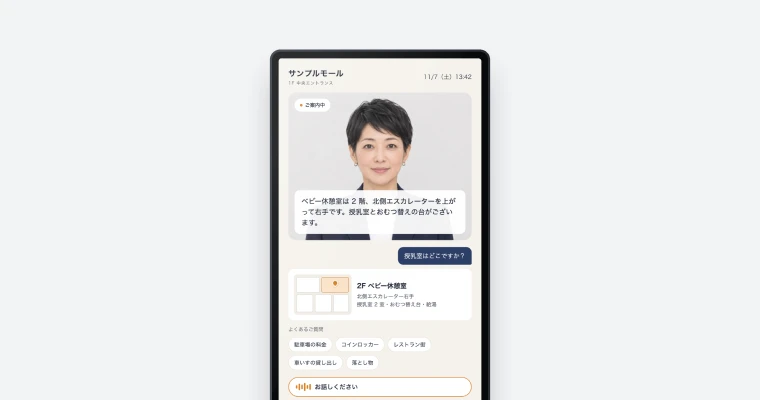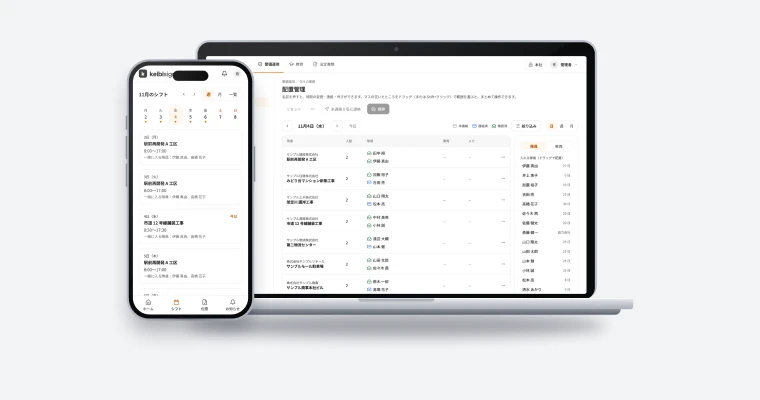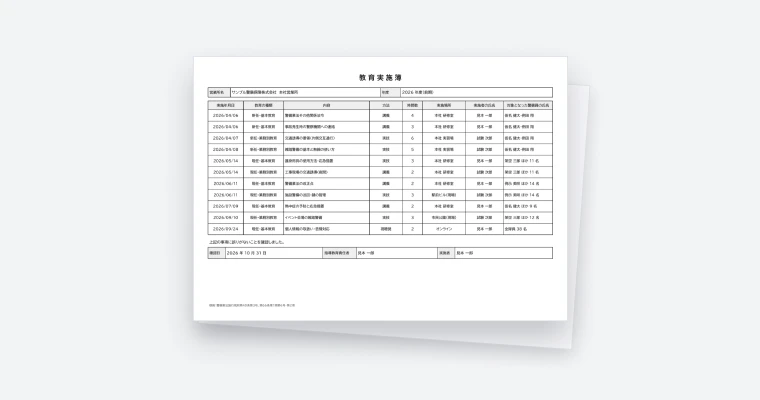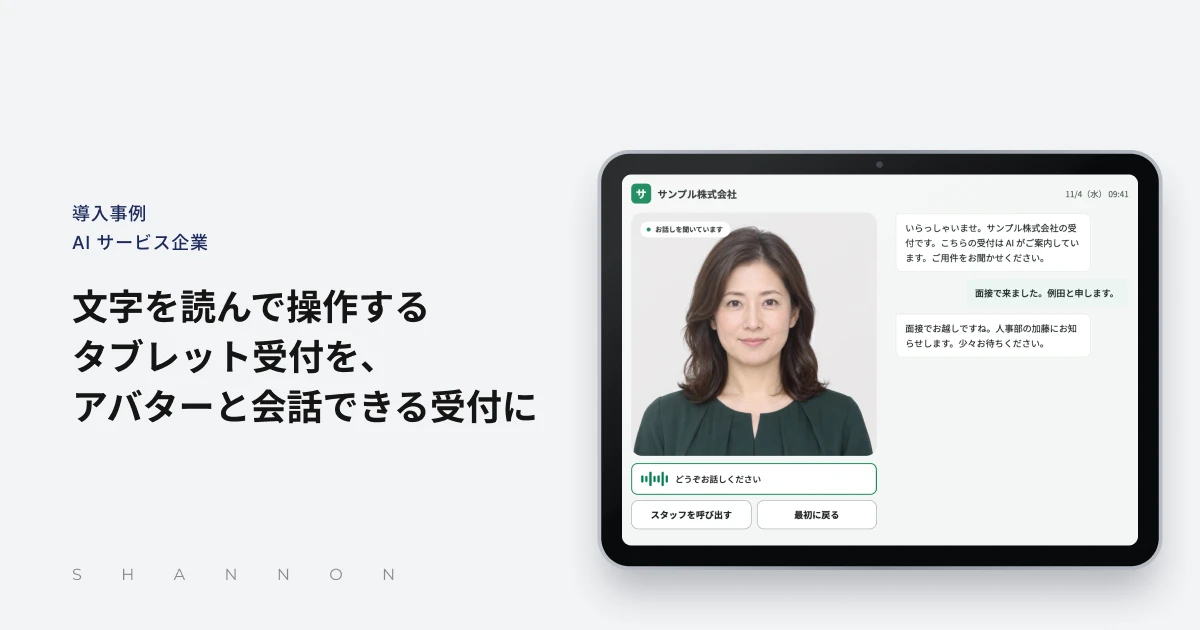
The AI avatar on the reception tablet runs on avacast, an AI avatar API. Visitors move through reception by talking with the avatar on screen.
Challenges before adoption
- Tablet reception was limited to reading on-screen text and tapping options
- Visitors unused to touch screens sometimes got stuck partway through
- Building a face-to-face conversational reception in-house was a heavy burden
Results after adoption
- Visitors move through reception by talking to the avatar on the tablet
- An avatar with lip movement matched to its voice answers naturally
- Each reception chooses its avatar and speaking speed to match the company
| Customer | An AI services company |
|---|---|
| Product | avacast |
| Adopted | October 2026 |
This company provides a system for receiving visitors on a tablet placed in a company’s office. Aimed at businesses that want to welcome visitors without staffing the front desk, it handles everything from checking visitors in to notifying the person they are visiting, and it is used in offices of many sizes and industries.
Until now the company’s service had centred on a reception where visitors follow on-screen prompts and choose options. Aiming for a reception where visitors feel genuinely welcomed, the company adopted avacast, an AI avatar API, so that visitors can move through reception by talking with an avatar on the tablet. This is how that came about.
Tablet reception spreading as front desks go unstaffed
Office reception used to mean a dedicated receptionist greeting visitors and passing them on. With changes in how people work and the difficulty of hiring, more companies now welcome visitors with a tablet or similar device instead.
With tablet reception, visitors follow the screen to choose the person and purpose of their visit, and the system notifies that person. Because no receptionist is needed, it has spread as a way to keep the general affairs workload down.
The company’s service grew by meeting this demand. Once the staff directory and visit purposes are set up, visitors only have to choose on screen and the right person is notified. Ease of introduction and low operating effort have been widely appreciated.
Yet the reception is also the first point of contact a visitor has with a company. Prospective clients told the company they worried that a reception consisting only of a device might feel cold. Balancing efficiency with the reception’s role as the face of the company was a challenge the company could not avoid.
The difficulty of reading and choosing on screen
Tablet reception mostly means reading text on screen and selecting options. That is quick for regular visitors, but not easy for everyone.
Visitors unused to touch screens may not know where to tap or which option to choose. When looking for a department or a person in a list, some cannot find the name and stop. Being stuck at an empty reception in an unfamiliar office is an uneasy experience.
Visitors who find small text hard to read, or who are not used to reading Japanese, also struggled with a text-centred reception. If check-in fails, visitors look for another way, such as phoning the person directly, which undermines the point of an unstaffed reception.
The client companies had their own concern. When a visitor is stuck at an unstaffed reception, nobody can help on the spot, and keeping a visitor waiting leaves an awkward first impression. As companies choosing a reception system came to value the welcome as much as ease of operation, the company began rethinking what reception should be.
If there is someone to talk to, visitors can move through reception just by stating their business. The company concluded that offering a reception where visitors can talk face to face was the key.
Options for a reception with a face
The company considered several ways to give the reception a face. One was to play pre-recorded video of a person. It is easy to introduce, but it cannot respond to what visitors say and ends up repeating fixed messages.
An illustrated character was also considered, but if expression and mouth movement do not change with the conversation, it is hard to feel that one is actually talking to someone. That sense of conversation was essential to making reception easier.
Developing avatar video generation, streaming and lip movement in-house was another option. However, streaming video that responds to visitors without lag, and keeping it stable, requires specialized technology and continuous operation. Diverting effort from the reception features to building an avatar platform was not realistic.
In the end the company chose avacast. It valued that avatars converse in real time with mouth movement matched to speech, and that they can be built into the reception screen with the API and SDK.
Letting each reception choose its avatar requires several avatars that can be switched per reception, and being able to adjust speaking speed is essential for a reception that welcomes many kinds of visitors. avacast met these requirements and was judged a suitable foundation.
Getting mouth movement and voice to match
What the company valued most was that the avatar’s mouth movement and voice match. When people talk, they unconsciously watch the other person’s mouth. If voice and lips are out of step, visitors feel something is off and hesitate to speak to the screen.
With avacast, the avatar’s mouth movement follows what it says. Visitors can talk to the avatar much as they would face a person, and seeing a face, even in a short exchange, gives them reassurance.
Timing matters too. If there is a long pause after the visitor finishes before the avatar replies, visitors wonder whether they were heard. Using an API built for real-time conversation helps the reception conversation proceed at a natural pace.
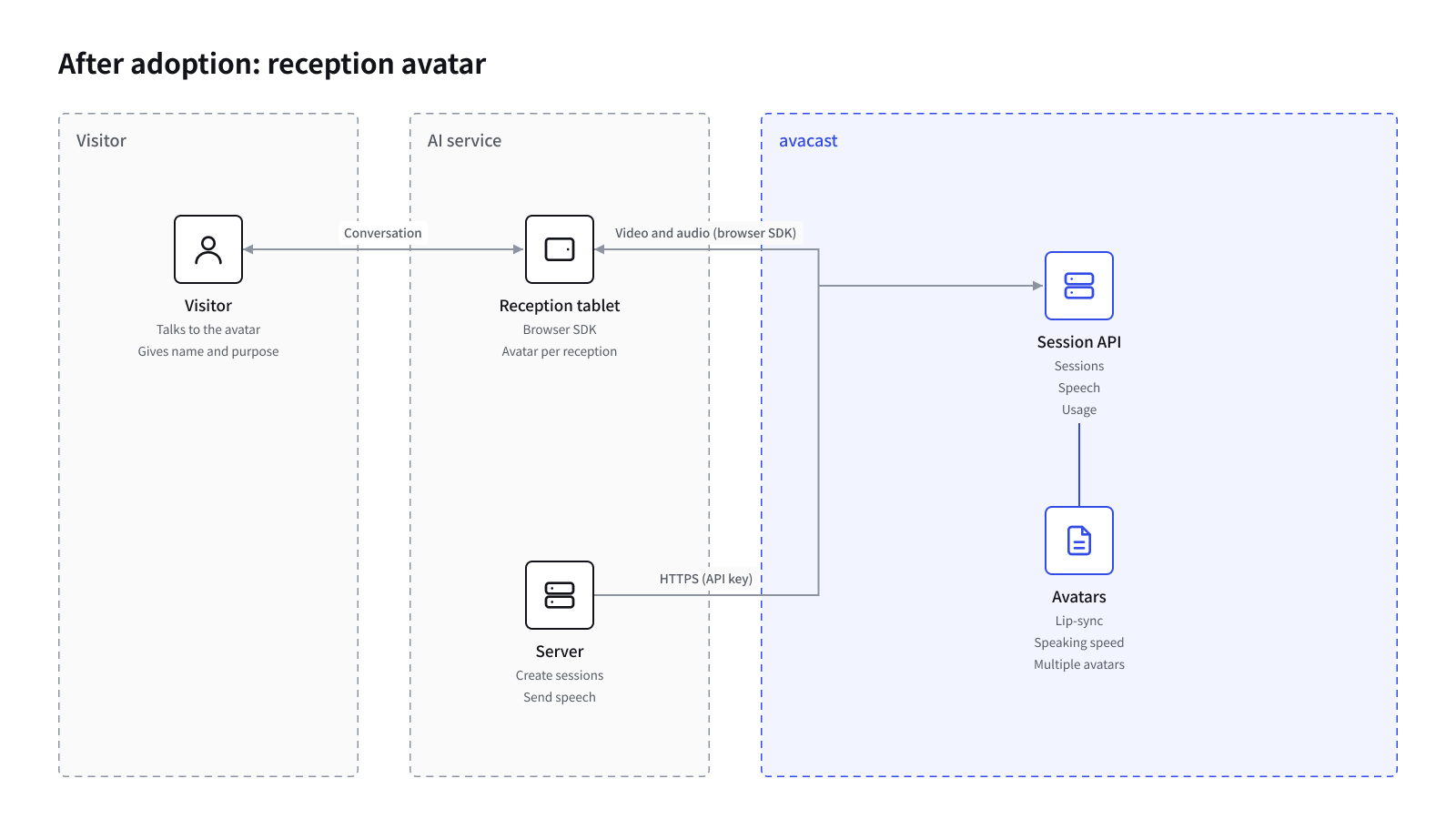
Stable operation on the reception tablet was another technical requirement. The device sits at the office entrance all day and a conversation starts with each visitor. By building the avatar in with the API and SDK and controlling the conversation from start to end in line with the reception flow, the company ensures the avatar responds with the same quality every time.
Avatar and speaking speed chosen per reception
Client companies vary in industry and atmosphere, and the right impression for a reception differs from company to company. To meet this, each reception can choose its avatar and speaking speed.
A company that values a calm impression and one that wants to appear approachable will choose different avatars, depending on its atmosphere and its visitors.
Speaking speed also affects ease of use. In an office with visitors of all ages, a slower pace is easier to follow; in a busy office where quick check-in is expected, a slightly faster pace may suit better. Adjusting the speed per reception lets each company have a reception that fits it.
These settings are chosen by the client company from the reception system’s admin screen. There is no need to ask the provider to make changes; each company can shape its own reception.
Checking at the office reception before rolling out
The company first checked the integration at its own office reception. Standing in front of the tablet and speaking to it, staff checked how natural the replies were, how well lips and voice matched and how easy each speaking speed was to follow, across a range of situations.
The reception conversation itself was also reviewed: what greeting makes visitors start speaking most easily, and in what order to ask about the person and purpose so that check-in goes smoothly.
Different speaking speeds were compared to find what suits different visitor groups. Because noise and foot traffic at an office entrance change through the day, the company also checked whether the avatar’s voice reaches visitors in those conditions.
For rollout, the company prepared a path from the tap-to-select reception to the conversational one and explained to clients how to choose an avatar and set speaking speed. Existing settings such as the staff directory and visit purposes carry over as they are, so clients can start without extra preparation.
A reception that faces the visitor, and what comes next
With the avatar reception, visitors talk to the avatar on the tablet to check in. The avatar answers with matching lip movement and moves the conversation forward. With no need to read and search through text, visitors unused to touch screens find check-in easier.
Client companies can now offer a reception that faces the visitor without staffing it, and they value being able to match the avatar and speaking speed to their atmosphere.
For the company, leaving the avatar platform to avacast means it can concentrate development on the reception flow and notifying the right person. Letting prospective clients try the conversational reception also shows the difference from a text-based one in concrete terms.
The company plans to keep improving the avatar’s expression and the reception flow, making the reception that welcomes visitors on a company’s behalf ever more comfortable.
Key features
- Avatar selection
- Speaking speed
- Real-time conversation (API and SDK)