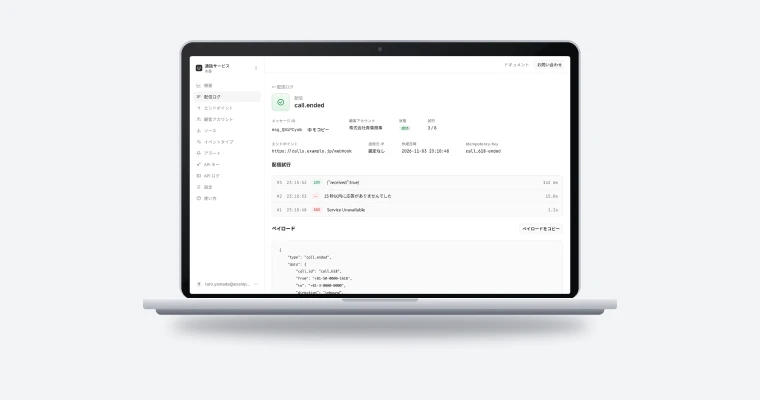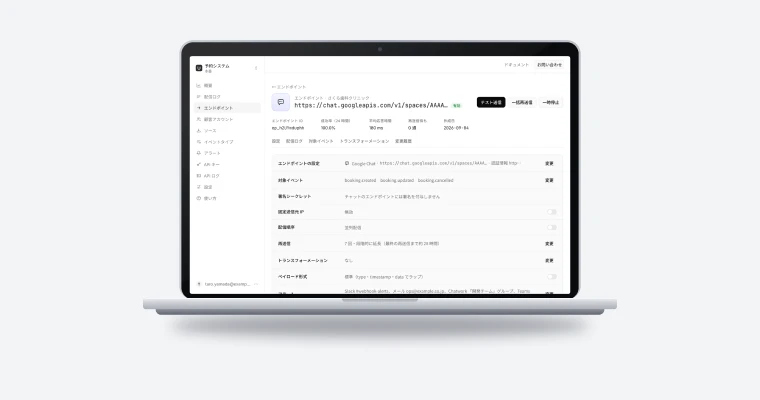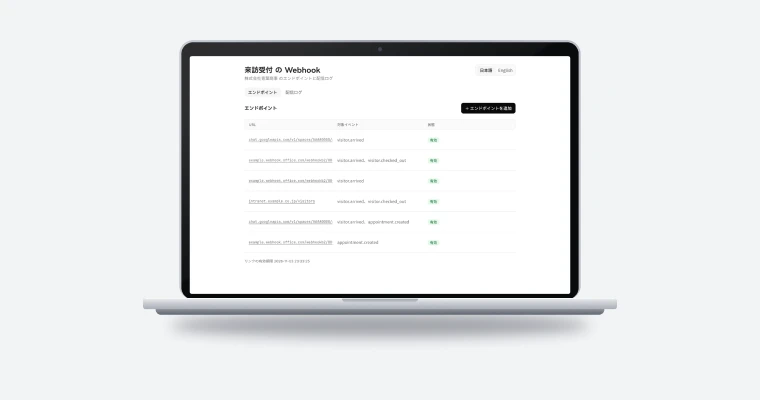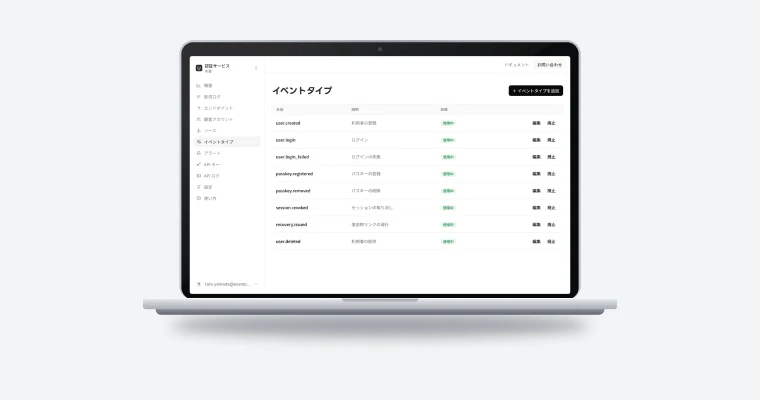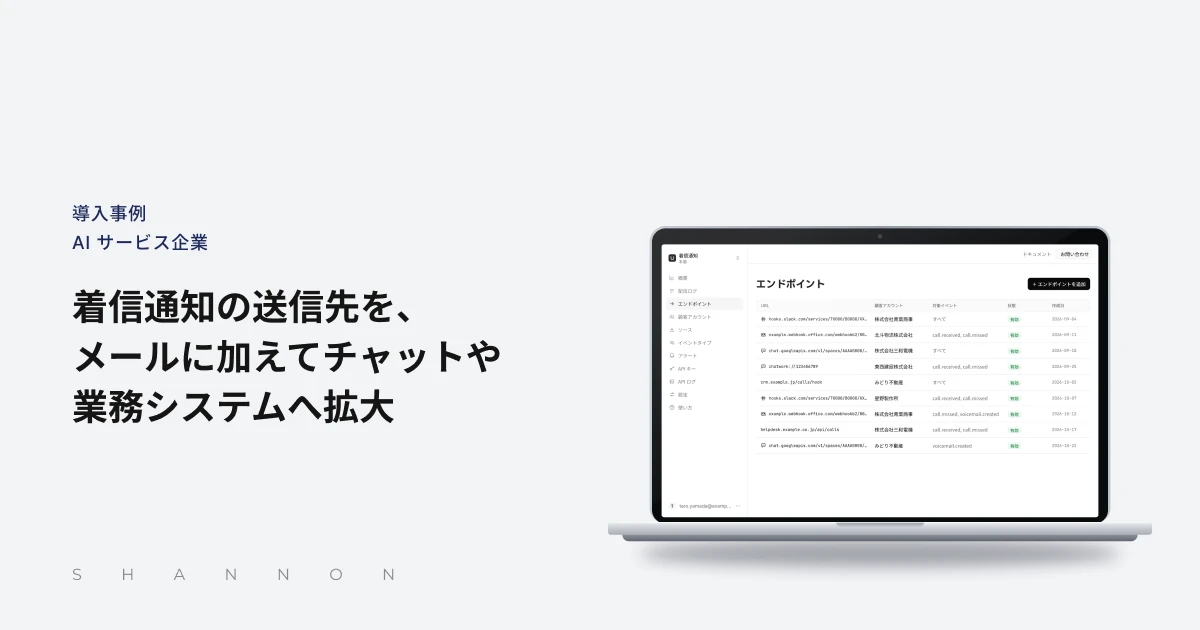
The service sends received, handled, dropped and blocked call events through Webhook Admin to client companies’ chat tools and systems. In addition to email, client companies now receive calls where they work every day.
Challenges before adoption
- Call notices came only by email and were easily buried and missed
- No way to deliver calls to the chat tools and business systems clients use
- Every kind of call produced the same notice, all delivered together
Results after adoption
- Call summaries now arrive in chat tools such as Google Chat as well as email
- Received, handled, dropped and blocked calls are separated so clients pick what they need
- Failed notices are retried, keeping delivery reliable as destinations expand
| Customer | An AI services company |
|---|---|
| Product | Webhook Admin |
| Adopted | October 2026 |
This company provides an AI phone-answering service for businesses. When a call comes in for a client company, the AI answers in that company’s name, takes down the caller’s business, summarizes it and passes it on to the company’s staff. Companies that cannot always have someone in the office, or that do not want staff tied up on the phone, use it to focus on their core work.
For a phone-answering service, reliably passing on what was said matters as much as answering the call. The company extended its call notices, previously sent only by email, so they can also be delivered through Webhook Admin to chat tools and business systems. This is how it widened the destinations for its notices.
Passing on the call is the value of phone answering
For client companies, answering the phone is only the start. A call means something only once its content, whether an inquiry from a business partner, a question from a prospect or a request for a call back, has been acted on. How quickly and reliably staff learn what a call was about largely determines the value of the service.
When the AI finishes a call, it summarizes the conversation and notifies staff. The summary covers who called, what about and whether a call back is needed, and staff decide their next step from it. If the summary arrives late or is overlooked, the client company may miss its chance to respond.
The phone is a channel where callers expect a quick response and want their message passed on right away. Call notices bridge that expectation and the client company’s response, so their reliability and ease of receipt bear directly on the quality of the service.
Call notices buried in email
Until now, the service sent call notices by email. Every company uses email, which makes it an easy destination. But staff receive many emails each day, and call notices could get buried among them.
Staff who are often out of the office or juggling several tasks may not notice a call until they open their email. Even when a call needs an urgent call back, putting off email delays the response. Preventing missed calls meant delivering notices where staff look throughout the day.
Many client companies use chat tools such as Google Chat for internal communication. In chat, staff notice messages between tasks and can share follow-up with colleagues in the same team. Client companies had asked to receive calls in chat as well as by email.
Some also wanted call details in the business systems they use to manage customers and inquiries. Copying each email into those systems takes time and invites omissions. The service needed a way to deliver calls directly to business systems as well as chat.
Separating notices by kind of call
Widening destinations brought another issue into focus: what client companies want to know depends on the kind of call. Some calls end with the AI having taken down the caller’s business, some are dropped before the caller says anything, and some come from numbers the client company has chosen to block.
Previously, the same kind of notice was sent regardless of these differences. Summaries of handled calls are something staff want to see at once, while calls from blocked numbers may only need to be recorded. If every call went to chat in the same way, the notices that really need action would be harder to spot.
Even so, blocked and dropped calls are not irrelevant. If the same number keeps calling, the company wants to know. Keeping a record of every call while letting each client company decide which calls to receive where became a precondition for expanding destinations.
The company decided to handle calls by kind, so that client companies can choose only the notices they need, as part of expanding the destinations.
One system for delivery to chat and business systems
The company considered building separate sending logic for each chat service. But each chat service works differently, and with business systems included, the logic would multiply with every kind of destination. Retries and delivery records would also have to be handled per destination.
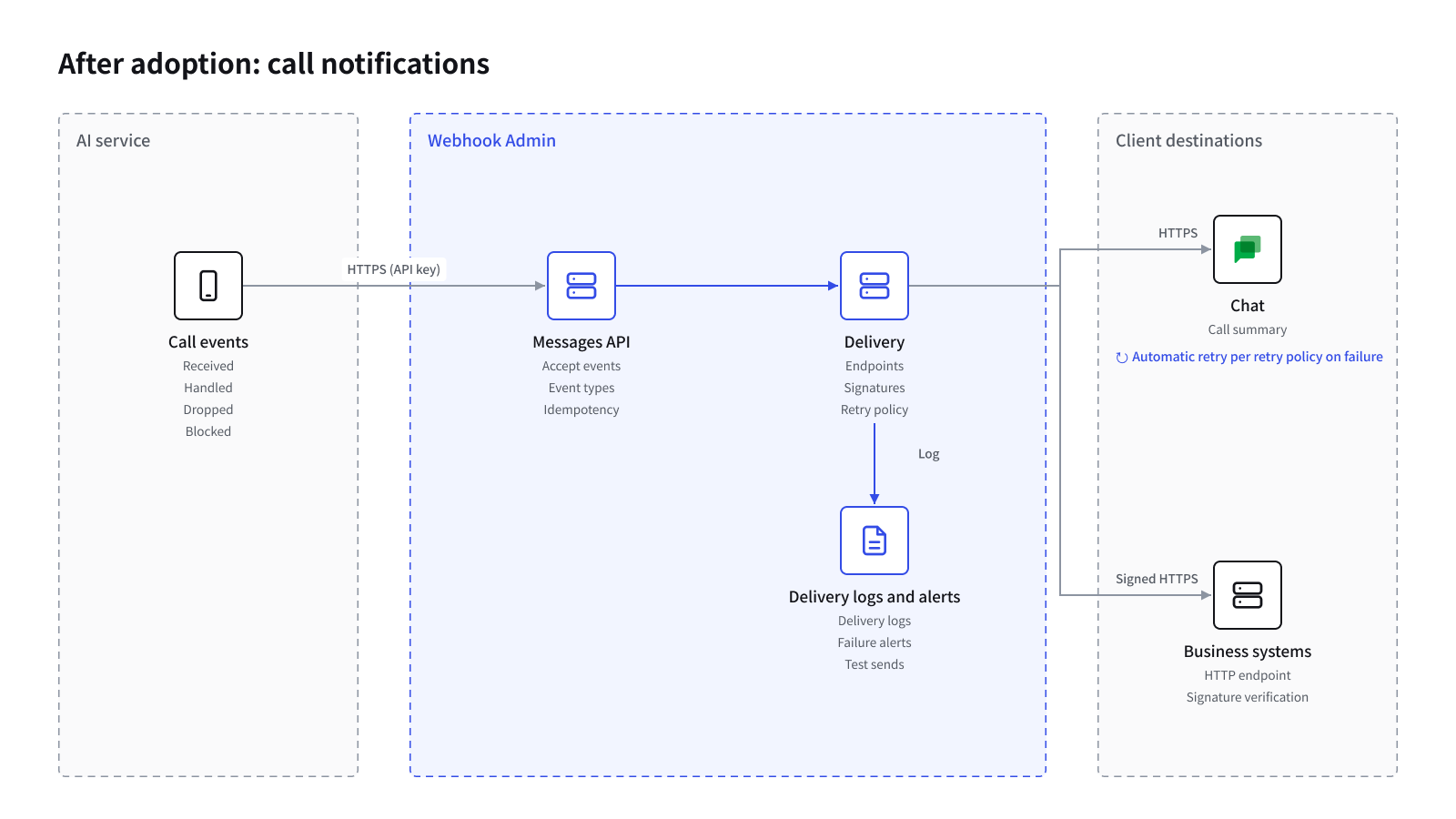
Webhook Admin handles delivery to chat tools such as Google Chat and to HTTP destinations in one system. Event types can be registered and destinations managed per client company, failed notices are retried, and delivery results are recorded. The company chose Webhook Admin because more kinds of destination can be handled with the same operations.
The first step was to organize calls into four event types registered in Webhook Admin: received, handled, dropped and blocked. The service sends these events according to what happens on the call, and Webhook Admin delivers them to the destinations registered for each client company.
Destinations are registered for each client company. In a phone-answering service, the content of a call to one company must reach only that company’s staff. Keeping destinations separate per client company in Webhook Admin ensures call notices never reach another company.
Running alongside email and organizing notice content
When switching over, the company kept email notices and added chat notices alongside them. Many client companies are used to email, and not all of them will move to chat at once. Offering both lets each company choose how to receive calls to suit how it works.
Client companies were told which notices are available in chat and how to register destinations. The company also explained that they can choose which kinds of call to receive in chat, for example receiving only handled-call summaries in chat and checking the rest by email.
In designing chat notices, the company paid particular attention to content. Call summaries include the caller’s name, contact details and business. Chat spaces may include many employees, not just the person responsible. The company includes what staff need to decide how to respond, and leaves it to each client company to choose which space to register as the destination.
Content is also tailored by kind of call. Handled calls carry the summary and whether a call back is needed. Dropped calls and calls from blocked numbers are mainly about recording that the call happened, so their content is kept brief. Consistent formats per kind of call let staff grasp the situation at a glance.
Delivery records have become essential for monitoring. Company staff can see which destinations of which client companies are failing. If retries keep failing, a destination setting is likely at fault, and the client company can be contacted early. Delivery status that was hard to see when notices went only by email is now visible per destination.
Internally, the company briefed staff who handle client inquiries on how chat notices work and how to read the delivery records. Standardizing the steps for checking a destination’s status from the records when a client reports missing notices keeps the response consistent no matter who handles it.
Call notices that are easier to receive
With Webhook Admin, client companies receive call summaries in chat tools such as Google Chat as well as by email. Staff notice calls in the chat they already watch, so there are fewer cases of not knowing about a call until opening email. They can also discuss follow-up with colleagues in the chat.
Because events are separated by kind of call, client companies receive only the notices they need. Summaries that need action stand out, making it easier for staff to decide which calls to look at first.
Reliability has been maintained even as destinations expanded. If a chat service briefly refuses a notice, Webhook Admin resends it, preventing call notices from being lost. The company no longer has to build sending logic for each kind of destination and can put its development effort into the quality of call handling.
Toward integration with business systems
The company plans to extend its use of Webhook Admin to integrations with client companies’ business systems. Because Webhook Admin can deliver to HTTP destinations, call events can go directly to the systems client companies use to manage customers and inquiries. Without manual copying, their work will run more smoothly.
Integrating with business systems requires the client company to prepare a receiver for call events. The company plans to document what each event type contains so that client companies and their integration partners can check it. Retries and delivery records are shared with chat notices, so the operating procedures stay the same as integrations grow.
By widening where client companies receive calls, from email to chat to business systems, the company aims to support not just answering the phone but everything that follows.
Key features
- Event types
- Destinations per company
- Delivery to Google Chat
- Retries and delivery records