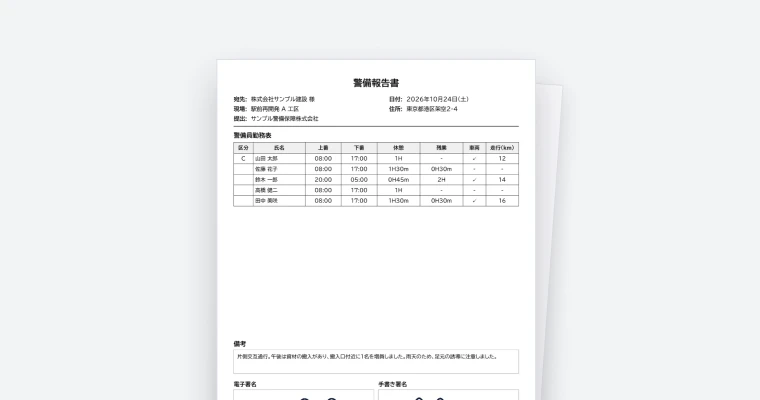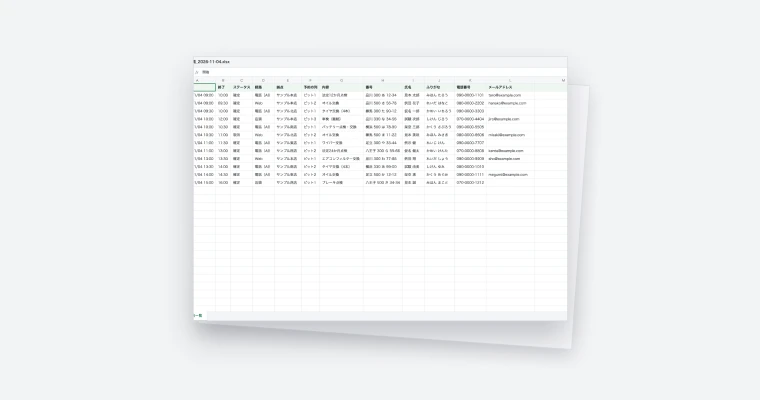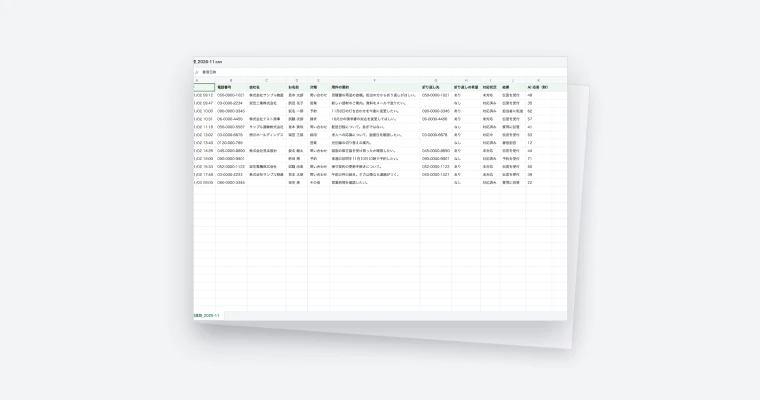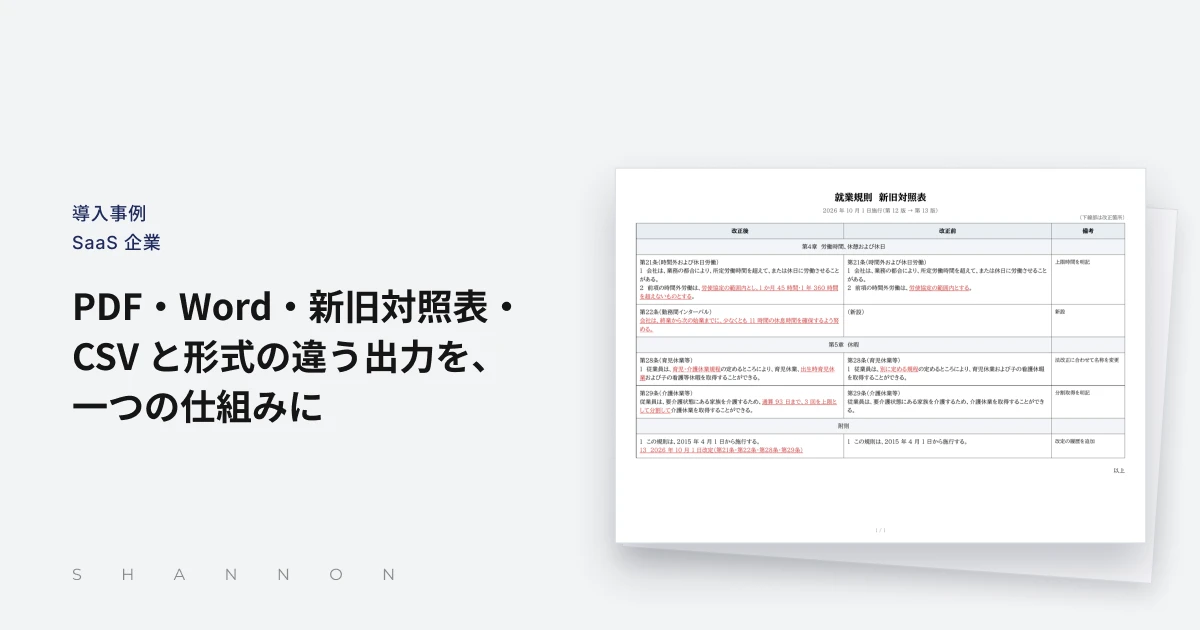
The service issues rule PDFs and Word files, comparison tables, labor-agreement documents and CSVs of read and audit records through DocRelay, bringing differently formatted output into one mechanism.
Challenges before adoption
- Many outputs in different formats: PDF, Word, comparison tables, CSV
- Separate code per format, with time lost to layout fixes and bugs
- A way to keep output quality while limiting development effort
Results after adoption
- All formats consolidated in DocRelay and issued by passing data
- Layout changes handled by updating templates
- Development time redirected to core rules management features
| Customer | A SaaS company |
|---|---|
| Product | DocRelay |
| Adopted | October 2026 |
The company provides a SaaS for managing company rules and manuals, starting with work rules. Importing existing rule files, drafting, approval, publishing, amendment management and employees’ read confirmation are all handled in one place, and the service is used by companies in manufacturing, healthcare and welfare, construction, information services and other industries.
Rules management does not end on the screen. Rules are printed and kept on file, submitted to authorities, distributed internally and recorded for audits, and each of these involves output. In October 2026 the company brought all of that output together in DocRelay. This case follows how differently formatted outputs were gathered into one mechanism.
The many documents that come with maintaining and amending rules
Company rules are not finished once written. They are amended as laws and organizations change, each amendment is communicated to employees, and some must be filed with the authorities. A change to work rules must be submitted to the labor standards inspection office, usually with a comparison table showing the old and new text side by side.
Labor agreements, including the agreement on overtime work, must also be prepared as documents containing prescribed items and concluded with the workers’ representative. Producing these documents accurately is essential for a rules management service to support its users’ practice.
The formats users need vary. Well-formatted PDFs suit internal viewing and keeping on file, while editable Word files are wanted when wording is to be adjusted internally before filing. Records of which employees have read which rules, and audit records of who did what and when, are wanted as CSV files that can be tallied in a spreadsheet.
Output documents are also treated as the user’s official documents, shown to authorities or during audits. Even if the screen looks right, a broken printout can damage the user’s trust. Starting from the same rule data but needing different formats for different purposes was the core difficulty.
Separate code for every format, each with its own problems
The company had been developing separate code for each format. PDF output, Word output, comparison tables and CSV exports were each built differently and maintained differently.
For PDFs, adjusting article hierarchy, page breaks and tables took effort. Rules differ widely in structure, so a layout that worked for one could break for another, and fixes became unavoidable as the number of rules grew.
Word output had to be formatted with headings and styles so that users could edit it after receiving it. Comparison tables have a distinctive layout, with old and new articles side by side, and need care in how unchanged articles and added or deleted articles are shown.
CSV exports needed little visual work, but column order and labels had to suit how users worked. Because code was split by format, an improvement in one format did not carry over to the others, and similar adjustments were repeated for each. Development time went to output fixes, and work on core features such as importing and approval flows tended to be postponed.
Could one platform handle layout, Word and Excel?
The company’s first concern was how to deal with the differences between formats. A method that handled only PDF, or only CSV, would leave the outputs split across mechanisms.
Building a shared output platform in-house was considered, but creating and maintaining support for layout, Word and spreadsheet formats would be heavy for a limited team, and keeping up with each format’s details would itself become a new burden. Combining general-purpose document tools did not suit automatic issuing from within the service.
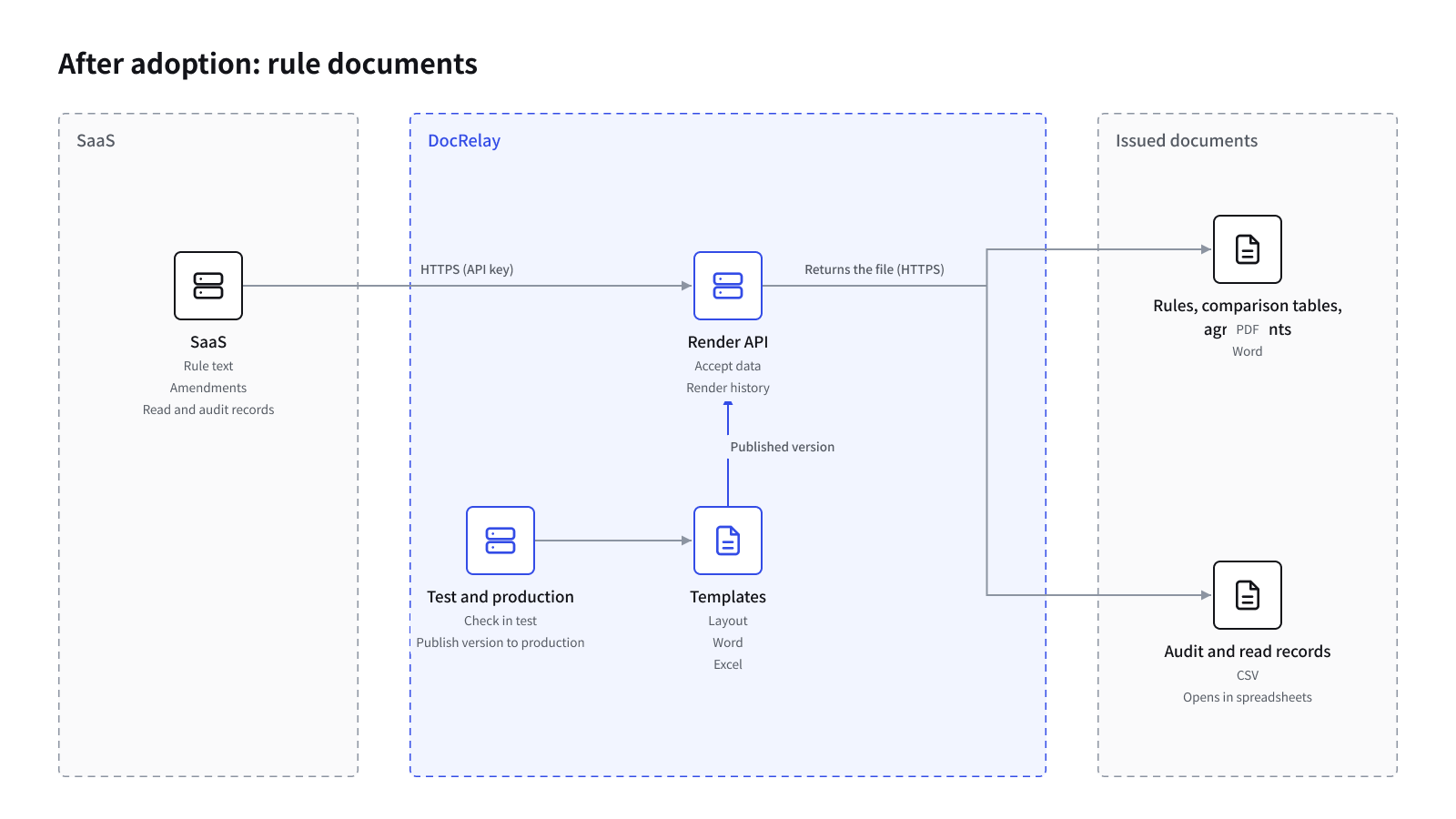
DocRelay handles layout, Word and Excel templates on one platform and issues PDF, Word and CSV when data is passed to the API. However many formats there are, the service calls them the same way, which matched what the company needed.
Separate test and production environments, with templates checked before being published to production, were also valued. Users submit and keep these documents as they are, so the company did not want output changes going live unchecked.
Choosing a template type for each output
The company first listed every existing output and decided which template type each should use. Rule PDFs, comparison tables and labor-agreement documents are presentation documents, so they were built as layout templates.
Word output, intended for users to edit, was built as Word templates, with heading and body styles defined in the template so that the received file is easy to work on. CSVs of read and audit records were built as Excel templates that define the columns and their order.
Each template was then compared in the test environment against existing output using the same data. Examples prone to layout problems were chosen deliberately, such as rules with many articles, rules containing tables and comparison tables covering wide-ranging amendments. During the migration the old code stayed in place while DocRelay output was checked in parallel, so the switch could be decided format by format.
Formats were moved to production as they passed, and operation from the service’s screens stayed the same, so users did not need to learn anything new. Internally, a list of which output uses which template, and the checks required when changing one, was shared among developers.
Particular care with comparison tables and labor agreements
Comparison tables and labor-agreement documents received particular care. A comparison table must pair old and new articles correctly so that readers can see what changed at a glance, even when articles are added or removed. The service prepares data with old and new articles matched, and the template is responsible for presenting it as a table.
Labor agreements have prescribed items, and the amount of text varies with the agreement. The company tested data of many lengths to make sure long entries did not overflow their fields or break awkwardly across pages.
These documents are used as they are for filing and for conclusion with the workers’ representative, so even small visual flaws create work for users. Checking a template version in test before publishing it to production is a strong support for keeping their quality.
Output issued by simply passing data
Today rule PDFs and Word files, comparison tables, labor-agreement documents and CSVs of read and audit records are all issued from DocRelay. The service only prepares and passes the data.
Layout changes are handled by updating the template, with no need to rewrite code per format or repeat the same adjustment. Display problems are fixed by correcting and checking the relevant template.
With less time spent on output, the company can concentrate on importing, approval flows and amendment management. For users, receiving each document in a suitable format matters too: PDFs for keeping and distributing, Word for adjusting wording before filing, CSV for checking read status and preparing for audits. Getting the format they need from the same rule data reduces their administrative work.
Internally, the change has also made output easier to support. When a user reports a problem with a document, it is clear which template is involved, and the fix can be checked in test and published without touching the rest of the service. Knowledge of how each output is built is no longer tied to particular developers.
New outputs, added as templates
The documents rules management requires are likely to grow with legal amendments and user requests. The company intends to add any new output as a template.
The procedure was settled during this migration: choose the template type by the nature of the output, check in test, publish to production.
The company will continue to provide documents that support the full cycle of drafting, amendment, communication and filing in a form suited to users’ practice. By leaving output to DocRelay, it plans to focus on making the rules management service itself easier to use.
Key features
- Layout templates
- Word templates
- Excel templates
- PDF, Word and CSV output