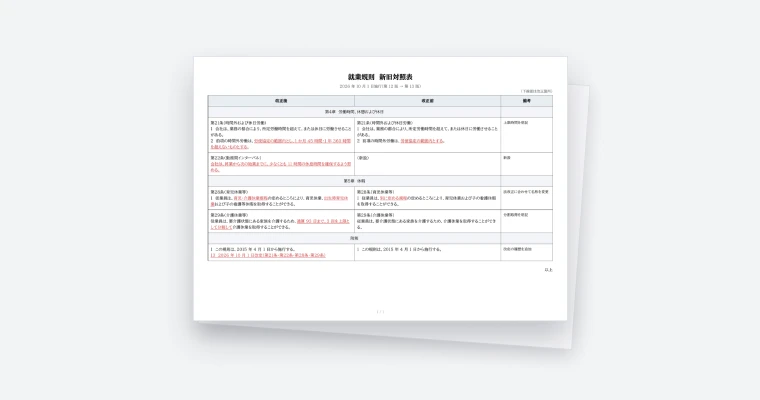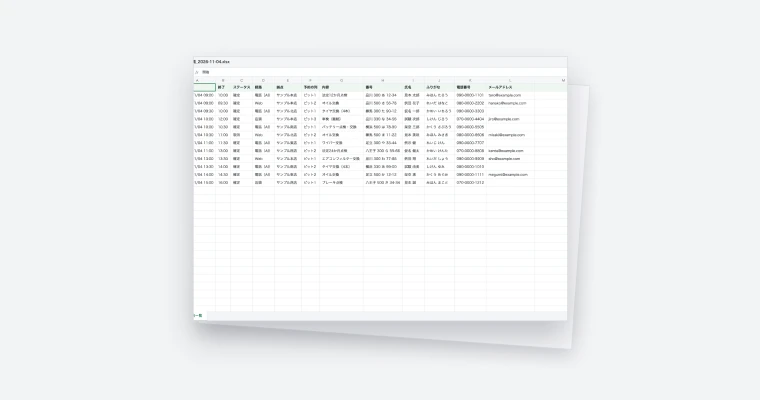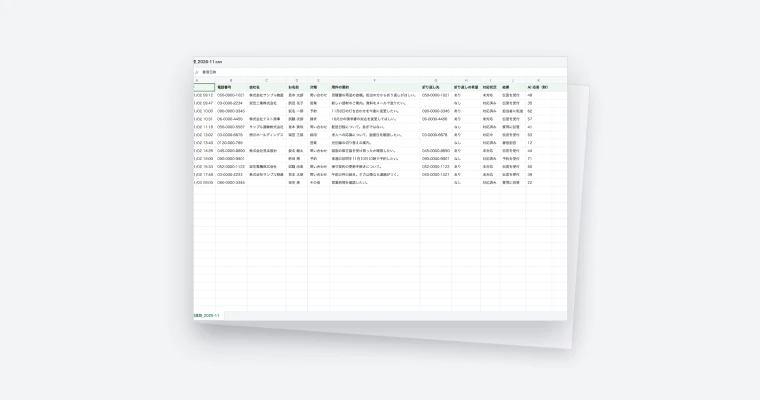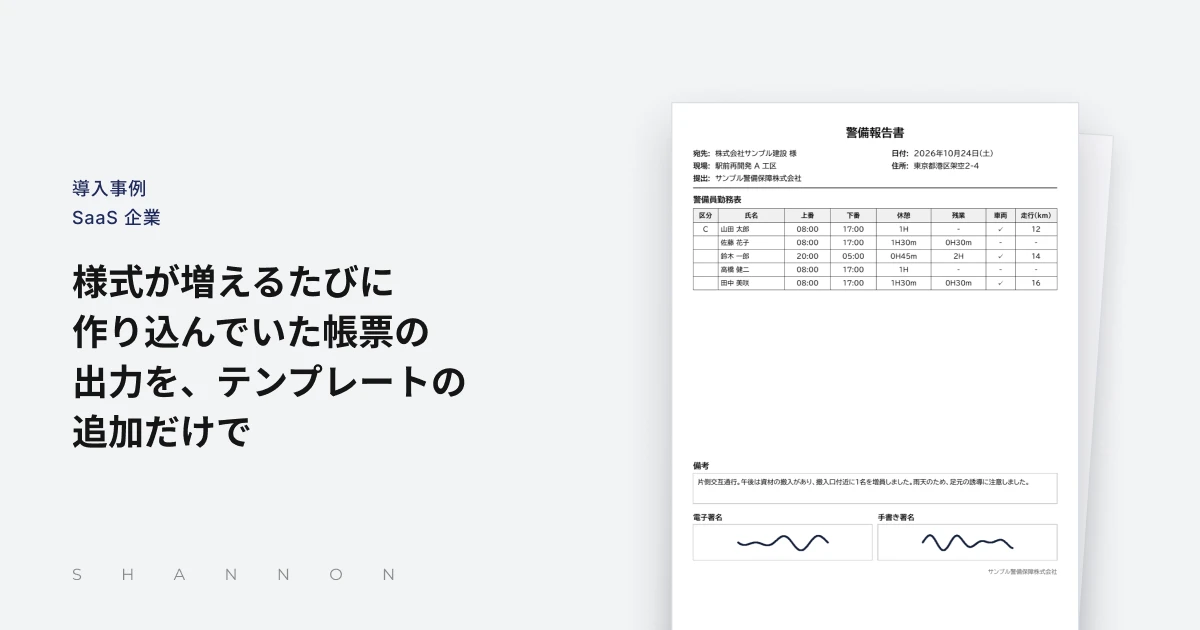
The service issues job-slip PDFs and more than 20 kinds of statutory forms from DocRelay templates. Changing a form now means updating its template.
Challenges before adoption
- Job slips and more than 20 kinds of statutory forms had to be output
- Every new or changed form required new output code
- Maintaining forms left little time for core feature development
Results after adoption
- Job-slip PDFs and statutory forms issued from templates
- Form changes handled by updating templates, with no service-side development
- Checking in test before releasing to production became standard practice
| Customer | A SaaS company |
|---|---|
| Product | DocRelay |
| Adopted | October 2026 |
The company provides security-guard firms with a SaaS that brings together guard assignments and schedules, clock-in and clock-out reports, job slips from the field and the management of statutory forms. The firms using it range widely, from facility security to traffic control, and their offices differ in size. What they share is the need to turn the records of daily work into documents that meet legal requirements.
Being able to output those documents from the screen is one of the service’s most important functions. As the number of forms grew, however, continuing to develop output code for each of them became a burden. In October 2026 the company moved its document output to DocRelay, a document generation engine. This is how it came to rethink the way forms are handled.
Records the Security Services Act requires, and the job slips signed on site
Under the Security Services Act and related regulations, security firms must keep a range of documents at each office, including the guard roster, records of training delivered and supervision plans. These are checked during on-site inspections by the prefectural public safety commission, so they must contain every required item and be ready to show at any time.
Offices have traditionally kept these documents on paper or in spreadsheets, adding to them whenever guards join or leave or training takes place. The service aims to let firms register guard and training information as part of daily work and output it as statutory documents whenever needed.
The other essential document is the job slip. When a job ends, the client’s representative checks the work and signs, and the slip becomes the basis for invoicing. In the service, slips signed on screen by the client can be output as documents for storage or submission.
Statutory forms and job slips differ in nature, but both must be output exactly in their prescribed format. If items are misplaced or wording is off, the firms cannot use them as documents. Reliable output was directly tied to trust in the service.
Output code built by hand for every form
At first the company developed output code for each form, specifying ruled lines, text positions and even page breaks in the program. While there were only a few forms, this worked without major problems.
Statutory forms are numerous, though, and the more of them the service supported, the more code there was. The number of forms needed eventually exceeded 20, and building and maintaining dedicated code for each one weighed heavily on the development team.
Changes were costly as well. Even a small change, such as adding an item, rewording a label or adjusting a column width, meant rewriting code, testing it and waiting for the next release of the whole service. Requests from firms about forms could not always be met quickly.
Because the output code was part of the service itself, every change also had to be checked for side effects on other features. The way forms were built also differed by developer, and know-how about fine adjustments tended to sit with particular people. The company needed to rethink how forms were handled.
Moving document generation out of the service
The company decided to separate document output from the service and compared several approaches. One was to keep developing in-house and consolidate the output code, but changes would still require development every time.
Distributing spreadsheet templates for users to fill in was another option, but it would defeat the service’s purpose of building documents from daily work data. General-purpose document tools were also considered, but they did not suit automatic issuing from within the service.
The company chose DocRelay. Forms are managed as templates, and PDFs and CSVs are issued simply by passing data to the API, so the service no longer has to hold any knowledge of the form layouts. In addition to layout templates that place items in fixed positions, Excel templates are available, so the method can be chosen to suit each form.
Separate test and production environments were a deciding factor. A new or revised form can be checked in the test environment first and released to production only once it is confirmed. For a service handling statutory forms, having that check built into the process was essential.
Starting with job slips, then moving statutory forms one by one
The migration began with job slips, the most frequently used output. Since slips are issued every day for each site, they were the best way to verify output quality. The slip format was built as a DocRelay layout template, and its output was compared in the test environment against the existing code using the same data.
Once job-slip output was confirmed stable, statutory forms were moved to templates in turn. Each form previously produced by code, such as the guard roster and training records, was rebuilt as a template and checked to confirm that item positions and wording matched the old output.
The template type was chosen according to the form. Documents with a fixed appearance were built as layout templates, while lists that are usually opened in a spreadsheet are issued as CSV from Excel templates.
Within the company, the steps for creating and checking templates were shared among developers, so that anyone could handle forms to the same standard. After repeated checks in test, the switch to production took place on October 31, 2026. Firms using the service saw no change in how they output documents.
How form accuracy is protected
Accuracy was the company’s main concern. Statutory forms must not only contain the right items but also look right when shown during an inspection. Every template was tested with data close to real use, checking column widths, line wrapping and documents that run over several pages.
Templates have versions, and a version confirmed in test is published to production. When a form is revised, the production version stays as it is while the new version is checked in test, then published. Because the check is part of the mechanism, the procedure does not depend on who is doing the work.
Responsibilities are clearly divided. The service prepares the data and passes it to the API; the template decides where and how it appears. A change to a form can no longer affect how the service itself behaves. Output formats are chosen by purpose as well: documents for storage and submission are issued as PDFs that keep their layout, and lists the firms use for tallying and checking are issued as CSV.
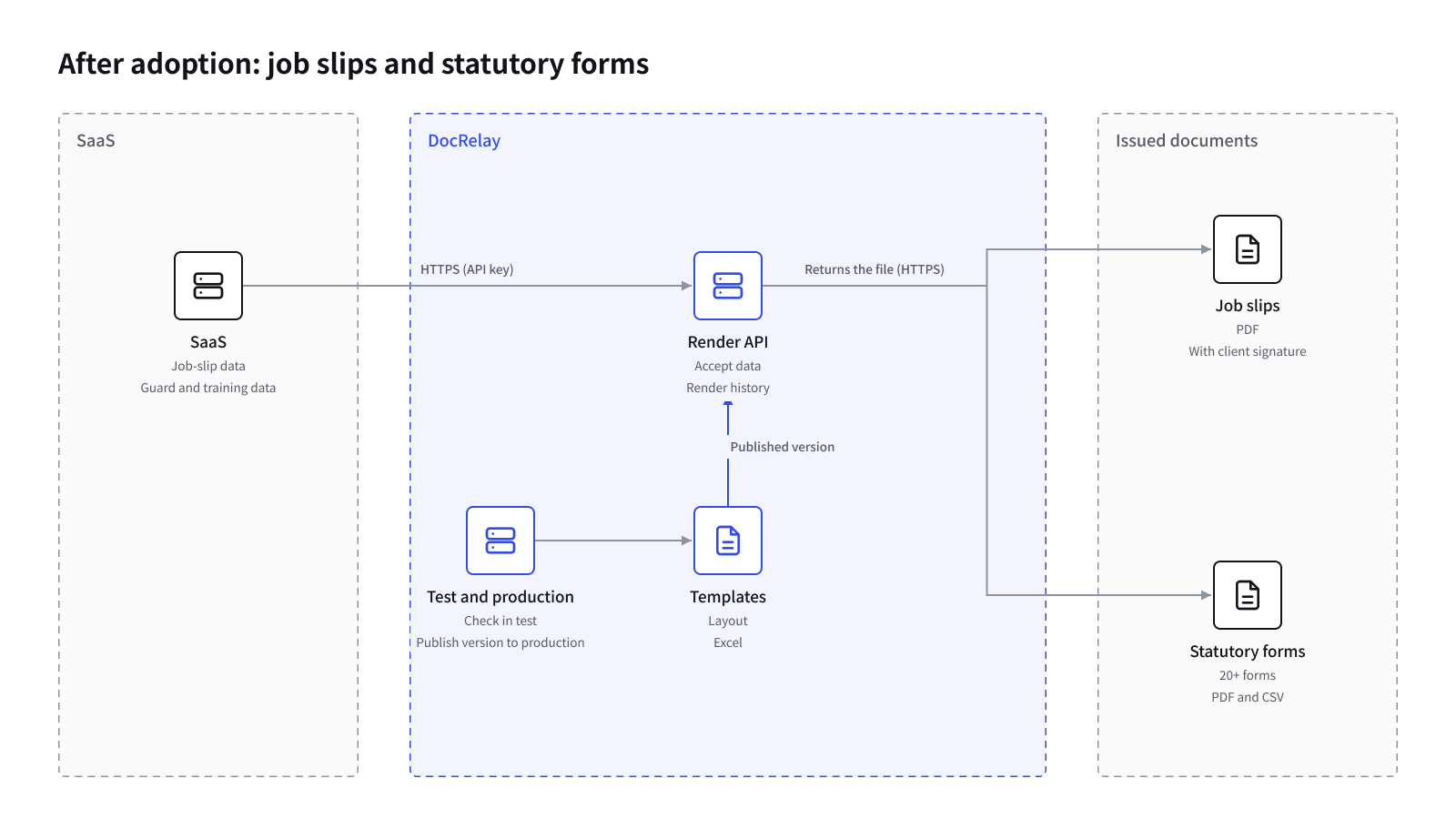
Form changes handled by updating a template
Today the service issues job-slip PDFs and more than 20 kinds of statutory forms from DocRelay. When a form needs to change, updating the template is enough, and no development is needed on the service side.
Requests from firms about forms are now easier to meet. A revised template is checked in test and published to production without waiting for a release of the whole service. For the firms, being able to output prescribed documents at any time from information registered in daily work reduces the effort of preparing documents for inspections or copying data into spreadsheets.
With less time spent maintaining forms, the company can direct development toward the core of the service, such as assignments and shift reports. Checking in test before releasing to production has become part of everyday development, allowing form changes to proceed carefully but without delay.
Adding the forms that are needed, as templates
Documents in the security industry are likely to keep changing with amendments to the law and as the firms’ work expands. The company intends to respond by adding new forms as templates.
The procedure was settled during the migration: create the template, check it in test, publish it to production. New forms can follow the same path.
The company will continue to build on the service’s strength of producing compliant documents from daily records. By leaving document output to DocRelay, it plans to put more effort into features that reduce the workload of security firms’ offices.
Key features
- Layout templates
- Excel templates
- PDF and CSV output
- Test and production environments