The service issues booking, customer, shift and staff data exports and the AI phone reception number application form through DocRelay, bringing exports and documents into one mechanism.
Challenges before adoption
- Requests to use booking, customer, shift and staff data in spreadsheets
- Fixed-format documents also needed, such as the number application form
- Concern that separate code for each output would be hard to maintain
Results after adoption
- Data exports and the application-form PDF issued from DocRelay
- Fields and formats managed in templates, so changes are easy
- Development focused on booking and shift features
| Customer | A SaaS company |
|---|---|
| Product | DocRelay |
| Adopted | October 2026 |
The company provides a cloud service that manages bookings and staff shifts together for dental practices, clinics, repair shops and similar businesses. Taking bookings, assigning staff shifts and having AI accept booking calls are all handled in one service, which is also used by practices and shops with several locations.
Booking and shift information builds up steadily through daily reception, and users had been asking to work with it in their own spreadsheets. Using a number for AI phone reception also requires a document in a fixed format. In October 2026 the company brought both data exports and document creation into DocRelay. Here is how that came about.
Booking and shift data that practices and shops want at hand
A booking and shift management service records booking dates and details, customer information and staff schedules every day. Many practices and shops want not only to view this data on screen but to take it into a spreadsheet and use it in their own way.
They may tally monthly bookings by menu item for business decisions, pass staff work records on to payroll, or compare customer information against other ledgers. The service’s screens alone cannot meet every one of these needs, which differ from business to business.
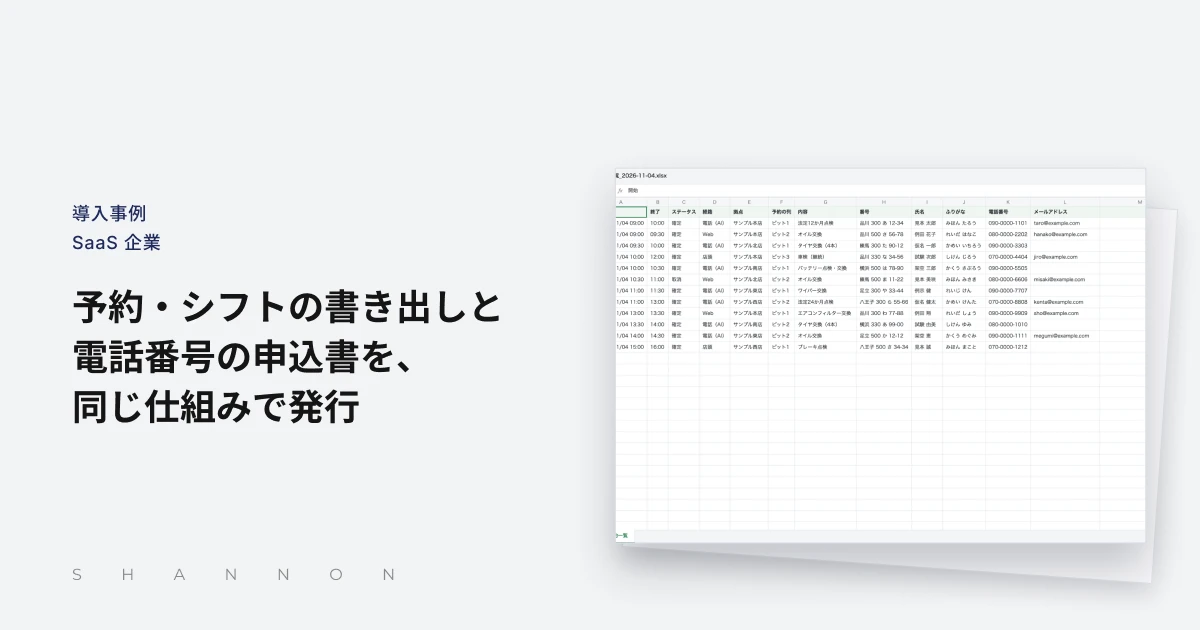
The service therefore offers exports of booking, customer, shift and staff data. Letting users handle their own data freely is also a precondition for them to keep using the service with confidence.
What matters is that exports open in a spreadsheet ready to use. Unclear column order or inconsistent date and time formats would leave users tidying data by hand. Customer and staff data also includes personal information, so errors would affect not only operations but trust in how information is handled. Fields had to stay accurate, with results checked every time they changed.
Different fields in every export, and the code to maintain them
The data to export is varied: bookings, customers, shifts and staff, each with different fields, from date, menu and assigned staff for bookings to working days and hours for shifts.
The company initially expected to develop output code for each export type. That would mean rewriting code whenever a field was added or the order revised, and as the service gained features, there would be more fields to add.
The service is also used by quite different industries. Menu names and field labels vary by industry, so exports need wording that fits each. As combinations of export types and industries multiplied, keeping separate code for each would become a growing burden.
Exports are not the center of the service, but they matter to users’ trust. The company did not want their upkeep to keep taking development time. Each time a field changed, the code, the checks and the release would all have to be repeated, and the work would grow with every new feature added to the service.
A fixed-format document needed to apply for a phone number
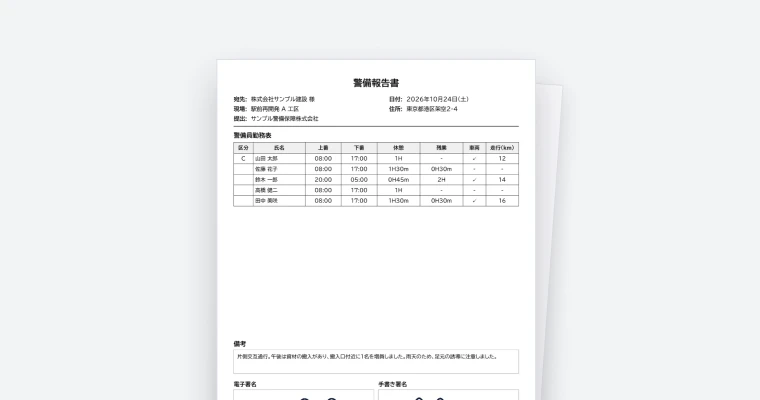
The other output is the application form for an AI phone reception number. With AI phone reception, a practice or shop has a dedicated number and AI answers incoming booking calls. Before the number can be used, a document setting out the application must be prepared.
The form records prescribed items, such as the business’s name, address and application details, in a prescribed layout. Unlike exports, it is not a list for spreadsheets but a well-formatted PDF.
The company had considered building the form in-house as well, but designing the layout from scratch and revising the code whenever the form changed would create a separate maintenance burden. It was concerned about carrying two very different kinds of output by two different methods.
Choosing one platform for both exports and documents
The company looked for a way to handle both data exports and the application form on the same platform. A method that handled only spreadsheet exports, or only documents, would split output across mechanisms with separate maintenance for each. Building both in-house would not resolve the original concern either.
DocRelay handles Excel templates and layout templates on the same platform and issues CSV or PDF when data is passed to the API. Exports define their fields in Excel templates and the application form defines its layout in a layout template, so outputs of different natures can share one mechanism.
Managing fields and layouts in templates was important. The service concentrates on preparing and passing data, while templates decide which fields appear in what order and where each item goes on the form. Adding fields or revising a form can then proceed separately from service development.
Separate test and production environments were another reason. Since these outputs involve customer information and application details, being able to check results in test before going to production was essential.
Defining fields in Excel templates and checking in test
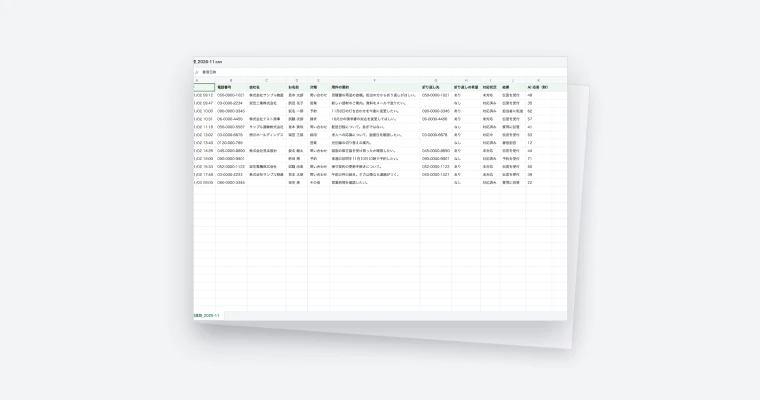
The rollout started with data exports. An Excel template was created for each of bookings, customers, shifts and staff, defining column order, header labels and date and time formats. Fields whose labels differ by industry are handled in the templates.
Each template was then tested with data close to real use, checking how the result looked in a spreadsheet, whether any fields were missing or inconsistent, and whether large volumes exported without problems. For related data such as bookings and customers, or shifts and staff, exported results were cross-checked for discrepancies.
The application form was built as a layout template. Because names and addresses vary greatly in length, the company tested many data patterns to make sure long entries still fit their fields.
Templates were published to production once confirmed, and exports and forms are issued from the service’s screens. Users do not need to be aware that output has moved to DocRelay. Internally, the templates used for each export and the checks required when changing fields were documented and shared among developers. Handling industry wording in templates also avoided adding industry-specific branches to the service’s code.
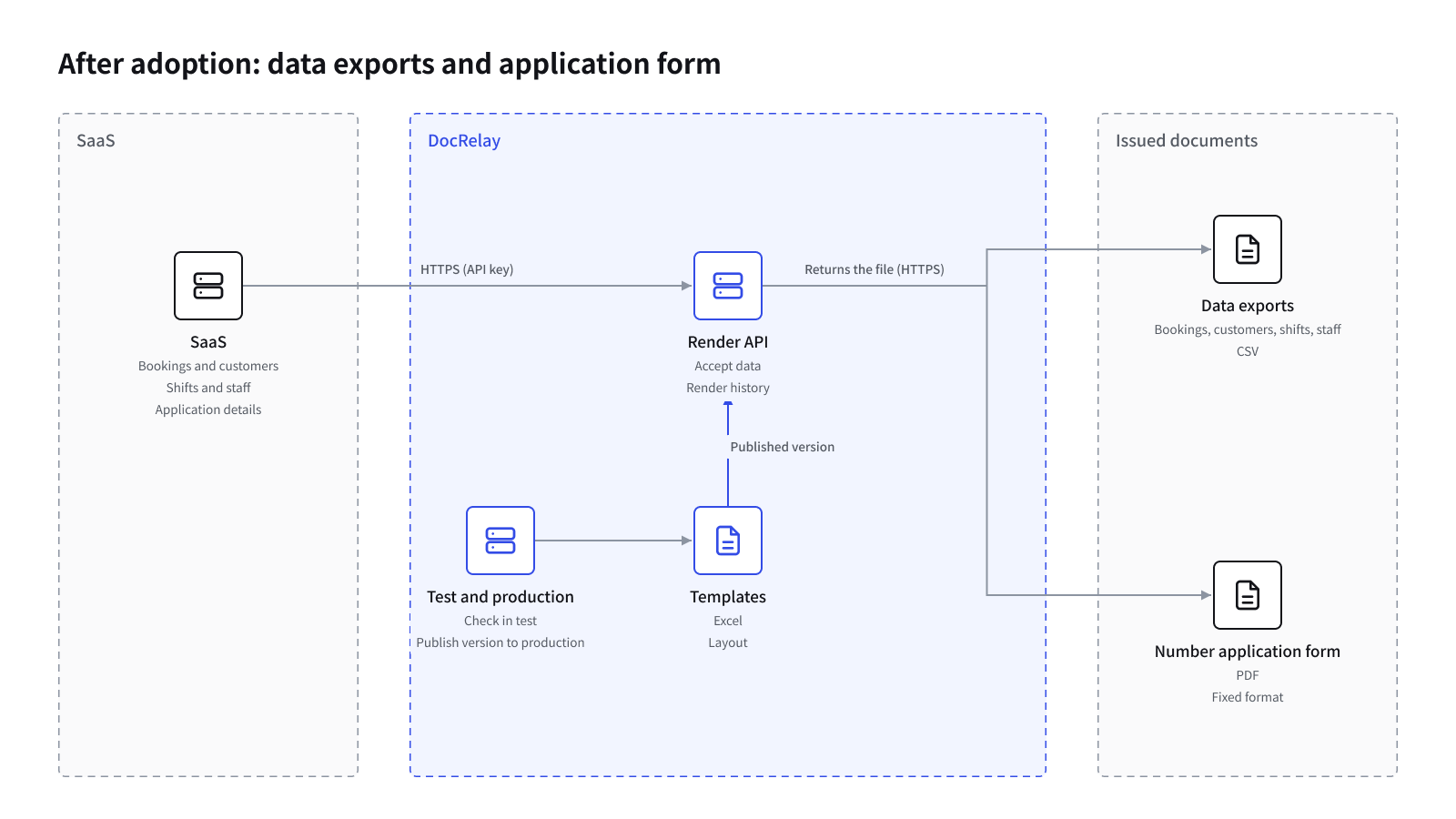
Exports and the application form, handled outside the service
Today booking, customer, shift and staff exports and the application-form PDF for AI phone reception numbers are issued from DocRelay. Outputs of different natures share one mechanism, and the service only passes data.
Because fields and layouts are managed in templates, changes can be handled flexibly. Adding an export field or revising the form means editing the template, checking it in test and publishing it to production.
The service no longer needs its own output code, and development can focus on booking and shift features that directly affect practices’ and shops’ daily work. Users spend less effort tallying and reconciling, since exports open ready to use. For AI phone reception, entering the required information on screen produces the prescribed document, making applications less confusing and helping to avoid returns caused by missing entries or format errors.
Extending use to notices and other documents
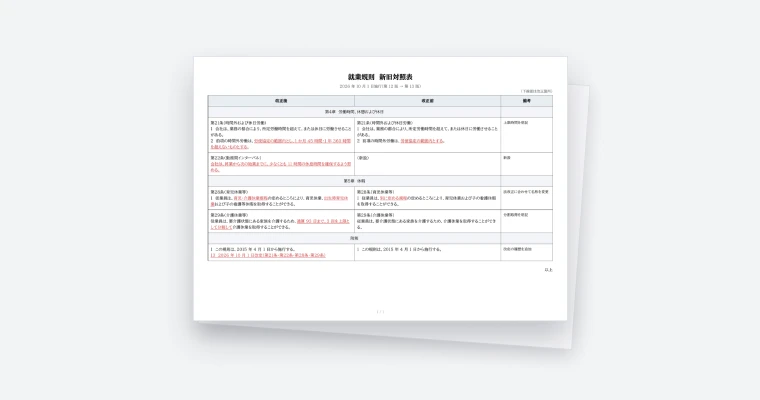
The company plans to extend DocRelay to other documents, such as notices for practices and shops, following the same pattern of managing layouts in templates and issuing them with data from the service.
For exports, it will consider adding fields and new export types in response to requests. Since this can be done by adding templates, the path from request to release is shorter. If the items or format required for number applications change, the template will be revised accordingly, keeping the form easy to follow.
Practices and shops will also be able to rely on exports staying consistent as the service evolves, since every change goes through the same check in test before reaching production.
The service’s role of supporting practices and shops through booking and shift management remains the same. By leaving output to DocRelay, the company intends to concentrate on that role even more.
Key features
- Excel templates
- Layout templates
- CSV and PDF output