The service issues CSVs of the calls its AI answered and of caller contacts, along with the phone-number application form, through DocRelay. Client companies can use call records to suit their own work.
Challenges before adoption
- Client companies wanted to manage AI-answered calls in their own spreadsheets
- The application form for a phone number had to follow a fixed format
- Building exports and documents separately was heavy for a small team
Results after adoption
- Call history and contacts exported as CSV, the application form issued as PDF
- Outputs managed in templates, making it easy to add fields
- Development focused on the phone-answering features themselves
| Customer | An AI services company |
|---|---|
| Product | DocRelay |
| Adopted | October 2026 |
The company provides businesses with a phone-answering service in which AI takes the calls that come in to a company. Each client company gets a dedicated number, and the AI answers in the client’s name, takes down the caller’s business and passes it on to the right person. The service is used by companies that cannot answer every call during the day, from small businesses to firms whose sales staff are often out.
In phone answering, what happens to the record after the call matters as much as answering it. Client companies had often asked to handle call records within their own workflows. In October 2026 the company moved the export of call records and the issuing of the phone-number application form to DocRelay. The background is set out below.
Why records matter in a service that answers calls for others
Calls to a company carry all kinds of business: inquiries about new work, contact from existing customers, sales calls. A phone-answering service’s job is to take these calls without missing any and tell the client who called, when and why.
For client companies, the record of a call answered by AI is the starting point for what comes next: making sure calls that need a callback are picked up, checking whether the same person has called repeatedly, understanding trends in inquiries. Uses differ from company to company.
The service shows call records and callers’ contacts on screen, but checking them one by one there cannot meet all of these needs. Records had to be extractable in bulk for client companies to work with.
Because the calls are answered by AI, the reliability of the record is central to clients’ confidence. When a person takes a call, the client can ask them what happened; for an AI-answered call, the record is almost the only source. Being able to check and keep those records freely is a precondition for trusting AI with phone answering.
Call records that needed more than an on-screen view
Many client companies manage customers and sales activity in spreadsheets or existing ledgers, and naturally want AI-answered calls to feed into the same place.
They may tally monthly calls by type for internal meetings, compare callers against existing customer lists, or assign callbacks to individual sales staff. All of this assumes the records can be extracted in a form a spreadsheet opens.
The same goes for contacts. With callers’ names, companies and numbers in a list, client companies can match them against existing customer data or tidy them up in bulk. While records existed only on screen, every such task meant copying by hand.
Exports have to open ready to use. If date formats and column order are inconsistent, the client is left to tidy them up. Whether records are handed over in a usable form bears directly on client satisfaction.
The application form needed to start using a number
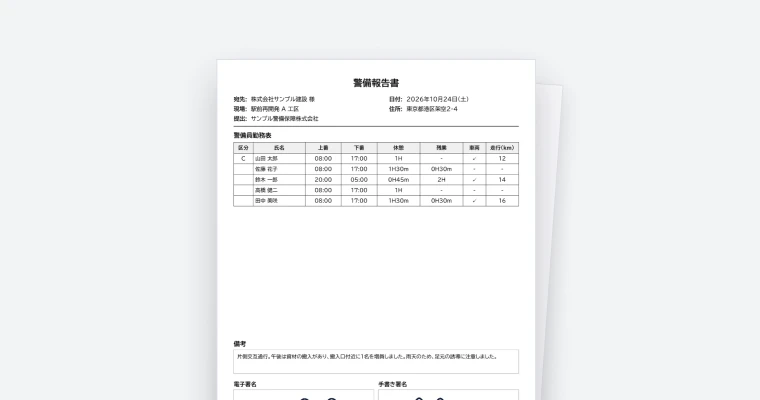
The other output is the phone-number application form. Because each client gets a dedicated number, a document setting out the application must be prepared before the number can be used.
The form records prescribed items, such as the company’s name, address and application details, in a prescribed layout, and has to be issued as a well-formatted PDF. Any deficiency delays the start of the number, so accuracy matters.
The form may also change as procedures for number use are revised. If every change required rebuilding the document from scratch, accepting client applications could stall. Being able to respond to format changes quickly was another requirement.
Call-record exports and the application form are both essential, yet completely different in nature: one is a list for spreadsheets, the other a fixed-format document. How to provide both was the starting point of the company’s review.
Providing exports and documents with a small team
The company runs the service with a limited development team and wanted to give priority to core features, such as improving how calls are handled and how clients are notified.
Building call-record exports and the application form separately in-house would mean keeping two different output mechanisms, one for lists and one for documents. Every new field or form revision would require code changes, and that upkeep was expected to eat into development time.
Distributing spreadsheet templates for clients to copy records into would contradict the service’s aim of saving clients effort. Combining general-purpose document tools did not suit automatic output from the service’s screens.
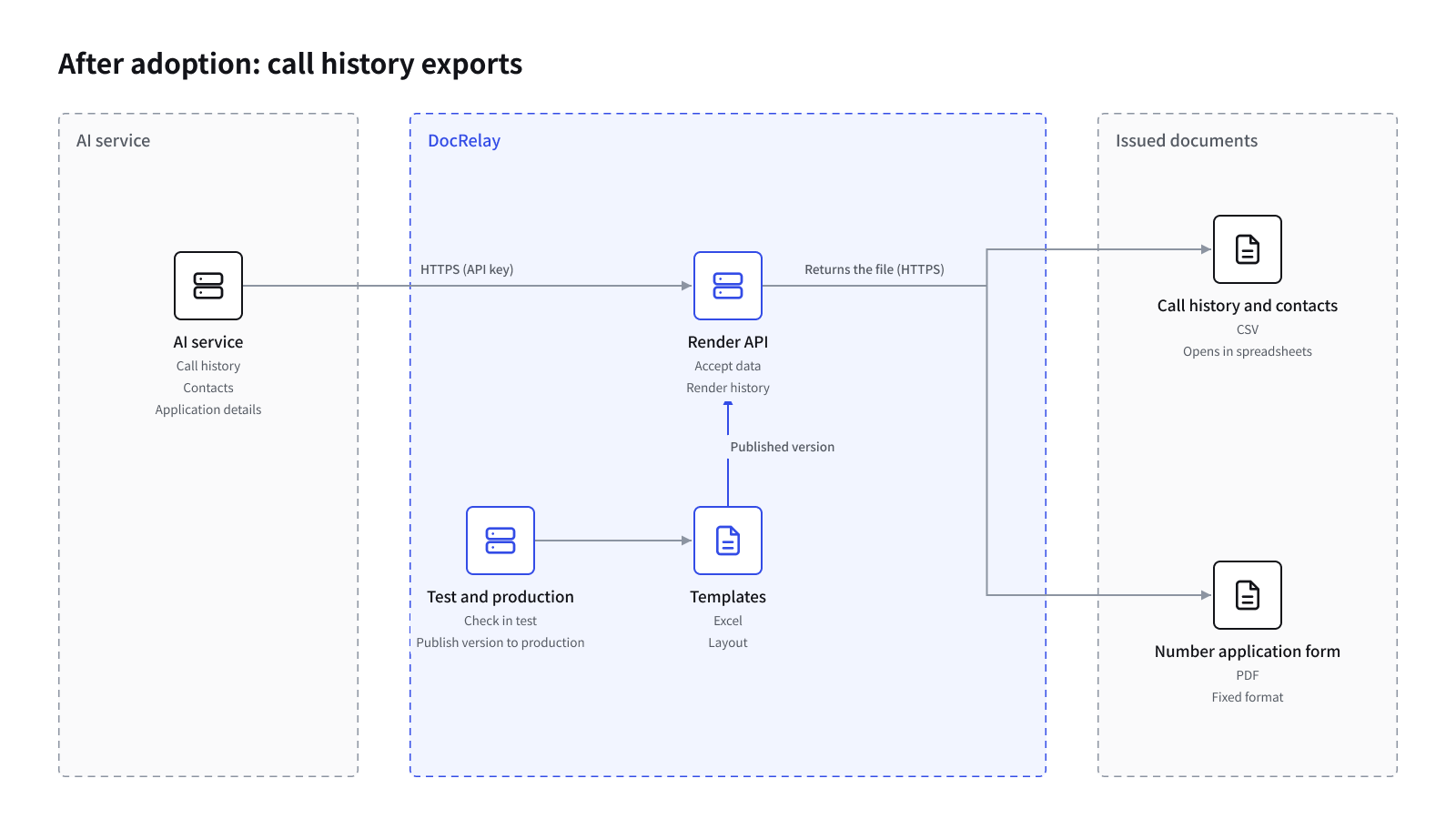
DocRelay handles Excel templates and layout templates on the same platform and issues CSV or PDF when data is passed to the API. Outputs of different natures fit into one mechanism, and the service only prepares and passes data, which suited the company’s team.
Defining call-history and contact fields in Excel templates
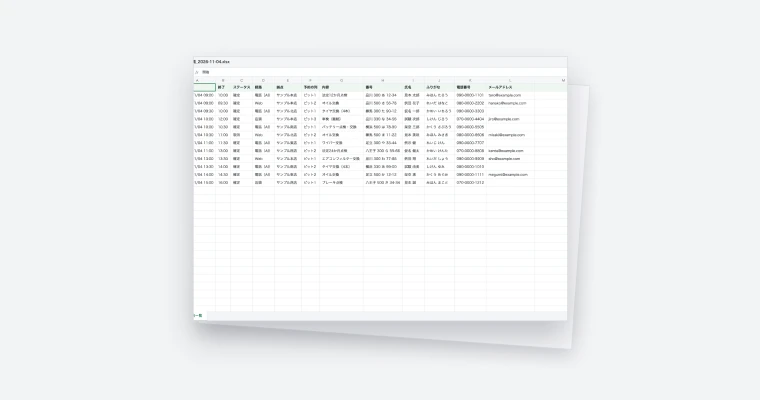
The company first organized what to export. For call records, it listed the items clients want to check later, such as the time of the call, the caller’s number and name, the business taken down and the status of follow-up, and decided on an order that works well in a spreadsheet.
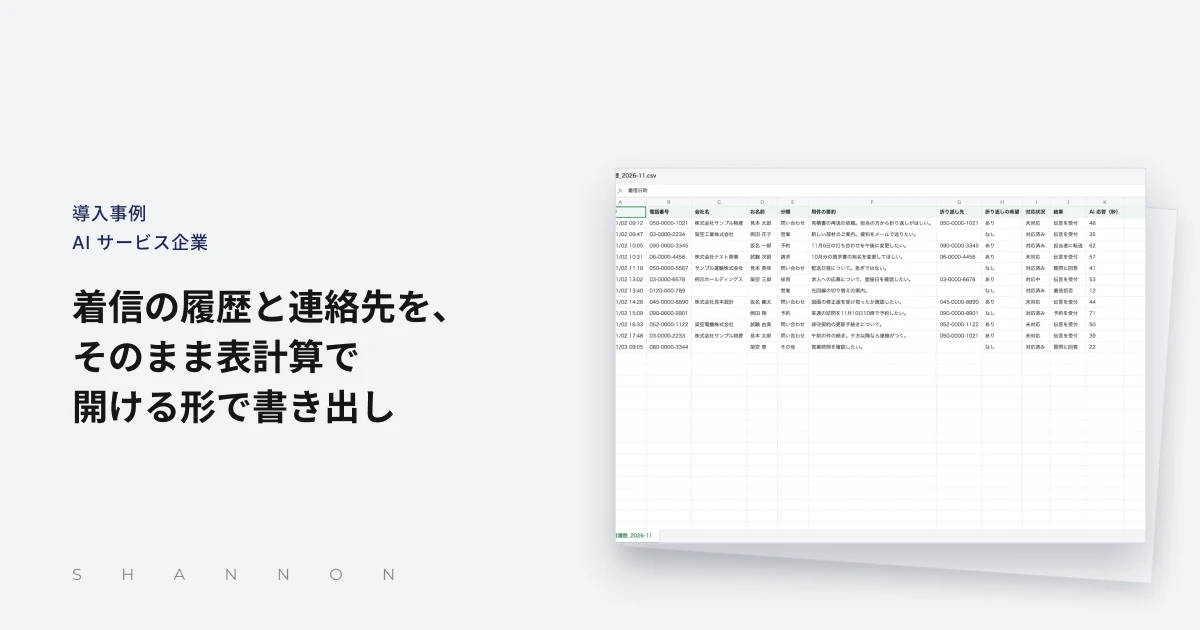
Call history and contacts each have an Excel template defining their columns and order, and are exported as CSV. Date formats and header labels are set in the templates so clients can use the exported data for tallying and matching as is. Labels follow the same wording as the screens, so the content is clear without extra explanation.
The application form was built as a layout template. Company names and addresses vary greatly in length, so many data patterns were tested to make sure long entries fit their fields.
Templates were checked in the test environment with data close to real use, both for how exports look in a spreadsheet and for the layout of the form, and then published to production. Exports and the form are issued from the service’s screens, and clients did not need to learn any new steps. Internally, which output uses which template was shared among developers, so new team members can follow the same procedure.
Call records put to use in each client’s work
Today call history and contacts are exported as CSV, and the phone-number application form is issued as a PDF. Client companies can bring AI-answered call records into their own spreadsheets and use them to suit their work.
Assigning callbacks, understanding inquiry trends and matching callers against existing customers can all be done with the exported data. Copying records one by one is no longer necessary, and clients can also import exports into existing customer ledgers to keep phone inquiries alongside other customer interactions.
Because outputs are managed in templates, changes such as adding fields are easier. When clients ask for additional fields, the template is revised, checked in test and published to production.
The application form is issued in the prescribed format from the service’s screens, so clients are less likely to be unsure how to prepare it, and the steps to start using a number proceed smoothly. Internally, when questions or change requests about output come in, it is clear which template to check, and checking in test before publishing has become routine.
Focusing on the phone-answering features themselves
Without separate output code to maintain, the company’s development can focus on phone answering itself, such as the quality of call handling and how clients are notified.
It will continue to review export fields and consider new outputs in response to client requests. Since outputs are added as templates, this can proceed separately from service development. Call records accumulate the longer clients use the service, and making them easier to use in each client’s work is something the company wants to keep improving.
The company sees its role not only as answering calls on clients’ behalf but also as delivering the records of those calls in a form clients can put to use. It intends to keep using DocRelay as the mechanism that supports that role.
Key features
- Excel templates
- Layout templates
- CSV and PDF output