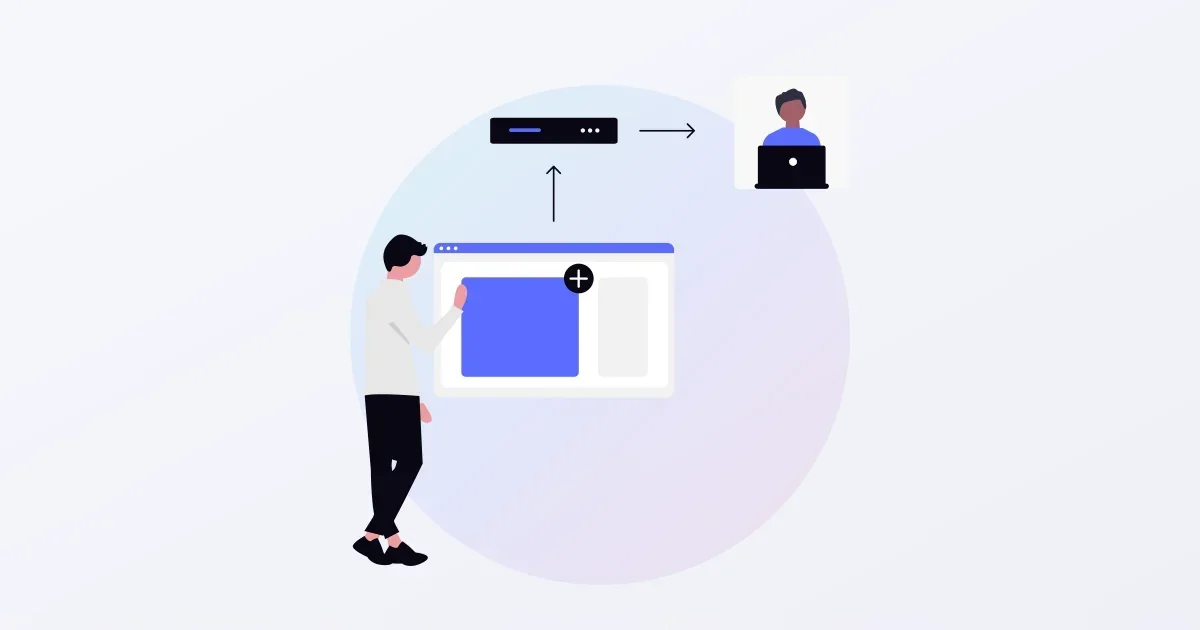
API integration means letting systems exchange data in an agreed format, so nobody has to copy information from one screen to another or enter it twice. An API (Application Programming Interface) is an entry point a system exposes to other programs. With it, you can create a customer in your accounting system when a booking comes in, or update stock when an order is confirmed, without a person in between. This guide explains how to choose an integration pattern when connecting business systems and SaaS, how to handle failures, and what to decide before you commission the work.
What API integration gives you
- No more re-keying. What someone enters on one screen no longer has to be copied by hand into another system
- Faster updates. Unlike a nightly import, changes reach the other system within seconds or minutes
- Fewer input errors. Codes and amounts are no longer mistyped in transit
- One source of truth. Customer and transaction data can be gathered in the system you treat as the master
The trade-off: when one of the connected systems goes down, the integration stops too. And if you connect two systems in both directions without deciding which one is the master for each kind of data, updates collide and the records drift apart.
Three integration patterns
| Pattern | How it works | Good for | Watch out for |
|---|---|---|---|
| Calling an API | Your system calls the other system’s API to read or write | Fetching the latest data or registering records on demand | Rate limits on the number of calls |
| Receiving webhooks | When something happens on the other side, it notifies your system | Bookings, payments and other events you want to know about right away | A public URL on your side and signature verification |
| Exchanging files | CSV or similar files are exported and imported on a schedule | High volumes where next-day updates are acceptable | Delay, and fragility when column order changes |
Most real integrations combine all three. For example, you receive an event by webhook, fetch the details through the API, and reconcile counts with a file at month end. What the sending side needs for reliable webhooks is covered in “Build vs. buy for sending webhooks.”
Authentication options
To call an API, you have to tell the other system who is calling.
- API keys. You send a string issued in the provider’s console. Simple, but anyone holding a leaked key can use it, so decide where keys are stored and how they are rotated
- OAuth 2.0. A user consents to letting your application access their data, and your system calls the API with a short-lived token (RFC 6749). Integrations where each customer connects their own SaaS account almost always use this
- IP allow-lists and certificates. Financial institutions and large enterprises may require a fixed source IP address or a client certificate
Decide how failures are handled before you build
The effort in an API integration goes less into the happy path and more into what happens when something fails.
- Retry rules. When the other side is temporarily unavailable, send again after a delay. Decide how many times and at what intervals. When you get HTTP 429 (Too Many Requests) or 503, follow the wait time the server gives in Retry-After
- Preventing duplicates. Retries can deliver the same registration twice. Give each transaction a unique ID and make the receiving side refuse to process the same ID twice
- Ordering. An “update” that arrives before the “create” cannot be processed. Where order matters, use a mechanism that guarantees order, or design processing so the result is correct regardless of arrival order
- Noticing when it stops. Alert someone when failures continue, and decide who checks failures on which screen and resends them
- Logging. Record when you sent what and what came back, so you can answer “it never arrived” questions
What to decide before commissioning
- The master system. For each kind of data, such as customers, products or bookings, which system is correct
- A field mapping. Which field on one side goes into which field on the other, how codes are converted (regions, tax categories and so on), and how required fields that only one side has are filled
- Frequency and volume. How many records per day, and at what times they peak. Whether that fits within the other side’s rate limits
- A test environment. Whether the other system has one, and how you will verify if it does not
- Operations during an outage. How the business runs while the integration is down, and how it catches up afterwards
- Cost. Whether using the other system’s API costs extra, and whether certain APIs are only available on higher plans
How SHANNON can help
We build business systems and SaaS for specific industries, and take on API integrations with existing SaaS and internal systems, webhook receivers and CSV reconciliation, from design onwards. See our vertical SaaS development page for how we work.
References
- RFC 6749: The OAuth 2.0 Authorization Framework
- RFC 9110: HTTP Semantics (503 and Retry-After)
- RFC 6585: Additional HTTP Status Codes (429 Too Many Requests)
FAQ
Should we integrate through an API or import CSV files?
If the data does not need to appear right away and a daily batch is fine, CSV is simpler and failures are easier to trace. For bookings or stock levels that must show up in the other system immediately, an API integration fits better. Many teams combine both: the API during the day, and a nightly CSV to reconcile counts.
What if the SaaS we want to connect does not offer an API?
First check for CSV export and import, or webhook notifications. Screen automation (RPA) is another option, but it breaks when the screens change, so it is a poor fit for business-critical integrations. It is also worth asking the vendor whether an API is on their roadmap.
What drives the cost of building an API integration?
Less the number of fields than the field mapping (code conversions and how to fill required fields one side lacks), retries and duplicate handling, the authentication method and whether a test environment exists. Without a test environment on the other side, verifying against production data takes extra effort.